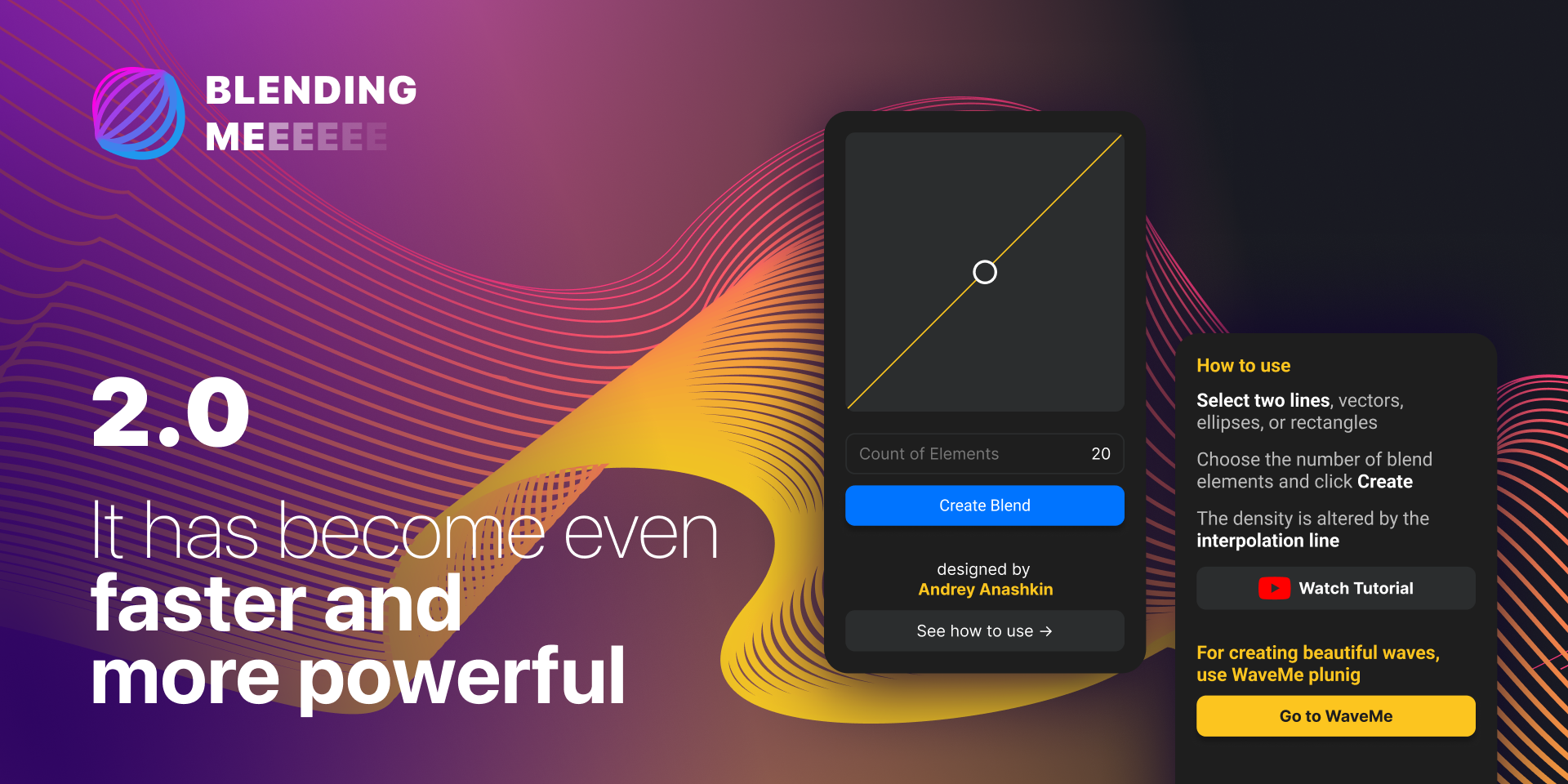
What is BlendingMe? 🛠️
BlendingMe is a specialized Figma plugin that makes blending layers and elements in your design simple and fast. Whether you’re working on UI/UX designs, creating prototypes, or enhancing images, this plugin ensures that you don’t waste time manually adjusting layer settings. The result? Perfectly blended layers that bring your design to life!
Key Use Cases 📈
The BlendingMe plugin is versatile and serves a wide range of use cases:
- UI/UX Design: Seamlessly blend different components to create polished interfaces.
- Image Editing: Use the plugin for quick adjustments and creative effects on image layers.
- Branding & Logos: Combine various visual elements effortlessly for professional branding work.
- Prototyping: Make your prototypes more dynamic by experimenting with different blending styles.
- Collaborative Work: Ensure consistency when working with team members on the same design file.
How to Use BlendingMe in Figma 🔍
Using BlendingMe is a breeze. Here’s a simple step-by-step guide to get started:
- Install the Plugin: Open your Figma workspace, head to the Plugin section, and search for “BlendingMe.” Once you find it, click install.
- Access the Plugin: After installation, open any Figma file where you need layer blending. Right-click on your selected layers and navigate to Plugins > BlendingMe.
- Choose Blending Options: BlendingMe will present you with various blending modes, such as Multiply, Overlay, and Screen. Experiment with different modes to achieve the desired effect.
- Adjust the Settings: Tweak the opacity, color, and layer order to perfect the blend. This tool provides real-time updates so you can see your changes instantly.
- Finalize Your Design: Once you’re happy with the results, hit apply. Your layers will now be seamlessly blended into one cohesive design element.
Benefits of Using BlendingMe ✨
- Speed & Efficiency: No more fiddling with individual layer settings—BlendingMe does it for you in seconds.
- Creativity Unleashed: Explore creative effects without the technical hassle. Perfect for both beginners and advanced designers.
- Consistency Across Designs: Maintain a consistent blending style across all your design files, improving overall quality.
- User-Friendly Interface: BlendingMe is intuitive, making it easy to pick up even if you’re new to Figma plugins.
Takeaways 🧠
- BlendingMe simplifies the process of blending layers in Figma, saving you time and effort.
- It offers various blending modes to cater to different design needs.
- The plugin is easy to use, making it accessible for designers of all skill levels.
- By using this tool, you’ll enhance both your workflow and the final design quality.
- Whether you’re working on UI design, prototyping, or image editing, BlendingMe is a game-changer.
Conclusion 💡
Incorporating BlendingMe into your Figma workflow can drastically improve your design efficiency. Instead of wasting valuable time manually adjusting settings, let this plugin take care of the blending, so you can focus on your creativity. If you’re serious about enhancing your design process, BlendingMe is a must-have tool for your Figma toolkit.
Discover more from AI Founder Kit
Subscribe to get the latest posts sent to your email.