Auto Documentation: A Game-Changing Tool for Modern Development Teams 🚀
In today’s fast-paced development environment, maintaining comprehensive documentation can be a significant challenge. Enter Auto Documentation, an innovative automatic documentation generator that’s revolutionizing how teams handle technical documentation. 📚
Looking for a way to streamline your documentation process? An automatic documentation generator has become essential for modern development teams. As codebases grow increasingly complex, maintaining comprehensive documentation manually is no longer feasible. Let’s explore how this revolutionary tool is changing the game for developers worldwide. 📚
What is Auto Documentation? 🤔
Auto Documentation is a cutting-edge documentation automation platform that leverages artificial intelligence to analyze your source code and automatically generate detailed, accurate documentation. This AI-powered documentation tool helps developers save countless hours while ensuring documentation stays current with code changes.
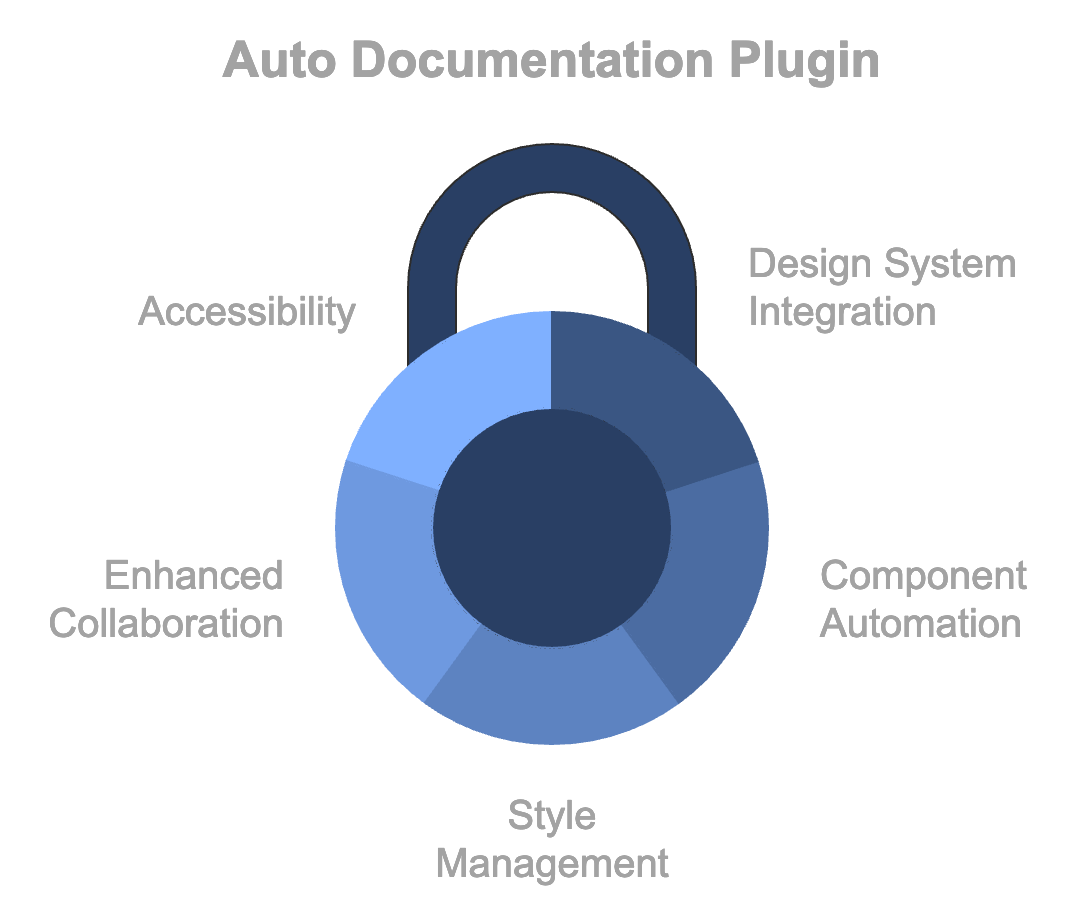
Key Features and Capabilities 💫
- Real-time Documentation Updates
- Automatic synchronization with code changes
- Version control integration
- Smart change detection system
- Conflict resolution management
- Historical version tracking
- International language support
- Documentation formatting options
- Multi-language Support
- Compatible with major programming languages
- Framework-specific documentation
- Custom template support
- Third-party tool compatibility
- Automated workflow triggers
- Integration Capabilities
- Seamless CI/CD pipeline integration
- Git repository synchronization
- IDE plugin support
Advanced Features for Enterprise Teams 🏢
Collaboration Tools
- Real-time team editing
- Comment and review system
- Role-based access control
- Documentation approval workflows
- Team activity analytics
Customization Options
- Brand-specific templates
- Custom documentation structures
- Automated style guide enforcement
- Output format selection (PDF, HTML, Markdown)
- Interactive documentation features
How to Use Automatic Documentation Generator 🛠️
Getting Started
- Installation
Copynpm install auto-documentation
# or using yarn
yarn add auto-documentation
- Configuration Create a config file in your project root:
Copyautodoc init --config
autodoc set-preferences --template enterprise
- Generate Documentation
Copyautodoc generate --src ./your-code --output ./docs
autodoc validate --check-completeness
Best Practices for Auto Documentation 📋
- Maintain consistent code commenting standards
- Regular documentation reviews
- Customize templates for team needs
- Integrate with existing workflows
- Enable automated verification
- Set up documentation quality gates
- Implement regular backup procedures
Use Cases and Applications 🎯
Enterprise Development Teams
Auto Documentation excels in large-scale projects where maintaining documentation manually becomes overwhelming. Teams can focus on coding while ensuring documentation remains current.
API Development
For REST and GraphQL APIs, the tool automatically generates comprehensive endpoint documentation, request/response examples, and authentication details.
Open Source Projects
Contributors benefit from always-updated documentation, making it easier to understand and contribute to the codebase.
- API references
- Function documentation
- Code examples
- Configuration guides
- Dependency tracking
Microservices Architecture
In microservices environments, the tool helps maintain consistency across service documentation while automatically tracking service dependencies and interactions.
Key Takeaways 🎓
- Significantly reduces documentation overhead
- Ensures consistency across projects
- Improves team collaboration
- Maintains documentation accuracy
- Accelerates onboarding process
Featured Highlights ⭐
- AI-Powered Documentation Generation
- Real-Time Code Sync
- Multi-Platform Integration
- Smart Template System
- Automated Version Control
CONCLUSION: Auto Documentation represents a significant leap forward in development workflows, offering teams a powerful solution to the age-old challenge of maintaining accurate documentation. By automating the documentation process, teams can focus more on development while ensuring their documentation remains comprehensive and up-to-date.
The future of documentation lies in automation, and tools like this are leading the way in transforming how we approach technical documentation. Whether you’re managing a small team or a large enterprise, implementing an automatic documentation generator can significantly improve your development workflow and team productivity.
Discover more from AI Founder Kit
Subscribe to get the latest posts sent to your email.