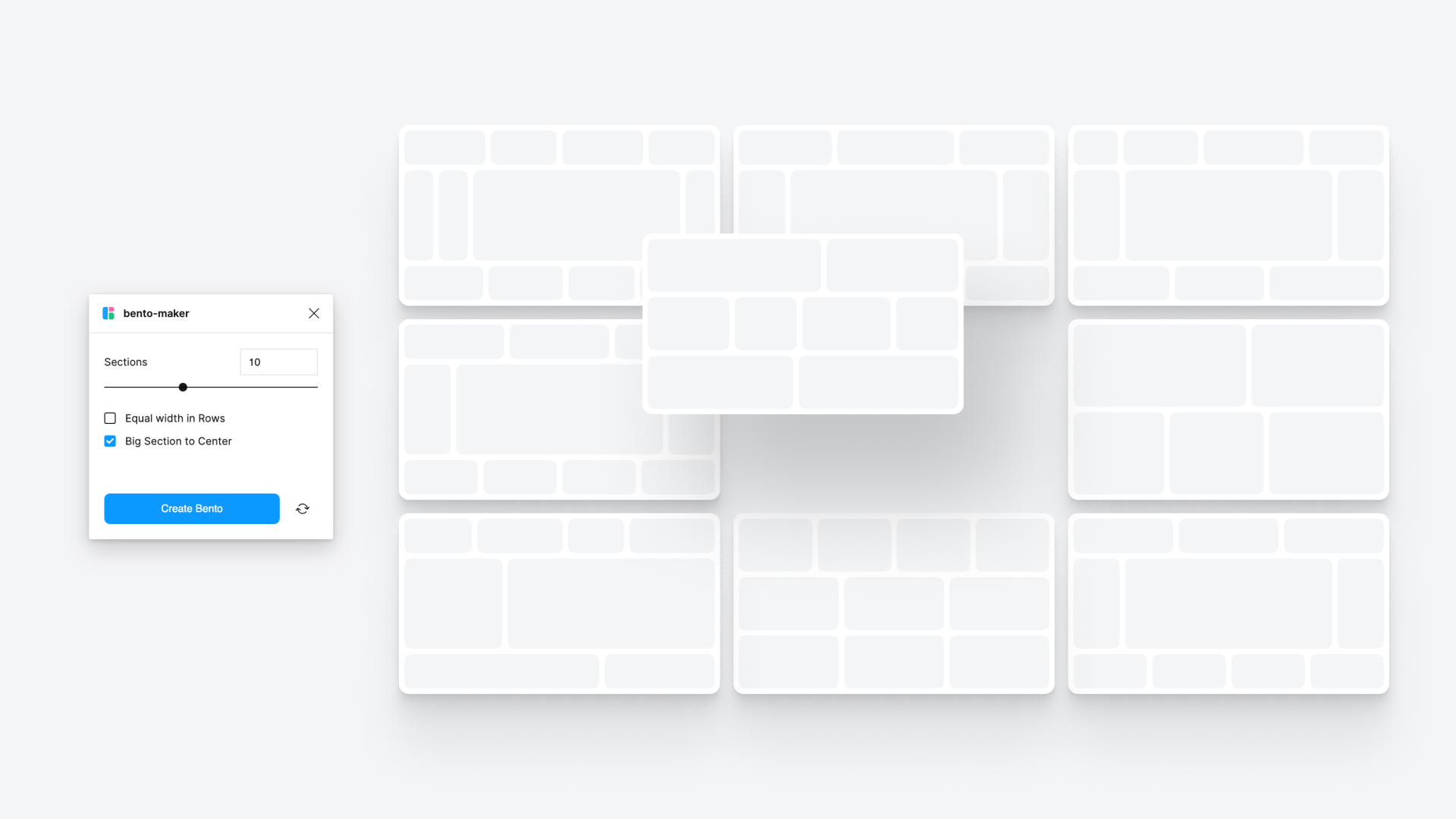
Bento Grid Maker: Figma Plugin for Beautiful Responsive Grids 🎨📐
Are you tired of spending too much time creating perfectly aligned grids for your projects? Look no further than Bento Grid Maker, a game-changing Figma plugin that allows designers to create responsive grid systems effortlessly. Whether you’re designing websites, mobile apps, or wireframes, Bento Grid Maker simplifies the entire process, helping you to create precise grid layouts in just a few clicks. 🚀
Use Case: Why Bento Grid Maker?
Designing without grids can be chaotic and time-consuming. Bento Grid Maker solves this issue by allowing designers to focus more on creativity rather than technicalities. It’s perfect for:
- Building responsive layouts that scale well on different devices 📱💻.
- Creating modular grid systems for design consistency.
- Organizing complex UI components with clean, structured grids.
- Saving time when working with multi-page designs or interactive prototypes.
Whether you’re a beginner or an experienced designer, this plugin will enhance your workflow and ensure your designs look polished and professional.
How to Use Bento Grid Maker? 🛠️
- Install the Plugin: First, head over to the Figma community, search for “Bento Grid Maker,” and install it.
- Choose a Frame: Select the frame or artboard where you want to apply the grid.
- Set Preferences: Customize the grid by choosing the number of columns, rows, gutter width, and margins.
- Apply the Grid: Click “Generate,” and voila! Your perfect grid is ready to use.
- Edit and Adjust: If needed, tweak the grid by adjusting the numbers or parameters to fit your design.
Using Bento Grid Maker makes it incredibly easy to stay organized and maintain design consistency. Plus, it’s extremely versatile, whether you’re working on a simple one-page design or a complex app UI.
Key Takeaways from Using Bento Grid Maker ✨
- Saves Time: No more manual grid calculations—get precise results quickly.
- Enhanced Precision: Achieve pixel-perfect alignment across all elements.
- Improved Design Flow: Less technical hassle, more focus on creativity.
- Responsive Design Ready: Easily create grids that adapt to multiple devices.
- Great for Teams: Share your grid system across team members for a unified approach.
Conclusion: A Must-Have Plugin for Designers 💡
In conclusion, Bento Grid Maker is the ultimate tool for any designer looking to enhance their Figma workflow. It combines speed, precision, and ease of use, making it an indispensable asset for creating clean, responsive designs. Whether you’re a freelance designer or part of a larger team, Bento Grid Maker will streamline your projects and ensure that every layout looks flawless across devices.
Discover more from AI Founder Kit
Subscribe to get the latest posts sent to your email.