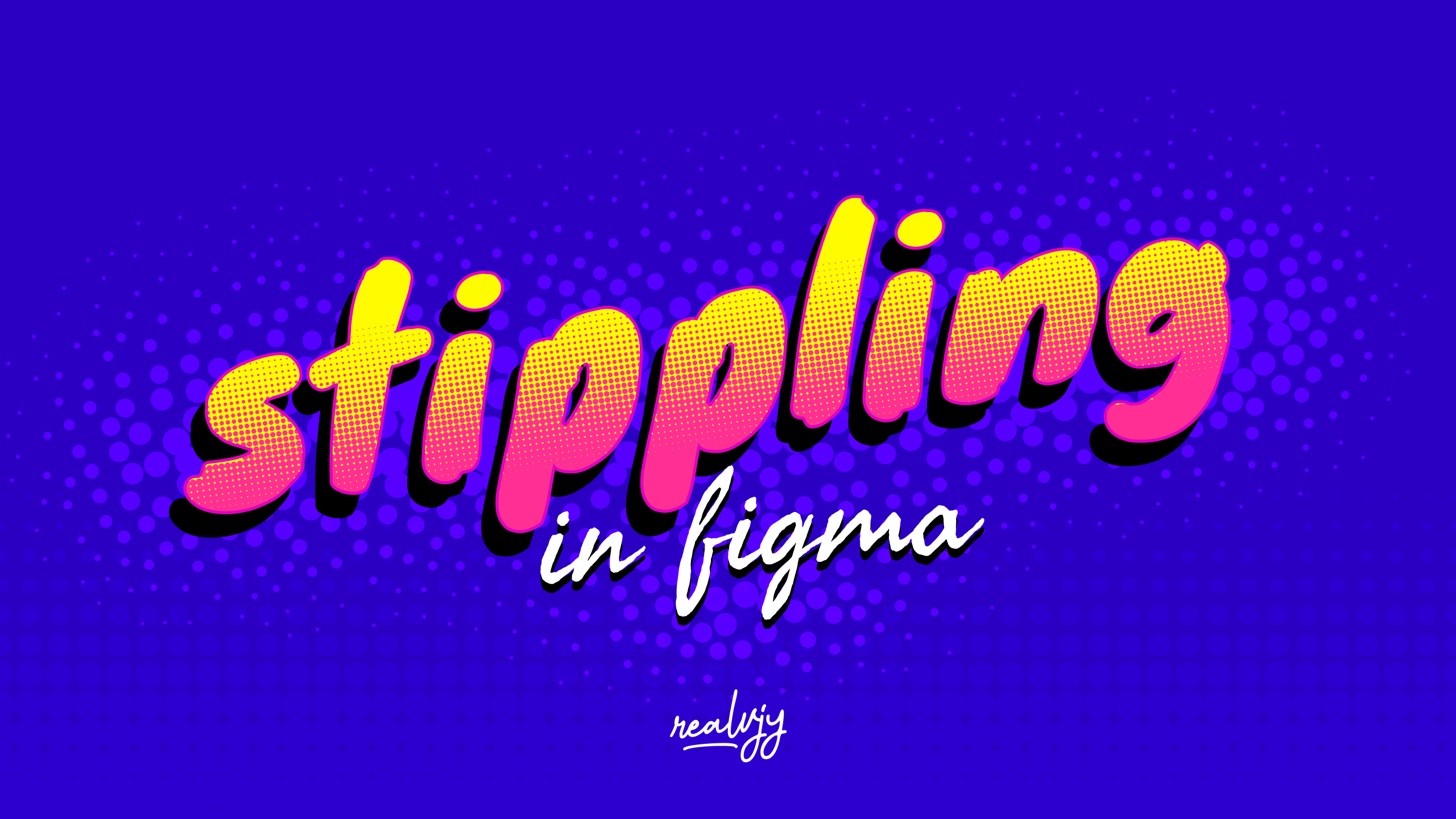
What is the Its Its Stippling Figma Plugin?
The Figma stippling plugin has revolutionized how designers create textured illustrations. As someone who’s spent countless hours exploring digital art tools, I can confidently say this plugin is a game-changer for anyone looking to add unique dotted effects to their designs.
💡 How to Use the Its Its Stippling Plugin
Getting started with the Its Its Stippling Plugin is a breeze:
- Install the plugin from the Figma Community.
- Select the object you want to apply the stippling effect to.
- Open the plugin and choose your desired stippling settings.
- Adjust parameters like dot density, size, and distribution.
- Click “Apply” and watch as your design transforms! ✨
The plugin offers a range of customization options, allowing you to create everything from subtle textures to bold, eye-catching patterns. Whether you’re working on UI designs, illustrations, or branding projects, the Its Its Stippling Plugin adds a unique touch to your creations.
🔍 Use Cases: Unleash Your Creativity
The versatility of the Its Its Stippling Plugin makes it an essential tool for various design scenarios:
- UI/UX Design: Add subtle texture to backgrounds or create visually interesting button styles.
- Digital Illustration: Enhance your artwork with depth and shading using stippling techniques.
- Logo Design: Create unique, textured logos that stand out from the crowd.
- Product Mockups: Apply stippling effects to product surfaces for a more realistic appearance.
- Infographics: Use stippling to highlight important data points or create visual hierarchies.
🚀 Key Takeaways
- Time-saving: Automate the stippling process and focus on your creative vision.
- Customizable: Fine-tune stippling effects to match your exact design needs.
- Versatile: Applicable across various design disciplines and project types.
- Professional Quality: Achieve high-end, print-ready stippling effects digitally.
- Seamless Integration: Works smoothly within your existing Figma workflow.
💼 How Its Its Stippling Plugin Boosts Productivity
Incorporating the Its Its Stippling Plugin into your design workflow can significantly enhance your productivity. By automating the texture creation process, you’ll save countless hours that would otherwise be spent on manual stippling. This time-saving aspect allows you to focus on the bigger picture of your design projects, experiment with different styles, and meet tight deadlines with ease.
Moreover, the plugin’s intuitive interface makes it accessible to both beginners and seasoned designers. You don’t need to be a stippling expert to create professional-looking textures – the plugin does the heavy lifting for you! 🏋️♂️
🎓 Learning Curve and Best Practices
While the Its Its Stippling Plugin is user-friendly, mastering its full potential requires some practice. Here are some tips to get the most out of the tool:
- Start with presets: Familiarize yourself with the plugin’s preset options before diving into custom settings.
- Experiment with layers: Try applying stippling effects to different layers for unique results.
- Combine with other effects: Mix stippling with other Figma effects for complex textures.
- Use on various shapes: Don’t limit yourself to flat surfaces – apply stippling to curved or irregular shapes for interesting outcomes.
- Consider scale: Remember that stippling effects may look different at various zoom levels – always check your design at 100% scale.
🌟 Conclusion: Elevate Your Figma Designs
The Its Its Stippling Figma Plugin is more than just a texture creation tool – it’s a gateway to enhancing your design aesthetic and workflow. By seamlessly blending traditional artistic techniques with modern digital capabilities, this plugin empowers designers to create stunning, professional-grade textures with unprecedented ease.
Whether you’re a UI/UX designer, illustrator, or branding specialist, the Its Its Stippling Plugin has something to offer. Its ability to create depth, add visual interest, and elevate the overall quality of your designs makes it an indispensable addition to your Figma toolkit.
Discover more from AI Founder Kit
Subscribe to get the latest posts sent to your email.