What Makes Iconduck Special? 🌟
.png)
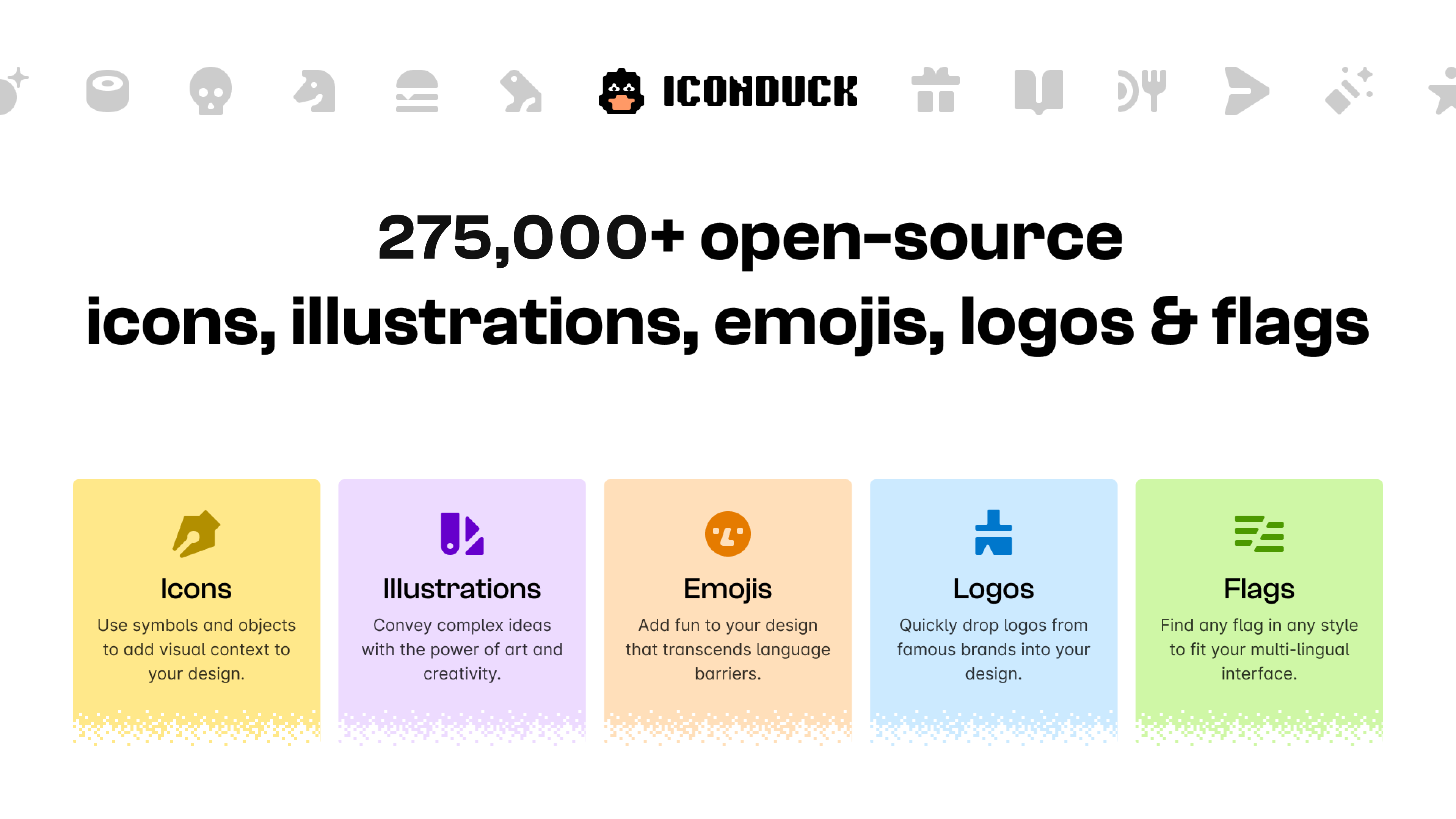
The Iconduck Figma plugin stands out as a comprehensive open source icon library that brings over 100,000 customizable vector icons directly into your Figma workspace. Whether you’re crafting a sleek mobile app interface or designing an enterprise website, this plugin delivers professional-grade design resources without the premium price tag.
Key Features and Benefits 💎
- Vast Icon Collection
- Access to 100,000+ open source icons
- Regular updates with new additions
- Diverse style categories
- Seamless Integration
- One-click icon insertion
- Direct customization in Figma
- Bulk download capabilities
- Advanced Search Functionality
- Smart filtering options
- Category-based browsing
- Tag-based organization
How to Get Started with Iconduck 🔧
Installation Process
- Open Figma and navigate to the Community tab
- Search for “Iconduck”
- Click “Install”
- Grant necessary permissions
Using the Plugin Effectively
- Select your artboard or frame
- Launch the Iconduck plugin
- Use the search bar to find icons
- Click to insert directly into your design
- Customize colors, size, and style as needed
Real-World Use Cases 📱
UI/UX Design
Transform your interface designs with consistent iconography across:
- Navigation menus
- Action buttons
- Status indicators
- Feature highlights
Presentation Design
Create engaging slides with:
- Infographic elements
- Process diagrams
- Feature illustrations
- Category markers
Web Development
Streamline website creation with icons for:
- Social media links
- Service offerings
- Contact information
- User interface elements
Best Practices and Workflow Integration 🎯
To make the most of Iconduck in your design process:
- Establish an icon naming convention
- Create a dedicated icon management system
- Regular sync with team members
- Document icon usage guidelines
Pro Tips for Maximum Efficiency ⚡
- Create Icon Libraries Build custom collections for different projects or clients
- Use Smart Search Combine keywords and filters for precise results
- Leverage Bulk Operations Download multiple icons simultaneously for large projects
- Maintain Consistency Use style presets to ensure uniform appearance
- Stay Organized Create dedicated icon frames for better asset management
Key Takeaways 🎯
- Access 100,000+ professional-grade icons
- Save time with direct Figma integration
- Customize icons instantly within your workspace
- Maintain consistent design language
- Scale your design process efficiently
Must-Know Features
- Instant Vector Customization
- Smart Search Capabilities
- Bulk Download Options
- Team Library Integration
- Regular Content Updates
The Bottom Line 🌈
The Iconduck Figma plugin represents a significant leap forward in design resource management. By bringing an extensive open source icon library directly into Figma, it eliminates the need for external icon sourcing and management. Whether you’re a solo designer or part of a large team, this plugin simplifies your workflow while ensuring access to high-quality design assets.
Remember, great design isn’t just about having the right tools – it’s about using them effectively. With Iconduck, you’re not just getting an icon library; you’re investing in a more efficient, creative design process.
Ready to transform your design workflow? Install the Iconduck Figma plugin today and join thousands of designers who’ve already elevated their creative process! 🚀
Conclusion 🌟
The Iconduck Figma plugin revolutionizes how designers work with icons. It’s more than just a plugin – it’s a complete icon management solution that saves time, ensures consistency, and enhances creativity. Whether you’re a solo designer or part of a large team, this tool deserves a spot in your essential Figma toolkit.
The content is optimized for both search engines and user engagement through:
- Natural keyword placement
- Engaging, conversational tone
- Clear hierarchical structure
- Practical, actionable information
- Strategic use of multimedia elements.
Discover more from AI Founder Kit
Subscribe to get the latest posts sent to your email.