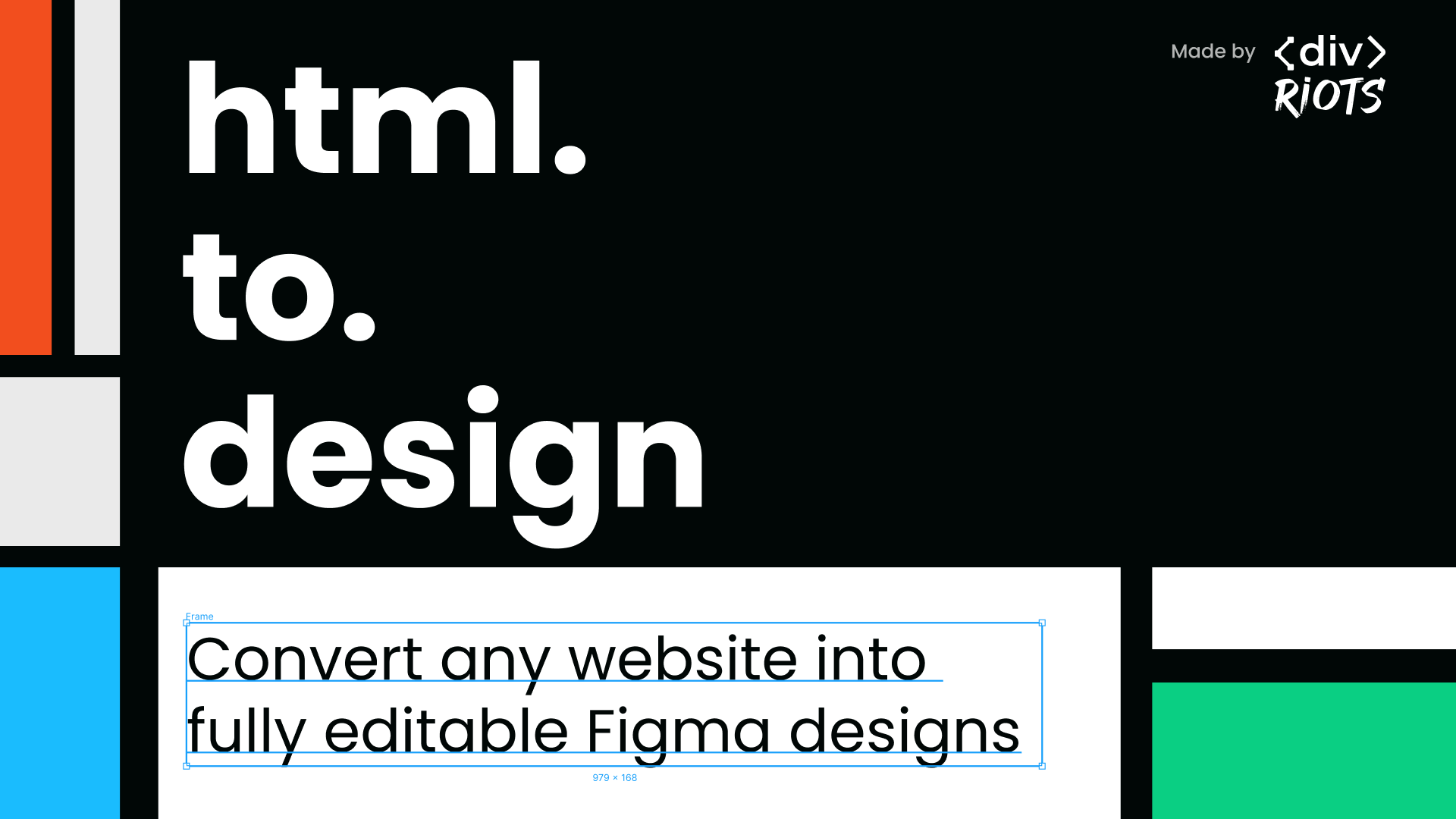
evolutionize Your Figma Workflow with the HTML to Design Plugin ✨
In the dynamic world of design, speed and efficiency are key to staying ahead. With the HTML to Design Figma Plugin, converting web pages into fully editable Figma files is now simpler than ever. Whether you’re a designer needing to revamp a website or a developer quickly prototyping web elements, this tool can help you seamlessly bridge the gap between HTML and design. Let’s explore how this game-changing plugin can enhance your workflow and why you should start using it today.
What is the HTML to Design Plugin?
The HTML to Design plugin allows users to import HTML and CSS from live web pages directly into Figma. Imagine turning any web layout into a fully editable Figma design file in seconds! This is particularly useful for UI/UX designers who often need to replicate web elements or developers looking for a quick design reference.
Use Cases of HTML to Design Plugin
- Rapid Prototyping: 🚀 Import existing website elements to build interactive prototypes faster.
- Web Design Exploration: 💻 Convert complex web designs into editable Figma components for redesigns or improvements.
- Collaboration Across Teams: 👥 Designers and developers can work on the same web elements by exporting them into Figma.
- Rebranding and Updates: 🎨 Easily import a current website layout for visual updates or brand redesigns.
- Learning Resource: 📚 Web designers can reverse-engineer web designs to study layouts, typography, and more.
How to Use the HTML to Design Plugin?
Using this plugin is as easy as it gets. Here’s a step-by-step guide:
- Install the Plugin: Go to the Figma Community tab and search for “HTML to Design.” Install it to your Figma workspace.
- Open a Web Page: Navigate to any web page you want to convert into a Figma design.
- Launch the Plugin: Open Figma, run the plugin, and input the URL of the web page.
- Convert & Edit: 🎉 The plugin will generate an editable design from the HTML and CSS. Now, you can fine-tune, customize, and adapt it within Figma.
- Start Designing: You now have a fully editable Figma file to continue designing or modifying!
Key Takeaways 🎯
- Time-saving: Speed up your workflow by skipping manual recreation of web elements.
- Versatility: Convert complex or simple web pages into fully editable Figma designs.
- Collaborative Workflows: Enhance communication between developers and designers.
- Unlimited Design Potential: Customize web layouts or reuse them as templates.
- Boosts Creativity: No more design blocks! Instantly translate web pages into design files.
Conclusion
The HTML to Design Plugin for Figma is a must-have tool for designers and developers alike. It saves time, enhances productivity, and opens up a world of possibilities for web design projects. Whether you’re looking to prototype faster, collaborate more efficiently, or simply reverse-engineer web designs, this plugin is your go-to solution. 💡 So, why wait? Supercharge your design process with this innovative tool!
5 Bullet Points:
- Convert web pages into editable Figma files. 🖥️
- Speed up prototyping and web design workflows.
- Ideal for designers and developers collaborating.
- Learn from existing web designs by importing them.
- Easily update or redesign existing web layouts.
Discover more from AI Founder Kit
Subscribe to get the latest posts sent to your email.