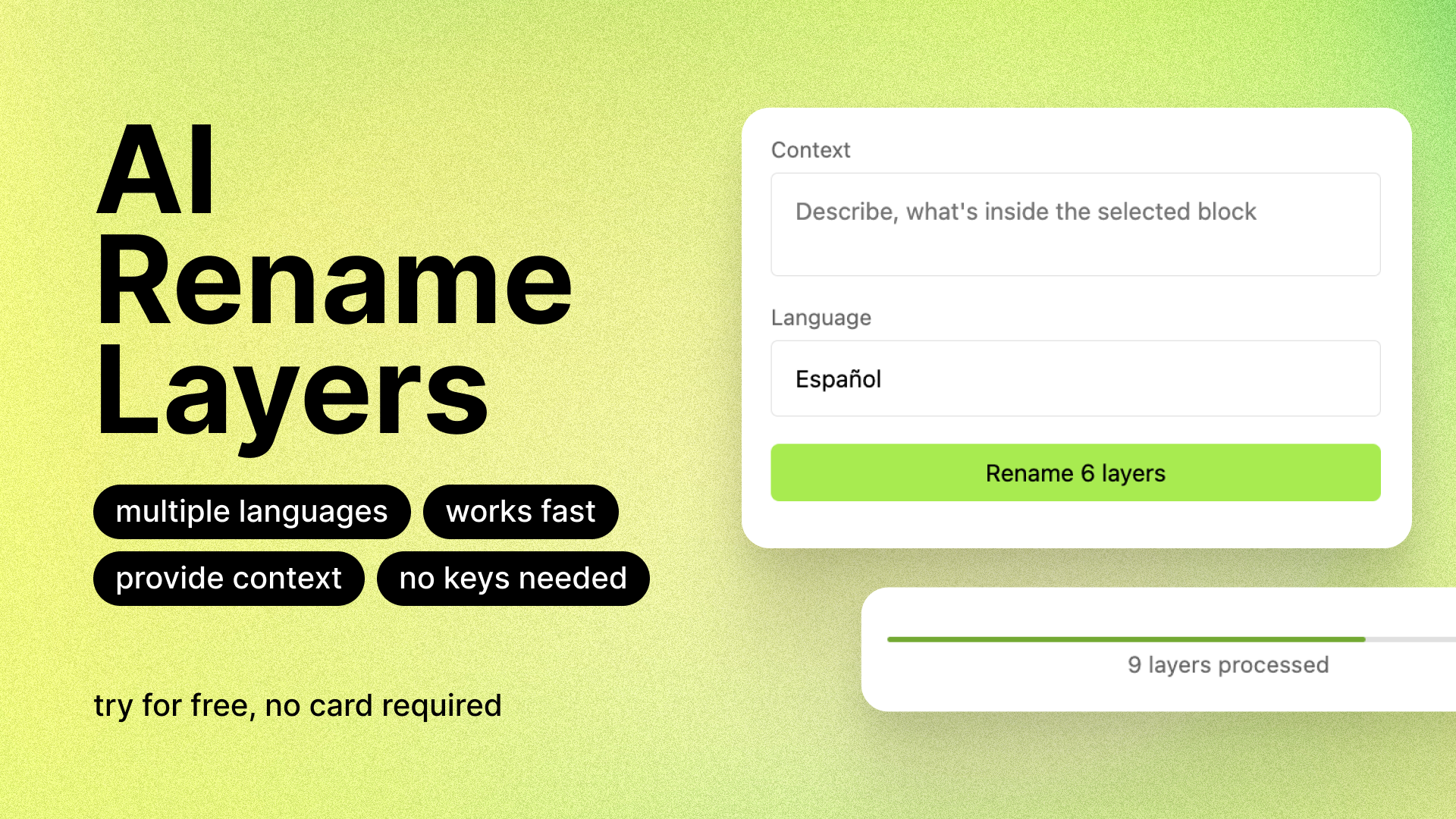
What is AI Rename Layers?
AI Rename Layers is an innovative Figma plugin that harnesses the power of machine learning to automatically rename and organize your layers. By analyzing the content and structure of your designs, this intelligent tool suggests meaningful names for your layers, saving you valuable time and mental energy.
🎨 Use Cases: Where AI Rename Layers Shines
- Complex UI/UX Projects: When working on intricate user interfaces with numerous components, AI Rename Layers helps maintain a clear hierarchy and naming convention.
- Design Systems: Create consistency across your design system by automatically applying standardized naming to recurring elements.
- Team Collaboration: Improve communication and handoffs by ensuring all team members follow the same layer naming structure.
- Client Projects: Impress clients with well-organized files that are easy to navigate and understand.
- Design Audits: Quickly clean up and standardize layer names in legacy projects or when inheriting files from other designers.
🚀 How to Use AI Rename Layers
Getting started with AI Rename Layers is a breeze! Here’s a step-by-step guide to supercharge your Figma workflow:
- Installation: Head to the Figma Community and search for “AI Rename Layers.” Click “Install” to add it to your Figma plugins.
- Launch the Plugin: Select the layers you want to rename, right-click, and choose “Plugins > AI Rename Layers” from the menu.
- Customize Settings: Adjust the plugin’s settings to match your preferred naming conventions and style guidelines.
- Preview Suggestions: Review the AI-generated layer names before applying them to ensure they meet your needs.
- Apply Changes: Click “Rename Layers” to automatically update your selected layers with the new, organized names.
- Refine and Iterate: Fine-tune the results as needed and use the plugin regularly to maintain consistent naming across your projects.
.png)
💡 Pro Tip: Create custom naming rules within AI Rename Layers to tailor the output to your specific design language and project requirements.
🌟 Key Takeaways
- Time-Saver: AI Rename Layers dramatically reduces the time spent on manual layer organization, allowing you to focus on creative tasks.
- Consistency Champion: Maintain a standardized naming convention across all your projects with ease.
- Collaboration Catalyst: Improve team communication and streamline handoffs with clearly named and organized layers.
- Learning AI: The plugin’s machine learning capabilities improve over time, adapting to your preferences and industry standards.
- Customizable: Tailor the plugin’s output to match your unique design style and project needs.
Conclusion: Elevate Your Design Game
AI Rename Layers is more than just a time-saving tool – it’s a game-changer for designers looking to optimize their workflow and elevate their professionalism. By automating the tedious task of layer organization, this plugin frees you to focus on what truly matters: creating stunning designs that captivate and inspire.
Discover more from AI Founder Kit
Subscribe to get the latest posts sent to your email.