🚀 Introduction & Vite Review
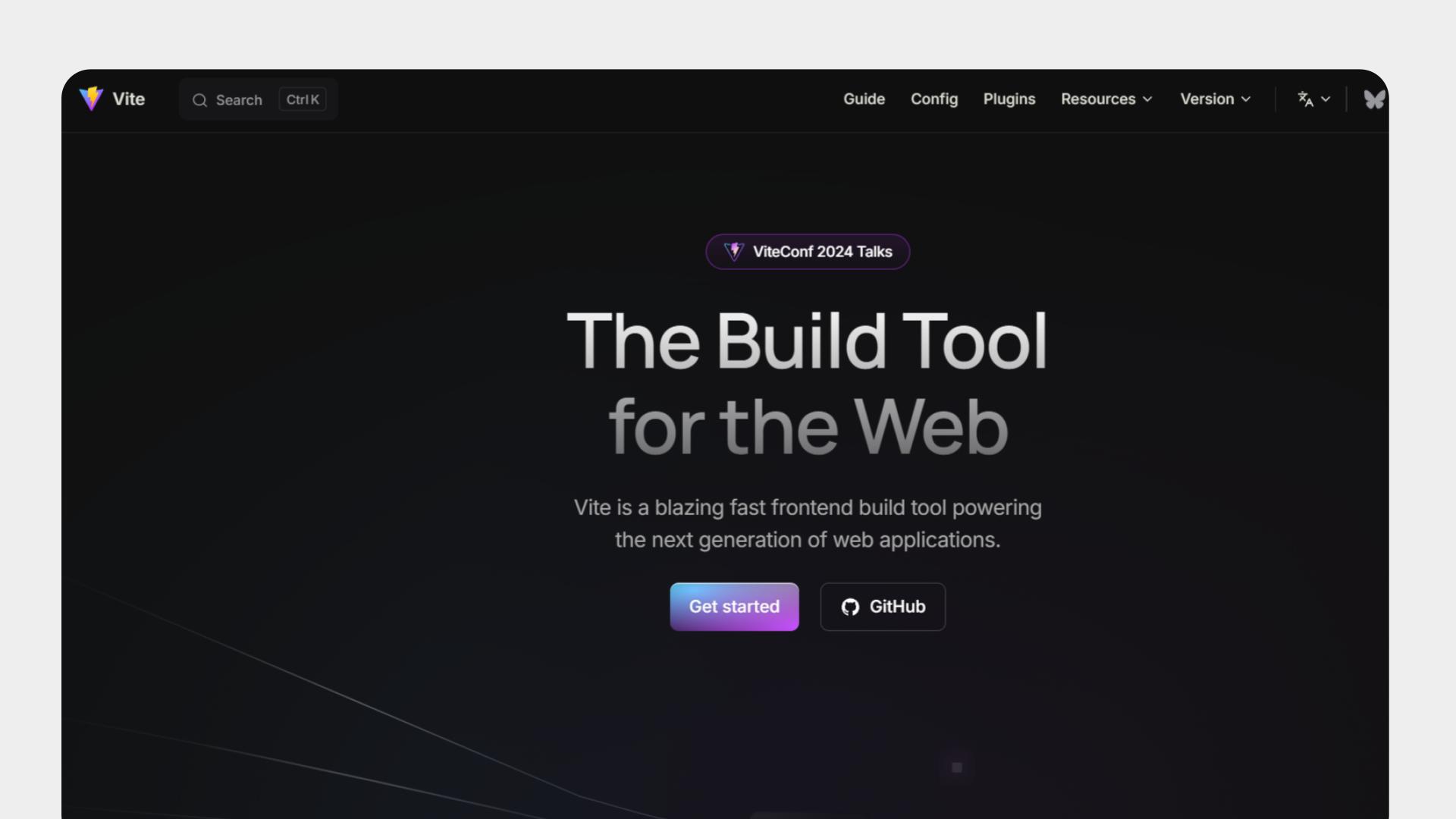
Vite Review, Vite is a lightning-fast frontend build tool designed to optimize modern web development workflows. Unlike traditional bundlers, it leverages native ES modules and hot module replacement (HMR) to deliver an ultra-responsive development experience.
Quick Take: Vite simplifies frontend development with blazing-fast builds, out-of-the-box framework support, and minimal configuration. Ideal for Vue, React, and Svelte projects.
⚡ What is Vite?
Vite build tool (pronounced “veet”) is a next-generation frontend tooling system that offers rapid startup times and optimized builds for modern JavaScript frameworks. It was created by Evan You, the developer behind Vue.js, and is now widely adopted across the frontend ecosystem.
🔑 Key Highlights:
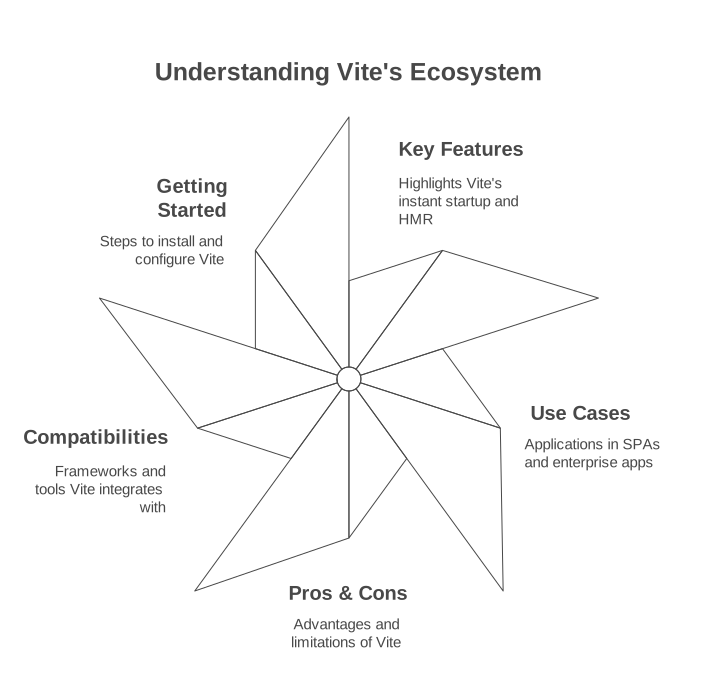
- Instant server startup using native ES modules
- Lightning-fast HMR (Hot Module Replacement)
- Built-in support for Vue, React, and Svelte
- Optimized production builds using Rollup
- Minimal configuration and easy extensibility
💰 Vite Pricing
Vite is 100% free and open-source under the MIT license.
| Feature | Cost |
|---|---|
| Development Use | Free |
| Production Use | Free |
| License | MIT |
There are no hidden costs, making Vite an excellent choice for both individual developers and enterprises.
🎯 Vite Key Features
1️⃣ Instant Server Startup
Unlike Webpack, Vite serves files on-demand using native ES modules, eliminating the need for bundling during development.
2️⃣ Super-Fast HMR
Hot Module Replacement (HMR) is ultra-responsive, allowing changes to reflect instantly without full page reloads.
3️⃣ Pre-Optimized Dependencies
Vite automatically pre-bundles dependencies using Esbuild, improving startup speed and performance.
4️⃣ Optimized Production Builds
For production, Vite uses Rollup to generate highly optimized static assets.
5️⃣ Extensive Plugin Support
Vite extends Rollup’s plugin system and integrates well with CSS preprocessors, TypeScript, and more.
🔄 Vite Use Cases
🔥 Who Benefits from Vite?
Vite is ideal for modern frontend projects, including:
- Single-page applications (SPAs) using Vue, React, or Svelte.
- Component libraries that need efficient builds.
- Server-Side Rendering (SSR) applications.
- Static websites with fast build times.
- Enterprise-grade applications requiring speed and scalability.
👥 Who Should Use Vite?
✅ Recommended For:
- Frontend Developers looking for faster development cycles.
- Vue, React, and Svelte developers who want a seamless experience.
- Teams handling large-scale applications needing optimized builds.
❌ Not Ideal For:
- Legacy applications reliant on older bundlers.
- Highly customized Webpack configurations.
What Makes Vite Unique?
- Uses ES modules instead of bundling for a faster development experience.
- Provides built-in HMR that scales well.
- Offers minimal configuration and instant development server startup.
⚖️ Vite Pros & Cons
✅ Pros:
- Blazing-fast builds with ES modules.
- Simple and opinionated configuration.
- Works out of the box with Vue, React, and Svelte.
- First-class support for SSR.
- Growing ecosystem with an active community.
❌ Cons:
- Not as mature as Webpack.
- Fewer production-ready plugins.
- Opinionated setup might not fit all projects.
🔗 Compatibilities and Integrations
Vite supports a wide range of integrations, including:
- Frameworks: Vue, React, Svelte
- Languages: JavaScript, TypeScript
- CSS Tools: Tailwind CSS, CSS Modules, PostCSS
- Hosting Platforms: Netlify, Vercel, Firebase
🚀 How to Get Started with Vite
- Install Vite:
npm create vite@latest my-project --template react cd my-project npm install npm run dev - Configure Vite (optional): Edit
vite.config.jsto add plugins or optimize settings. - Run the development server:
npm run dev
📖 Vite Tutorial: Build a Simple Project
- Create a new Vite project:
npm create vite@latest my-app - Choose a framework (Vue, React, Svelte, etc.).
- Navigate to your project and install dependencies:
cd my-app npm install - Start the development server:
npm run dev - Modify components and see instant updates!
👥 Who is Using Vite build tool?
- Vue.js Ecosystem: Vue 3 is designed around Vite.
- Nuxt.js: Officially supports Vite for better performance.
- Large Enterprises: Companies like Tencent and Alibaba use Vite for frontend projects.
🆚 Vite Alternatives
| Feature | Vite | Webpack | Parcel |
|---|---|---|---|
| Build Speed | 🚀 Fast | 🐢 Slow | ⚡ Fast |
| Configuration | 🟢 Simple | 🔴 Complex | 🟢 Zero-config |
| HMR Speed | ⚡ Ultra-fast | 🟠 Moderate | 🟠 Fast |
| Use Cases | SPAs, SSR | Large apps | Simple projects |
🎓 Expert Insights
“Vite build tool is the future of frontend tooling. Its speed and simplicity make it a game-changer for developers.” – Evan You, Creator of Vite
❓ Vite FAQ
What is Vite build tool?
Vite is a next-generation frontend build tool that speeds up development using native ES modules
Is Vite Free?
Yes! Vite is 100% free and open-source under the MIT license.
How does Vite compare to Webpack?
Vite is faster in development, thanks to ES modules, while Webpack offers more extensive plugin support.
Can I use Vite build tool with React?
Absolutely! Vite has built-in support for React with JSX and Fast Refresh.
What are Vite’s system requirements?
Vite runs on Node.js (v14+ recommended) and supports all modern browsers.
Does Vite build tool support SSR?
Yes, Vite offers first-class SSR support, making it a great choice for server-rendered applications.
✨ Final Verdict
Vite build tool is revolutionizing frontend development with its speed, simplicity, and performance optimizations. If you want a lightweight, ultra-fast, and developer-friendly build tool, Vite is the best choice for modern web development.
🔗 External Resources
📌 Social Media:
- Instagram: @vitejs
- Twitter: @vite_js
- LinkedIn: Vite on LinkedIn
- Support Email: [email protected]
Discover more from AI Founder Kit
Subscribe to get the latest posts sent to your email.