🚀 Introduction & Quick Take
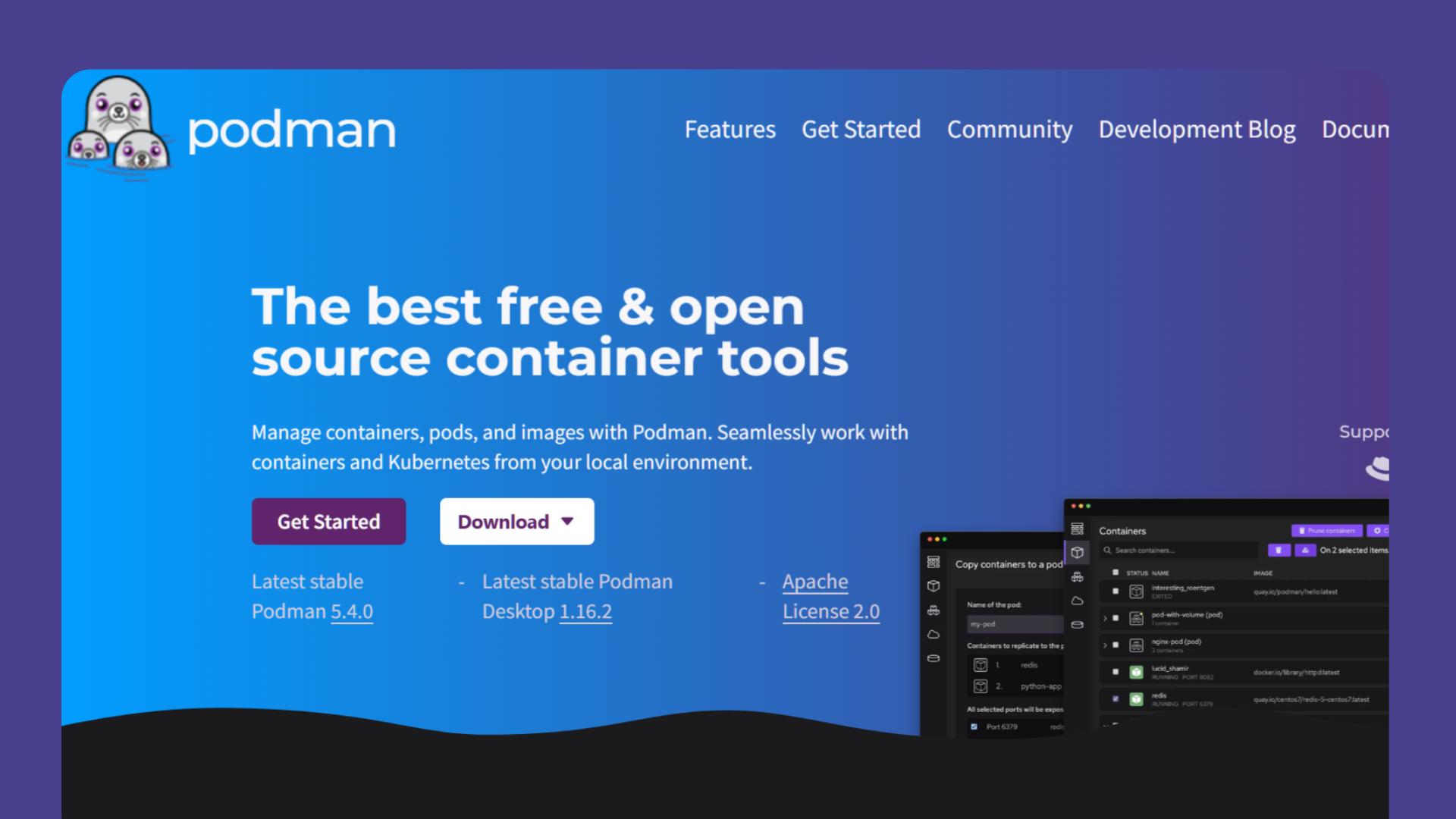
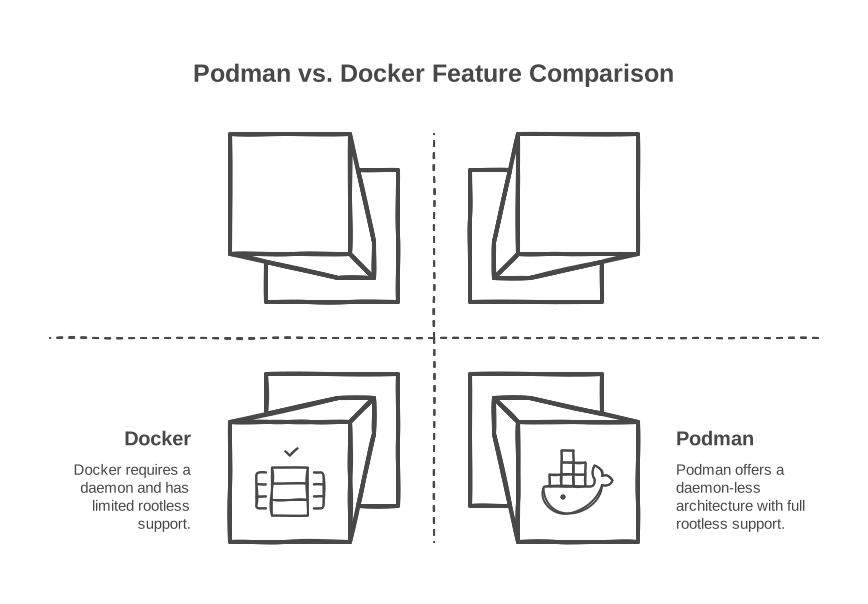
Podman Review, Podman is a powerful, open-source container management tool designed to provide a secure and efficient alternative to Docker. Unlike Docker, Podman operates with a daemon-less architecture and supports rootless containers, making it a preferred choice for developers and enterprises focused on security.
Quick Take: If you’re looking for a lightweight, secure, and Kubernetes-compatible container engine, Podman Container Management is a compelling option.
⚡ What is Podman Container Management?
Podman is an open-source container engine used for creating, running, and managing containers. Developed by Red Hat, it follows the Open Container Initiative (OCI) standards, ensuring compatibility with other container technologies.
Key Highlights:
- Daemon-less Architecture – Unlike Docker, Podman Container Management does not require a continuously running daemon.
- Rootless Containers – Runs containers as a non-root user for enhanced security.
- Kubernetes-Ready – Easily export and deploy containers to Kubernetes clusters.
- Docker-Compatible – Supports Docker images and CLI commands.
💰 Podman Pricing
Podman is 100% free and open-source. It is developed under the Apache License 2.0, meaning you can use, modify, and distribute it without any cost.
| Feature | Cost |
|---|---|
| Podman Software | Free |
| Open Source Access | Free |
| Community Support | Free |
🎯 Podman Key Features
🔹 Daemon-less Architecture
Unlike Docker, Podman Container Management doesn’t rely on a background daemon, improving system security and reliability.
🔹 Rootless Mode
Runs containers as non-root users, reducing security risks.
🔹 Pod Support
Podman Container Management supports pod-based container management, similar to Kubernetes.
🔹 Kubernetes Integration
Podman allows you to generate Kubernetes YAML files for easy container deployment.
🔹 Systemd Integration
Easily manage containers as systemd services for automation.
🔄 Podman Use Cases
1. Secure Container Deployments
Organizations focused on security-first containerization benefit from Podman’s rootless execution and daemon-less structure.
2. Local Kubernetes Development
Podman enables developers to test Kubernetes deployments locally before pushing to production.
3. CI/CD Pipelines
Podman integrates well into continuous integration and deployment workflows, enabling lightweight and secure containerized builds.
4. Enterprise & Small Business Applications
Companies transitioning from Docker to a more secure alternative use Podman for compliance and reliability.
👥 Who Should Use Podman?
- Developers looking for a lightweight, CLI-based container tool.
- Enterprise IT Teams needing a secure, rootless container management system.
- DevOps Engineers integrating container workflows into CI/CD pipelines.
- System Administrators managing containers as systemd services.
🔍 What Makes Podman Unique?
- Daemon-less & Rootless Execution – A more secure approach than Docker.
- Pod-based Container Management – Kubernetes-native design.
- Docker CLI Compatibility – Easily migrate from Docker.
⚖️ Podman Pros & Cons
✅ Pros:
✔ Rootless execution for better security
✔ No dependency on a running daemon
✔ Full OCI compliance for container portability
✔ Works with existing Docker images
✔ Free and open-source
❌ Cons:
✖ Smaller community compared to Docker
✖ Some Docker-specific features may not be fully supported
✖ Requires learning a few different CLI commands
🔗 Podman Integrations
- Docker Images & CLI – Full compatibility
- Kubernetes – Export pods directly into Kubernetes YAML files
- Systemd – Manage containers as services
- GitHub Actions & CI/CD Tools – Seamless automation
🚀 How to Get Started with Podman
- Install Podman using your package manager (e.g.,
dnf install podman,brew install podman). - Pull a Container Image –
podman pull nginx - Run a Container –
podman run -d -p 8080:80 nginx - Manage Containers –
podman ps,podman stop [container_id]
📚 Podman Tutorial
For a complete guide on installing and running Podman, check out: 🔗 Official Podman Docs
🏢 Who is Using Podman Container Management? (Social Proof)
- Red Hat Enterprise Linux users
- Kubernetes & OpenShift Developers
- CI/CD Pipeline Implementations
🆚 Podman vs. Docker (Alternatives)
| Feature | Podman | Docker |
|---|---|---|
| Daemon-based | ❌ No Daemon | ✅ Requires Daemon |
| Rootless Mode | ✅ Yes | ❌ Limited Support |
| Kubernetes Ready | ✅ Yes | ✅ Yes |
| Open Source | ✅ Fully Open | ✅ Open-Source Core |
🎓 Expert Insights
Industry experts highlight Podman’s security-first approach and Kubernetes-friendly architecture as key differentiators from Docker.
“Podman’s rootless execution model and daemon-less architecture make it a superior choice for enterprises prioritizing security.” – Cloud Security Analyst
❓ Podman FAQ
Is Podman free?
Yes, Podman is entirely open-source and free.
Is Podman better than Docker?
It depends—Podman is more secure, but Docker has a larger community.
Can Podman replace Docker?
Yes, especially for security-sensitive environments.
Does Podman work with Kubernetes?
yes, Podman can generate Kubernetes YAML files.
What OS supports Podman?
Linux, Mac (via Homebrew), and Windows (WSL2).
Does Podman require root access?
No, it supports rootless mode.
✨ Final Verdict
Podman is a secure, lightweight, and enterprise-ready alternative to Docker. If you prioritize security, Kubernetes integration, and rootless execution, Podman is an excellent choice.
📢 Try Podman Container Management Today!
🔗 Podman Official Site
🌐 External Resources
🛠️ Need Support?
📧 Support Email: [email protected]
Discover more from AI Founder Kit
Subscribe to get the latest posts sent to your email.