🚀 Quick Verdict
Viewmax simplifies the process of making facetionless social media clips by providing templates that actually match current trends. The caption remover is a standout tool for cleaning up repurposed content, though the video generation credits disappear quickly on the basic plan. It’s a focused tool for growth-minded creators rather than a general video editor.
| Overall Score | 7.2/10 |
| Best For | Short-form content creators |
| Tested Plan | Professional ($25/mo) | 7 days |
| Biggest Strength | Viral-style caption presets |
| Biggest Weakness | Frequent generation errors |
| Best Alternative | InVideo |
🤔 What Is Viewmax?
Viewmax is an AI-powered editing suite designed specifically for social media formats like TikTok, Reels, and YouTube Shorts. It aims to eliminate the blank-canvas problem by offering built-in viral templates and automated scripting tools.
The platform focuses on high-speed production, including features to upscale video quality and clean up existing clips by removing old watermarks or hardcoded captions. It is built for founders and solo creators who need to maintain a daily posting schedule without a full production team.
⚙️ How We Tested Viewmax
We signed up for the Professional plan at $25 per month for one week. We performed three specific tasks: generating a 60-second script for a faceless YouTube Short, removing watermarks from three stock clips, and applying consistent caption styling to match trending “story” formats.
✨ Key Features (What Actually Stood Out)
Viewmax doesn’t try to be a Hollywood editor; it prioritizes getting social media content live as fast as possible.
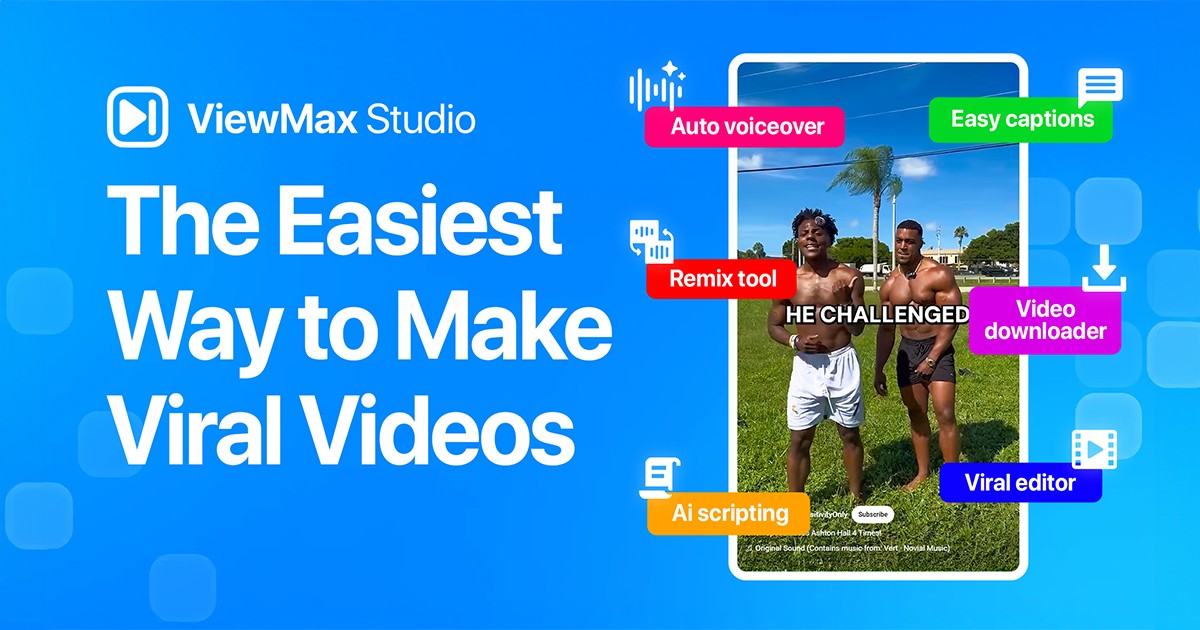
- Caption Presets — These aren’t standard subtitles; they match the specific fonts and colors used by massive accounts to keep viewers engaged.
- AI Watermark Remover — We used this on clips with small corner logos and the cleanup was surprisingly clean without blurring the whole background.
- Viral Templates — The “Story Video” format automatically combines b-roll and voiceovers in a way that feels native to the TikTok app.
- AI Scripting — You can paste a YouTube link and it will generate a shortened script, which saved us about 30 minutes of manual outlining.
- Caption Remover — If you have an old video with “baked-in” text, this tool tries to paint over it so you can overlay your own new captions.
💰 Viewmax Pricing — Is It Worth It?
Pricing is based on credits, which can be tricky because different tasks like exports versus caption removals eat into your monthly total. You’ll find more advanced content creation perks like 1080p access locked behind the Creator tier.
| Plan | Price | Best For | Watch Out For |
| Basic | $15/mo | Side projects | Only 100 exports |
| Professional | $25/mo | Standard creators | Limited to 66 AI videos |
| Creator | $49/mo | High-volume channels | Highest character limit |
Our pick: Professional Plan — It offers the best balance of credits for someone posting 3-4 times a week across multiple platforms.
🧪 What We Found During Testing
During our testing, the AI video generation was hit-or-miss. We tried several prompts for a narrative clip, and while the voiceover quality was excellent, the actual video generator returned errors four times before successfully rendering. However, the manual editor is very smooth for a browser tool, making it easy to swap out background B-roll if you don’t like what the AI chose.
A founder in our community who runs a faceless YouTube channel told us the caption presets helped them maintain a consistent look across three different editors they recently hired.
⚠️ Limitations We Found
- Prompt Sensitivity — As of late 2024, basic prompts often fail to generate video, requiring very specific descriptors to avoid system errors.
- Export Limits — Even on paid plans, you are capped on how many videos you can export, which feels restrictive for A/B testing different intros.
- Feature Delay — The AI Upscaler was still marked as coming soon during our deep dive, limiting options for fixing low-quality source clips.
⚔️ Viewmax vs Competitors
Viewmax competes with all-in-one AI video tools that handle both scripting and visual generation.
| Competitor | Pick it instead of Viewmax if… |
| InVideo | You need access to a much larger stock media library and more stable rendering. |
| Synthesia | Your primary goal is training videos using digital avatars rather than viral short-form clips. |
| Runway | You are looking for cinematic, high-end AI video manipulation rather than social media templates. |
👍 Pros & Cons
| ✅ Pros | ❌ Cons |
| Fast caption removal from old clips | Credit system is hard to track |
| Templates match current viral trends | Video generation errors are common |
| Browser-based editor is responsive | 1080p locked to the most expensive tier |
| High-quality AI voiceover options | Limited stock footage diversity |
🎯 Who Should Use Viewmax (And Who Shouldn’t)
✅ Use it if you:
- Run faceless social media accounts and need to post 5+ clips per week.
- Have a backlog of videos with watermarks you need to clean up and reuse.
- Want to mimic the caption styles of top-tier influencers without manual keyframing.
❌ Skip it if you:
- Need reliable, complex AI scenes — Runway is more consistent for raw generation.
- Expect unlimited rendering; the strict export caps will limit your workflow.
- Require advanced color grading or professional desktop-level editing features.
❓ Frequently Asked Questions
Can I monetize videos made with Viewmax?
Yes, the content created is yours to use on platforms like YouTube and TikTok for monetization.
What are Viewmax credits?
Credits are the currency used for AI tasks like scripting, voiceovers, and generating Sora-powered videos.
Is Viewmax better than InVideo?
Viewmax is more focused on viral “Shorts” styles, while InVideo offers a larger stock library for standard YouTube landscape videos.
Does the free plan include watermarks?
Yes, usually free trials or basic outputs from the AI generator may include branding unless you are on a paid tier.
How do I remove watermarks on Viewmax?
There is a dedicated tool where you upload your clip, and the AI automatically detects and fills the area over the watermark.
Can I use my own voice clips?
While Viewmax specializes in AI voiceovers, the editor allows for media uploads to sync your own audio files.
Looking for more tools like this? See all social media tools we’ve reviewed →
Discover more from AI Founder Kit
Subscribe to get the latest posts sent to your email.