🚀 Quick Verdict
BlogToPin is one of the few tools that actually moves beyond simple scheduling into full execution. It surprised us by correctly matching niche blog topics to relevant Pinterest boards without any manual tagging. It’s a massive time-saver for founders who want Pinterest traffic but hate the daily grind of manual pinning.
| Overall Score | 8.8/10 |
| Best For | Bloggers and eCommerce store owners |
| Tested Plan | Starter ($25/mo) |
| Testing Period | 14 days |
| Biggest Strength | Automated niche board matching |
| Biggest Weakness | Limited daily cleanup on entry plan |
| Best Alternative | Tailwind |
🤔 What Is BlogToPin?
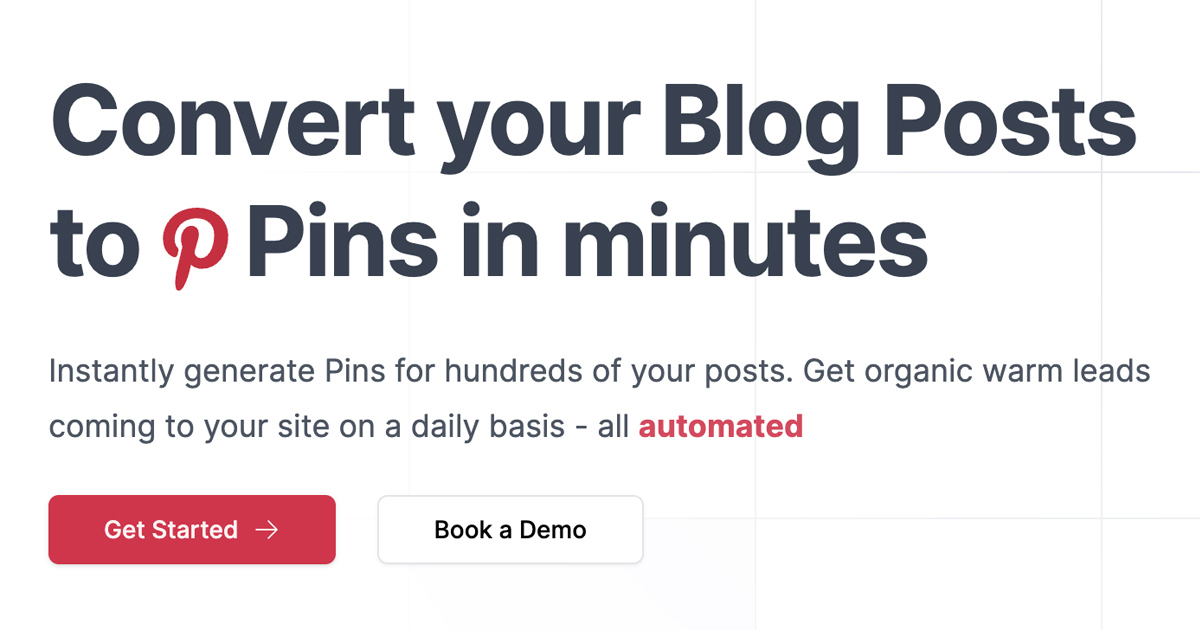
BlogToPin is a specialized automation system designed to eliminate the manual 15-20 hours a week usually required for Pinterest growth. It monitors your website for new content and automatically builds multiple pin variations using your existing images and AI-generated text.
The tool solves the consistency problem that kills most Pinterest strategies. By syncing directly with your URL, it keeps your profile active with fresh content, keywords, and descriptions that are optimized for Pinterest search rather than just copying your blog metadata.
⚙️ How We Tested BlogToPin
We signed up for the Starter plan at $25 per month for a two-week trial. Our testing focused on three specific founder tasks: syncing a live blog to see how fast it generated first drafts, scheduling a 30-day queue of 35 pins per day, and testing the Delete Underperforming Pins feature to see if it actually identified low-engagement posts.
✨ Key Features (What Actually Stood Out)
This tool stands out because it focuses exclusively on the unique mechanics of the Pinterest algorithm. You can find more social media tools in our directory, but few handle the asset creation side this broadly.
- Smart Scheduler — The system doesn’t just blast pins; it indexes your site and spaces out content so you aren’t spamming the same URL twice in a row.
- AI Board Matching — During our test, it correctly identified that a post about sustainable gifts belonged in our Eco-Friendly Living board without us clicking a button.
- Auto-Cleanup — It automatically scans for pins that aren’t getting traction and removes them to keep your profile’s engagement rate high.
- Collage Creator — This feature creates visual variety by mixing multiple images into one pin, which typically gets a higher click-through rate.
- Template Remixing — We were able to import a layout style, and the AI applied it across dozens of different blog posts instantly.
💰 BlogToPin Pricing — Is It Worth It?
The pricing is based on volume rather than features, which is great for small sites. However, the Starter plan only allows you to delete one underperforming pin per day, which felt restrictive for accounts with a large existing backlog. Explore more automation options if you need higher volume management at a lower price point.
| Plan | Price | Best For | Watch Out For |
| Starter | $25/mo | New Blogs | 1 pin deletion/day limit |
| Agency | $50/mo | Growth Accounts | 1,000 AI pins cap |
| Enterprise | $125/mo | Large Networks | Standard support only |
Our pick: Starter — At $25 per month, it provides more value than a part-time virtual assistant for any founder running a single niche site.
🧪 What We Found During Testing
The setup was remarkably fast because it just needs your URL to start working. We were surprised by how well the AI captured the tone of our blog for the pin titles, often coming up with more ‘clicky’ hooks than our original headlines. One minor snag was that some images required manual cropping if the original blog photo was too wide for Pinterest’s vertical format.
A founder in our community who runs a fitness blog told us the smart shuffle feature was the only way they could manage three different sites without Pinterest flagging them for repetitive content.
⚠️ Limitations We Found
- Deletion Caps — The low daily limit on deleting ‘dud’ pins on the Starter plan means cleaning up a messy account takes months of automated work.
- Image Logic — As of January 2025, the tool occasionally pulls decorative sidebar icons as pin images if your site’s metadata isn’t perfectly configured.
- Support Speed — Priority support is locked behind the $50 Agency tier, so Starter users may wait 24-48 hours for technical fixes.
⚔️ BlogToPin vs Competitors
Most competitors focus on basic scheduling, while BlogToPin focuses on generating the content itself directly from your existing website data.
| Competitor | Pick it instead of BlogToPin if… |
| Tailwind | You need a tool that also handles Instagram and Facebook in one dashboard. |
| Canva | You prefer to manually design every asset and don’t care about bulk automation. |
👍 Pros & Cons
| ✅ Pros | ❌ Cons | Starter plan has low cleanup limits | Occasional image cropping errors | Can be expensive for very small blogs | No built-in photo editor for tweaks |
🎯 Who Should Use BlogToPin (And Who Shouldn’t)
✅ Use it if you:
- Run a content-heavy blog or Shopify store and want passive Pinterest traffic.
- Are tired of the manual ‘Save to Pinterest’ workflow.
- Need a tool that manages multiple websites from one account.
❌ Skip it if you:
- Only post once a month and can handle the design manually in Canva.
- Need advanced community features like Tailwind Communities.
- Don’t have a visual niche (e.g., text-only B2B technical documentation).
❓ Frequently Asked Questions
Does BlogToPin violate Pinterest’s terms?
No, the tool uses the official API and allows you to export pins to CSV for manual import if you want 100% control over distribution.
Can I use my own brand fonts?
Yes, custom font uploads are available on the higher tiers to keep your pin designs on-brand.
How many Pinterest accounts can I connect?
Every plan, including the Starter plan, offers unlimited Pinterest accounts and unlimited websites.
Wait, does it actually delete my pins?
Only if you enable the feature. It identifies pins with zero engagement to help improve your overall channel authority.
Is there a free version of BlogToPin?
They offer free standalone tools like a Pinterest Pin Maker, but the full automation requires a paid subscription.
How does it differ from a standard scheduler?
Standard schedulers require you to provide the image and text; BlogToPin generates them by scraping your website.
Looking for more tools like this? See all Social Media tools we’ve reviewed →
Discover more from AI Founder Kit
Subscribe to get the latest posts sent to your email.