🚀 Quick Verdict
The avatar movements are surprisingly fluid and avoid the robotic look found in cheaper alternatives. We noticed some lip-syncing drift on sentences longer than 20 words during our tests. It’s a solid choice for founders who need professional training videos without hiring a film crew.
| Overall Score | 8.2/10 |
| Best For | Corporate trainers and HR teams |
| Tested Plan | Starter Plan at $30/mo |
| Testing Period | 7 days |
| Biggest Strength | Realistic skin textures and lighting |
| Biggest Weakness | Strict monthly credit limits |
| Best Alternative | Synthesia |
🤔 What Is DeepBrain AI?
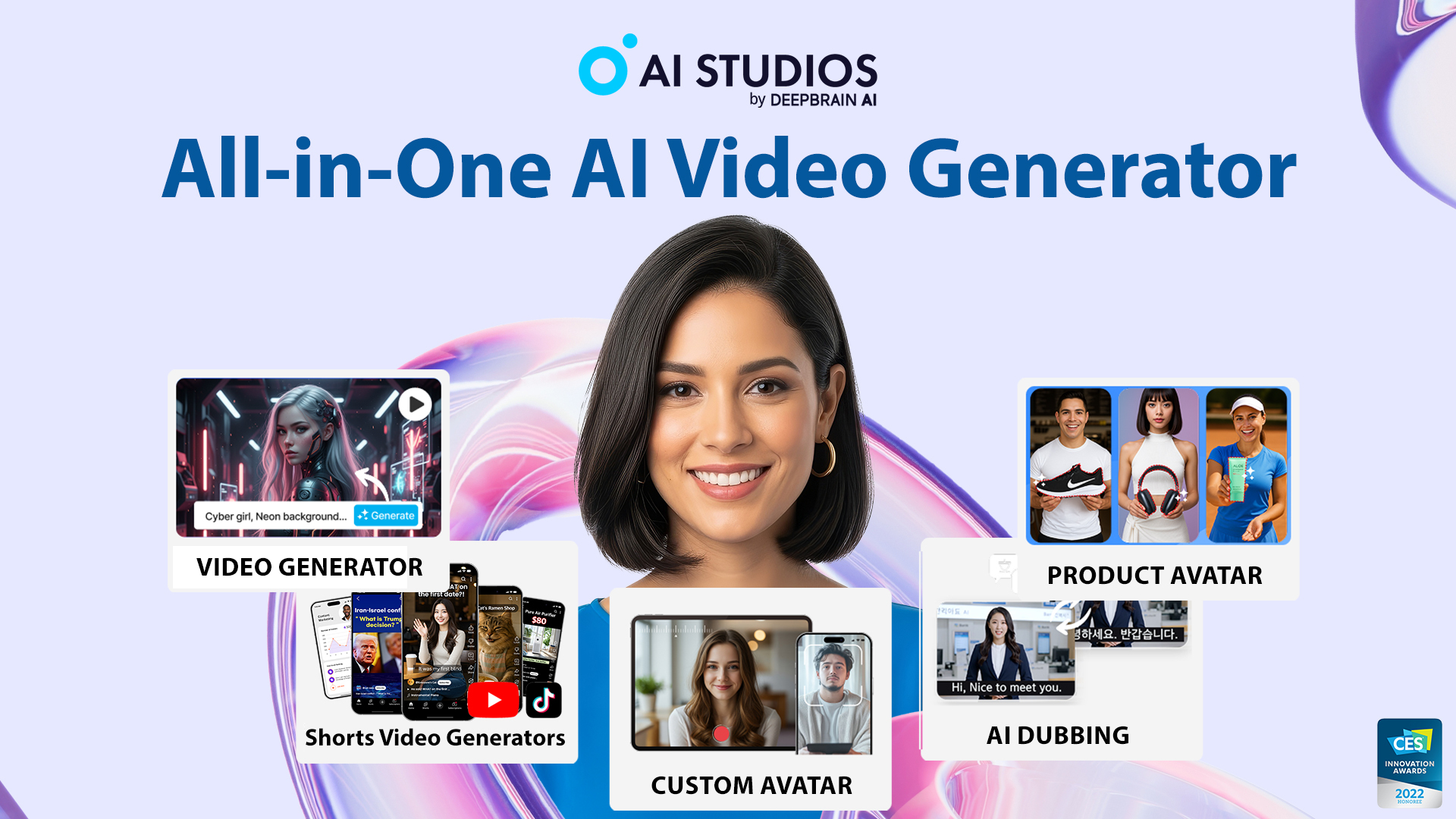
DeepBrain AI is a cloud-based platform that converts text scripts into videos featuring digital humans. It uses deep learning to mimic human speech patterns and facial expressions. The tool aims to help businesses create content like news broadcasts or educational modules at a fraction of traditional production costs.
The company is headquartered in Seoul and focuses on high-fidelity avatars. It solves the problem of needing a studio, lights, and actors for every small video update. You simply type your script and the AI spokesperson delivers it in one of 150 supported languages.
⚙️ How We Tested DeepBrain AI
We signed up for the Starter Plan at $30 per month for a one-week trial period. Our team completed three specific tasks to check the output quality. First, we converted a blog post URL into a 60-second summary video. Second, we uploaded a company PDF to generate a training clip. Finally, we tested a multi-avatar conversation between two digital humans.
✨ Key Features (What Actually Stood Out)
This tool focuses on high-end visual realism rather than just quick social media clips. It fits well into a professional content creation workflow where brand image matters.
- Text to Video — We typed a simple prompt and the AI built a five-scene video with relevant background images. The script was coherent but required some manual editing for tone.
- URL to Video — This feature scraped our landing page and automatically picked out the key benefits. It saved us about 30 minutes of manual scripting time.
- Multi-Avatar Scenes — You can place two avatars in the same frame to simulate an interview. We found this helpful for making training videos feel less like a one-way lecture.
- AI Video Translator — It dubbed our English video into Spanish while attempting to keep the original voice profile. The timing was tight but the accent sounded natural.
- Custom Dictionary — You can teach the AI how to pronounce specific brand names or technical jargon. This fixed a recurring issue where the AI mispronounced our product name.
💰 DeepBrain AI Pricing — Is It Worth It?
The pricing is based on video minutes, which can get expensive if you make long-form content. Most advanced features are available on the entry tier, but you’ll run out of credits quickly. It’s a standard tool for marketing teams that value quality over quantity.
| Plan | Price | Best For | Watch Out For |
| Starter | $30/mo | Solo founders | 10-minute monthly cap |
| Pro | $225/mo | Small agencies | High cost per extra minute |
| Enterprise | Custom | Large corporations | Sales call required |
Our pick: Starter — It’s the best way to test the avatar quality without a massive financial commitment.
🧪 What We Found During Testing
The onboarding process was fast and we had our first video rendering within ten minutes. We were impressed by the gesture control which lets you add specific hand movements to emphasize points. However, the background music library felt a bit generic and we ended up uploading our own tracks.
A founder in our community who runs a real estate agency told us the avatars helped them scale property walkthroughs without being on camera. They mentioned the lip-syncing on technical terms was hit or miss.
⚠️ Limitations We Found
- Credit Expiration — As of early 2024, unused minutes on the Starter plan do not roll over to the next month.
- Processing Time — Rendering a 3-minute video took nearly 15 minutes during peak hours.
- Avatar Variety — While there are over 100 avatars, many look very similar in terms of professional attire.
⚔️ DeepBrain AI vs Competitors
The AI video space is crowded with tools that offer varying levels of realism and price points.
| Competitor | Pick it instead of DeepBrain AI if… |
| Synthesia | You need the widest range of professional corporate avatars. |
| HeyGen | You want better viral features like photo-to-avatar animation. |
| Fliki | You prefer using stock footage over digital human avatars. |
👍 Pros & Cons
| ✅ Pros | ❌ Cons |
| Extremely realistic facial movements | Steep price jump between tiers | Limited custom branding on lower plans |
| Useful URL-to-video conversion | No rollover for unused minutes |
| Good gesture control options | Some voices sound slightly metallic |
🎯 Who Should Use DeepBrain AI (And Who Shouldn’t)
✅ Use it if you:
- Need to create consistent training videos for a global team.
- Want to turn existing blog content into video format quickly.
- Are tired of being on camera for every marketing update.
❌ Skip it if you:
- Have a very tight budget and need unlimited video minutes. Try Fliki instead.
- Need highly emotional or expressive acting from your avatars.
- Only need simple text overlays on stock footage.
❓ Frequently Asked Questions
Is DeepBrain AI free to use?
It offers a limited free trial with credits to test the core features, but you’ll need a paid plan to export videos without watermarks.
How does DeepBrain AI compare to Synthesia?
DeepBrain often has more fluid body movements, while Synthesia generally offers a larger library of diverse avatars and better team collaboration tools.
Can I use my own voice in DeepBrain AI?
Yes, you can upload audio files or record your voice directly to drive the avatar’s lip-syncing.
Does DeepBrain AI support Spanish and other languages?
Yes, it supports over 150 languages with various regional accents and dialects for its text-to-speech engine.
Is there a mobile app for DeepBrain AI?
There is a mobile app available for instant video creation, though the full editor is best used on a desktop browser.
Can I create a custom avatar of myself?
Yes, the platform offers a custom avatar service where they can create a digital twin based on footage you provide.
Looking for more tools like this? See all content creation tools we’ve reviewed →
Discover more from AI Founder Kit
Subscribe to get the latest posts sent to your email.