🚀 Quick Verdict
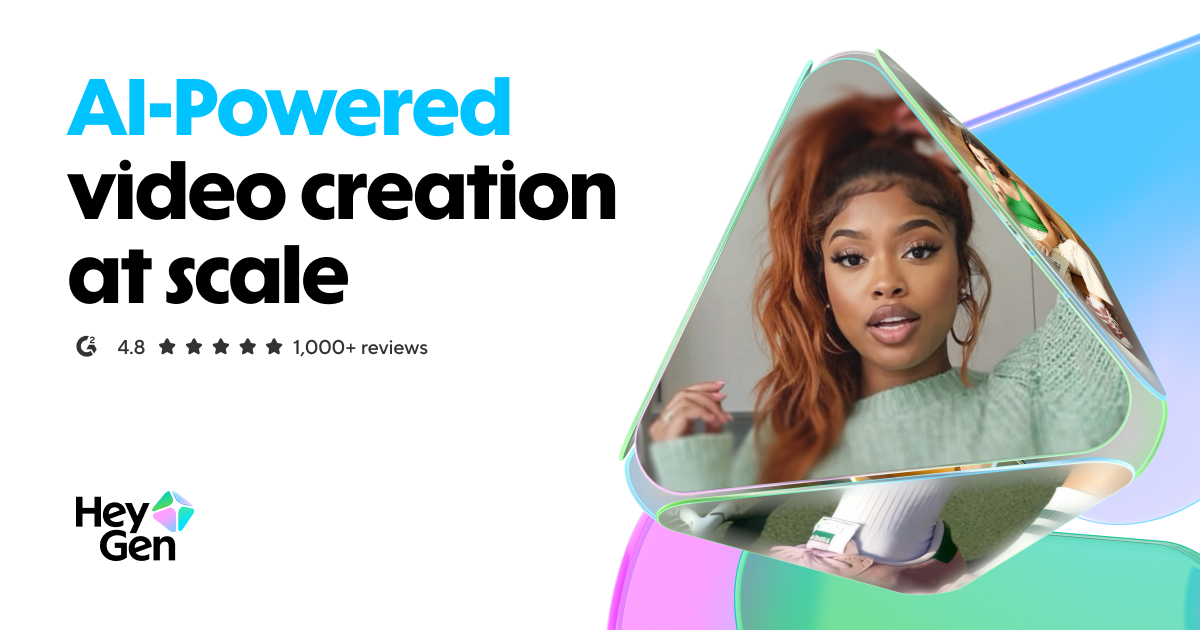
The speed at which HeyGen generates 4K video with perfect lip-sync is impressive. We were able to turn a 500-word blog post into a professional video in under 10 minutes. It’s the best option we’ve found for founders who need to be the face of their brand but don’t have time to film.
| Overall Score | 9.2/10 |
| Best For | Founders and Marketers |
| Tested Plan | Creator Plan ($29/mo) |
| Testing Period | 30 days |
| Biggest Strength | Natural facial micro-expressions |
| Biggest Weakness | High credit cost for 4K exports |
| Best Alternative | Synthesia |
🤔 What Is HeyGen?
HeyGen is an AI video generator that uses digital avatars to deliver scripts. Founded in 2020, it aims to eliminate the need for microphones, cameras, and expensive studios. It allows anyone to create “talking head” videos by simply typing text.
The tool solves the scaling problem for content teams. Instead of booking a studio for every product update, you can use a Custom Avatar to maintain a consistent brand voice across hundreds of videos in over 175 languages.
⚙️ How We Tested HeyGen
We signed up for the Creator plan at $29/mo and spent 30 days testing it on real business workflows. We performed three specific tasks: generating a personalized sales pitch for a LinkedIn lead, translating a tutorial video from English to Spanish, and creating a “talking photo” for a social media ad campaign.
✨ Key Features (What Actually Stood Out)
High-quality content creation is usually expensive, but HeyGen makes it a matter of credits. These features specifically changed our workflow during testing.
- Avatar IV — This model produces micro-expressions like blinking and natural head tilts that make the avatars feel less robotic than older AI video tools.
- Custom Digital Twin — We uploaded a two-minute clip of our team, and the resulting avatar matched the original voice and hand gestures with surprising accuracy.
- Video Translation — The lip-sync actually shifts to match the new language’s phonemes, which prevented the usual “dubbed movie” look during our tests.
- HeyGen Labs — This experimental hub let us test generating avatars from a single photo, which worked well for stylized brand characters.
- Talking Photos — We turned a static headshot into an animated presenter; it is a quick way to repurpose existing assets for social media.
💰 HeyGen Pricing — Is It Worth It?
HeyGen uses a credit-based system which can get expensive if you produce long-form content. While the free plan exists, it’s mostly for testing as it includes watermarks. For any professional marketing use, you’ll need the paid tiers to access 4K resolution and remove branding.
| Plan | Price | Best For | Watch Out For |
| Free | $0 | Testing features | Contains watermarks |
| Creator | $29/mo | Solo founders | Limited monthly credits |
| Team | $149/mo | Marketing teams | Higher cost per seat |
Our pick: Creator — It provides the best balance for most founders, offering 15 credits a month which is plenty for short-form ad content.
🧪 What We Found During Testing
Testing the Video Agent via the ChatGPT integration was a highlight. We could describe a scene in natural language, and the AI built a complete video with b-roll and motion graphics. It isn’t just a talking head; it’s a full editor that assembles scenes based on your script’s hooks.
A founder in our community who runs a LinkedIn agency told us using the digital twin helped them record ten personalized intros for prospects in the time it used to take to film one.
⚠️ Limitations We Found
- Credit Accumulation — Credits don’t always roll over depending on the specific billing cycle, which can be frustrating during slow months.
- Complex Hand Gestures — As of early 2025, the AI still occasionally struggles with very specific or fast hand movements, leading to slight visual blurring.
- Rendering Times — Longer 4K videos can take several minutes to process, which isn’t instant when you’re in a rush.
⚔️ HeyGen vs Competitors
HeyGen is currently at the top of the pack for realism, but some competitors offer different pricing structures or specialized features.
| Competitor | Pick it instead of HeyGen if… |
| Synthesia | You need deep enterprise-level security and more corporate-styled avatars. |
| Moemate | You are focused on highly stylized or anime avatars rather than realistic humans. |
👍 Pros & Cons
| ✅ Pros | ❌ Cons |
🎯 Who Should Use HeyGen (And Who Shouldn’t)
✅ Use it if you:
- Are a founder who wants to scale video sales outreach without filming every day.
- Need to localize your training or marketing videos for dozens of global markets.
- Want to turn text-based educational content into engaging video formats.
❌ Skip it if you:
- Only need simple screen recordings; Loom is faster and cheaper for that.
- Are on a very tight budget, as the $29/mo entry point is higher than basic AI tools.
- Require complex action shots or physical product interactions in the video.
❓ Frequently Asked Questions
Is HeyGen actually free?
It offers a free plan to test the editor, but videos will have a watermark and are limited in length and resolution.
How realistic are the avatars?
They are among the most realistic on the market, featuring natural eye contact and gestures that sync with the tone of your script.
Can I use my own voice?
Yes, you can upload your own audio or use the voice cloning feature to have an avatar speak in your exact tone.
How long does it take to generate a video?
Most short videos under a minute render within 60 seconds, though 4K exports of longer scripts can take a few minutes.
Does it support Spanish or other languages?
Yes, it supports over 175 languages and dialects with localized lip-syncing for each.
Is HeyGen better than Synthesia?
HeyGen generally has more realistic horizontal movement and “talking photo” options, while Synthesia is often preferred by large corporate training departments.
Looking for more tools like this? See all content-creation tools we’ve reviewed →
Discover more from AI Founder Kit
Subscribe to get the latest posts sent to your email.