🚀 Quick Verdict
The speed at which AI Studio turns a static PDF into a narrated video with a moving avatar is incredible. While the lip-sync is top-tier, the interface for swapping out background media feels surprisingly stiff and unintuitive. It’s built for scale, not for frame-by-frame artistic Control.
| Overall Score | 8.4/10 |
| Best For | Corporate trainers and marketing teams |
| Tested Plan | Personal Plan at $29/mo |
| Testing Period | 10 days |
| Biggest Strength | Massive library of 2,000+ avatars |
| Biggest Weakness | Clunky media replacement UX |
| Best Alternative | Synthesia |
🤔 What Is AI Studio?
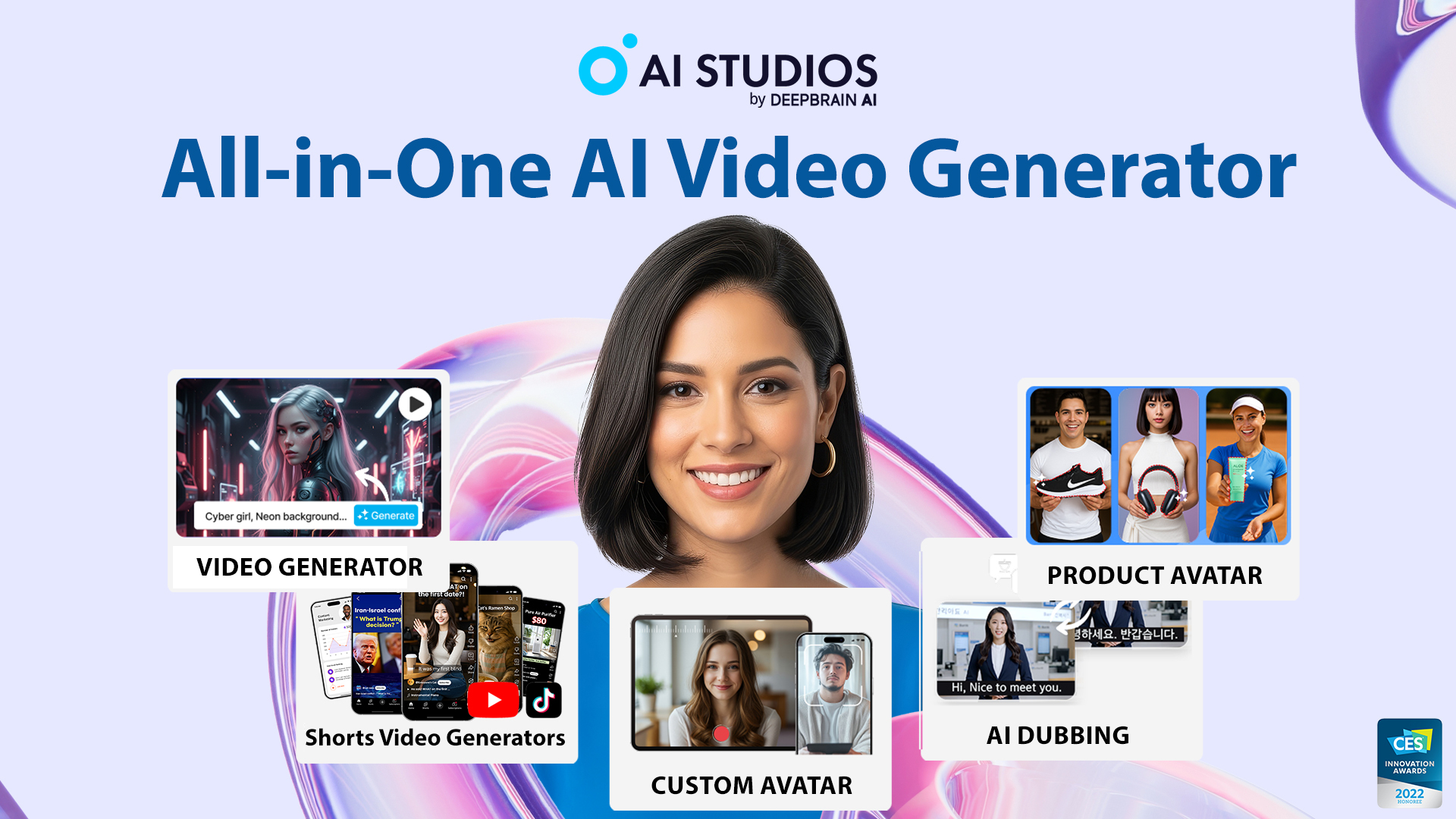
AI Studio by DeepBrain AI is a web-based platform that creates talking-head videos using digital twins of real people. It eliminates the need for cameras, studios, or expensive voice actors by using text-to-speech and generative video technology.
It specifically solves the problem of localizing video content for global markets. Instead of reshooting a video in five languages, you simply swap the script and the avatar speaks the new language with matching mouth movements.
⚙️ How We Tested AI Studio
We signed up for the Personal plan at $29 per month and spent 10 days exploring the dashboard. Our testing focused on three founder-led tasks: converting a 10-page pitch deck PDF into a 2-minute explainer, generating a 15-second LinkedIn ad from a text prompt, and translating a product demo into Spanish using the auto-dubbing tool.
✨ Key Features (What Actually Stood Out)
The platform is designed to sit at the center of a high-volume content creation workflow rather than being a niche editing tool.
- PDF to Video — We uploaded a standard business PDF and the tool automatically extracted the text to create a scene-by-scene script.
- 2,000+ Diverse Avatars — The selection is much broader than competitors, covering various ethnicities, ages, and professional attires.
- Multilingual Dubbing — It supports over 150 languages, and the voice cloning kept the original speaker’s tone remarkably well during our Spanish test.
- URL to Video — By pasting a website link, AI Studio generated a rough draft with a script and visuals pulled directly from the site content.
- Kling 3.0 Integration — The inclusion of latest-generation video models ensures the backgrounds and transitions look professional.
💰 AI Studio Pricing — Is It Worth It?
AI Studio is a premium tool with a starting price that reflects its professional positioning. While they offer a free plan, it’s very restricted, often including watermarks and low resolution. Most founders will need the Personal tier to get any real work done in marketing or training.
| Plan | Price | Best For | Watch Out For |
| Free | $0 | Quick testing | Watermarked and low res |
| Personal | ~$29/mo | Solopreneurs | Credit limits can vanish fast |
| Team | Custom | Scale agencies | Requires contact for quotes |
Our pick: Personal Plan — It’s the only way to get high-quality exports and enough credits to actually finish a short project.
🧪 What We Found During Testing
The first thing we noticed was the realism of the avatars; they aren’t just stiff cutouts, they have natural blinks and micro-expressions. We tried to break it by giving it a complex technical script in German, and the lip-syncing held up remarkably well. However, when we tried to swap a stock image background for our own custom screenshot, the editor lagged significantly.
A founder in our community who runs a boutique marketing agency told us the tool makes it possible to pitch video ads to clients without ever hiring a production crew.
⚠️ Limitations We Found
- Clunky Media UX — Replacing assets on the timeline is more difficult than it needs to be compared to Canva-like editors.
- Avatar Browsing — As of late 2024, the UI for searching through the 2,000+ avatars makes it hard to filter by specific looks at a glance.
- Free Tier Quality — The 720p limit on free exports is too low for any professional social media use.
⚔️ AI Studio vs Competitors
There are two heavy hitters in the avatar space that most founders compare against AI Studio.
| Competitor | Pick it instead of AI Studio if… |
| Synthesia | You need a more polished editor specifically for educational training modules. |
| HeyGen | You want the highest possible video quality and don’t mind a slower generation speed. |
| Google Vids | You only need dynamic animations and don’t require a talking-head avatar. |
👍 Pros & Cons
| ✅ Pros | ❌ Cons |
🎯 Who Should Use AI Studio (And Who Shouldn’t)
✅ Use it if you:
- Need to turn documents into training videos at high volume.
- Are targeting international markets and need affordable dubbing.
- Want to be the face of your brand without being on camera.
❌ Skip it if you:
- Need high-precision cinematic control — use Luma instead.
- Are on a zero-budget — the free plan isn’t viable for production.
- Want simple text-to-video without avatars — use Pictory.
❓ Frequently Asked Questions
Is AI Studio better than Synthesia?
AI Studio has more avatars and faster document conversion, but Synthesia offers a cleaner editing interface for complex slide layouts.
Can I create a custom avatar of myself?
Yes, you can create a personal AI avatar from a short 2-minute video, though this usually requires a paid plan.
Does AI Studio offer a free trial?
There is a free plan that allows for 1 credit and up to 3 videos, but exports include a watermark.
Is AI Studio compliant with GDPR?
Yes, it is compliant with GDPR, and they also hold ISO 27001 and SOC 2 certifications for data protection.
How many languages does AI Studio support?
It supports over 150 languages including 30+ automatic translation and dubbing options.
Does AI Studio allow commercial use of videos?
Yes, videos created on paid plans include commercial usage rights without copyright worries.
Looking for more tools like this? See all Content Creation tools we’ve reviewed →
\Discover more from AI Founder Kit
Subscribe to get the latest posts sent to your email.