⚡ What is Heap analytics toolkit?
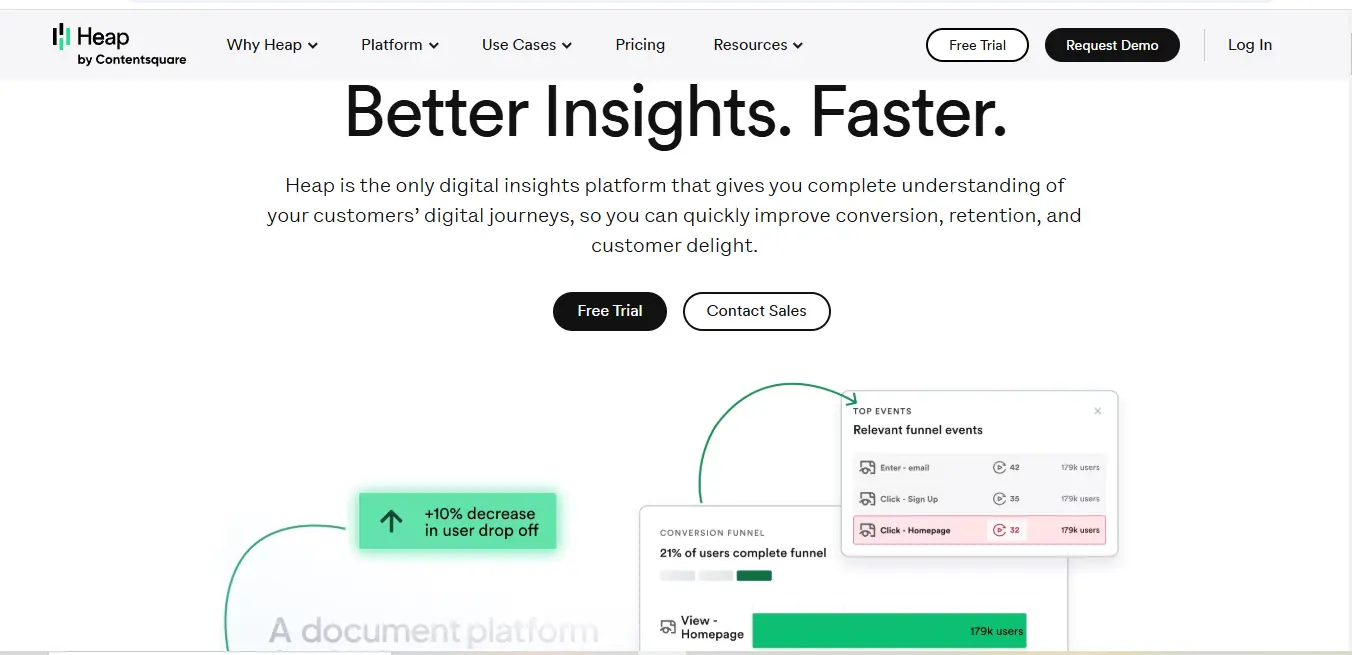
Heap analytics toolkit is a comprehensive product analytics platform designed to automatically capture and analyze user interactions across digital products. Unlike traditional analytics tools that require manual event tracking, Heap provides a unique, code-free approach to understanding user behavior. It captures every click, swipe, page view, and interaction on websites and mobile applications without requiring developers to manually tag each event.
🎯 Key Features Of Heap analytics toolkit:
- Automatic Event Tracking
- Captures all user interactions without manual tagging
- Zero configuration required
- Retroactive data analysis capabilities
- Journeys Visualization
- Map user paths through your product
- Identify drop-off points
- Optimize conversion funnels
- Session Replay
- Watch individual user sessions
- Understand real-time user experience
- Identify usability issues
- Heatmaps
- Visual representation of user interactions
- Track clicks, scrolls, and hover behaviors
- Optimize page design and content placement
- Advanced Segmentation
- Create custom user cohorts
- Analyze specific user groups
- Personalize user experiences
- AI CoPilot
- AI-powered insights generation
- Automated recommendation engine
- Uncover hidden behavioral patterns
- Heap Illuminate
- Data science-driven friction point detection
- Automated opportunity identification
- Advanced analytics without complex setup
- Cross-Platform Analytics
- Web and mobile app tracking
- Consistent insights across platforms
- Unified user behavior understanding
- Integration Ecosystem
- Seamless connections with CRM systems
- Marketing automation platform compatibility
- Data warehouse synchronization
- Real-time Reporting
- Instant data updates
- Dynamic dashboards
- Immediate actionable insights
What Does Heap analytics toolkit Do Well?
Heap analytics toolkit excels at providing a holistic, effortless approach to understanding user behavior:
- Eliminates manual event tracking
- Provides comprehensive, retroactive data analysis
- Offers deep, actionable insights without extensive setup
- Supports cross-platform analytics
- Delivers AI-powered recommendations
Real-World Use Cases:
- E-commerce Optimization
- Identify exactly where users abandon shopping carts
- Analyze checkout process friction points
- Optimize product page layouts
- Understand user navigation patterns
- SaaS Onboarding Improvement
- Track user engagement during initial product interactions
- Identify features that drive or hinder user adoption
- Streamline user onboarding process
- Reduce early-stage customer churn
- Mobile App Enhancement
- Analyze feature usage patterns
- Understand user navigation and interaction flows
- Identify areas of app complexity or confusion
- Optimize app design based on actual user behavior
How to Get Started With Heap analytics toolkit:
- Sign Up
- Visit heap.io
- Create a free account
- Choose your plan
- Implementation
- Install a single snippet of tracking code
- No additional manual event tracking required
- Code can be added to websites or mobile apps
- Immediate data collection begins
- Explore Insights
- Access default dashboards
- Create custom reports
- Analyze user interactions
- Leverage AI-powered recommendations
Who Is Heap analytics toolkit For?
Ideal for:
- Product Managers
- UX/UI Designers
- Marketing Teams
- Data Analysts
- Growth Hackers
- Customer Experience Professionals
- Startups and Enterprises
- Digital Product Teams
Who is Using Heap analytics toolkit?
Notable companies include:
- Huel
- Lending Club
- Over 10,000 global organizations
- Tech startups
- E-commerce platforms
- SaaS companies
- Digital marketing agencies
What Makes Heap analytics toolkit Unique?
Distinctive features:
- Zero manual event tracking
- Retroactive data collection
- AI-powered insights
- Comprehensive cross-platform tracking
- Automatic and complete data capture
- Intuitive visualization tools
- No-code implementation
💰 Pricing Plans
| Plan | Features | Price |
|---|---|---|
| Free | Basic analytics, limited data history | $0 |
| Growth | Advanced tracking, extended history | Contact Sales |
| Pro | AI insights, advanced segmentation | Contact Sales |
| Enterprise | Custom solutions, dedicated support | Custom Pricing |
Compatibilities and Integrations:
Key Integration Categories:
- CRM Systems
- Marketing Automation Platforms
- Data Warehouses
- Customer Support Tools
- A/B Testing Platforms
- Payment Gateways
- Cloud Services
👥 Target Audience
Heap is ideal for:
- Product managers seeking deep user insights
- Marketing teams optimizing conversion strategies
- UX/UI designers improving digital experiences
- Data analysts requiring comprehensive tracking
- Startups and enterprises alike
.svg)
⚖️ Pros & Cons
1. Automatic Event Tracking
Detailed Explanation:
- Traditional analytics require manual tagging of every event, which is time-consuming and error-prone
- Heap automatically captures 100% of user interactions without any manual configuration
- Captures clicks, page views, form submissions, scrolls, and other interactions by default
- Eliminates the need for developers to predict and tag events in advance
- Provides a complete historical dataset from the moment of installation
Business Impact:
- Saves significant development time
- Reduces potential human error in tracking
- Allows retrospective analysis of events not initially tagged
- Enables more comprehensive data collection
2. Retroactive Data Analysis
Detailed Explanation:
- Most analytics tools only track data from the moment of installation
- Heap allows analysis of user interactions from the exact moment the tracking code is implemented
- Can create events and segments using historical data without losing previous insights
- Provides a time machine-like ability to understand past user behaviors
Business Impact:
- Recover insights from before the tool was fully configured
- No data loss during implementation
- Enables long-term trend analysis without gaps
3. AI-Powered Insights
Detailed Explanation:
- Heap’s AI CoPilot automatically identifies:
- Hidden user behavior patterns
- Potential friction points in user journeys
- Unexpected conversion opportunities
- Provides actionable recommendations without manual analysis
- Uses machine learning to surface insights humans might miss
Business Impact:
- Reduces time spent on manual data analysis
- Uncovers insights that might be overlooked
- Provides proactive optimization suggestions
4. Comprehensive Visualization Tools
Detailed Explanation:
- Offers multiple visualization types:
- User journey maps
- Heatmaps
- Session replays
- Custom dashboards
- Translates complex data into easily understandable visual formats
- Allows drill-down into specific user interactions
Business Impact:
- Makes data accessible to non-technical team members
- Facilitates better decision-making
- Provides clear, actionable insights
5. Cross-Platform Tracking
Detailed Explanation:
- Supports analytics across:
- Websites
- Mobile applications
- Web apps
- Provides consistent tracking methodology
- Enables unified view of user behavior across different platforms
Business Impact:
- Holistic understanding of user interactions
- Consistent analytics approach
- Simplified multi-platform analysis
1. Cost Considerations
Detailed Explanation:
- Premium features are expensive
- Pricing is not transparent and requires contacting sales
- Higher-tier plans can be prohibitive for small businesses
- Complex pricing structure can be challenging to navigate
Potential Challenges:
- Startup and small business budget constraints
- Unclear total cost of ownership
- Potential hidden fees
- Scaling costs as data and usage increase
2. Learning Curve
Detailed Explanation:
- Comprehensive features require significant learning
- Complex interface for non-technical users
- Multiple visualization and analysis options can be overwhelming
- Requires data literacy to fully leverage capabilities
Potential Challenges:
- Initial productivity dip during learning
- Potential need for training
- May require dedicated analytics team member
- Risk of underutilizing advanced features
3. Data Complexity
Detailed Explanation:
- Captures massive amounts of data
- Can be overwhelming without proper analysis skills
- Requires sophisticated interpretation
- Potential for analysis paralysis
Potential Challenges:
- Information overload
- Need for specialized skills to extract meaningful insights
- Risk of misinterpreting data
- Potential performance impact with large datasets
4. Integration Limitations
Detailed Explanation:
- While offering multiple integrations, may not cover all specific business tools
- Some integrations require higher-tier plans
- Potential compatibility issues with legacy systems
- Manual workarounds might be necessary for some integrations
Potential Challenges:
- Additional development work
- Potential data synchronization issues
- Extra costs for custom integrations
5. Privacy and Compliance Concerns
Detailed Explanation:
- Extensive data collection raises potential privacy concerns
- Requires careful configuration to comply with GDPR, CCPA
- Need for robust data protection measures
- Potential user consent management complexities
Potential Challenges:
- Regulatory compliance requirements
- Potential legal and ethical considerations
- Need for transparent data handling policies
🆚 Competitor Comparison
| Tool | Automatic Tracking | Pricing | Key Differentiator |
|---|---|---|---|
| Heap | ✓ Full | $$$ | Zero manual tagging |
| Mixpanel | Partial | $$ | A/B Testing |
| Amplitude | Partial | $$ | Behavioral Cohorts |
| Google Analytics | Limited | Free | Basic Tracking |
Why Heap analytics toolkit May Not Be The Best Choice:
- High cost for small businesses
- Steep learning curve
- Might be overkill for basic analytics needs
- Requires significant data interpretation skills
- Not ideal for extremely simple websites
Expert Opinion Of Heap analytics toolkit:
Industry experts consistently praise Heap:
- Recognized by a16z as a top data startup
- G2 ranks it as a momentum leader
- Trust Radius awards it top product analytics tool
- Highly rated for implementation and value
Summary Of Heap analytics toolkit:
Heap analytics toolkit represents a revolutionary approach to product analytics, offering automatic, comprehensive, and intelligent user behavior tracking. By eliminating manual event tracking and providing deep, actionable insights, it empowers businesses to truly understand and optimize their digital experiences.
The platform’s ability to capture every user interaction, combined with its AI-powered analysis and retroactive data collection, makes it a powerful tool for businesses serious about understanding and improving their digital products.
Heap FAQs❓
How quickly can I start tracking data?
Immediately after installing the Heap snippet, data collection begins.
Is retrospective data analysis possible?
Yes, Heap analytics toolkit captures data retroactively from the moment of installation.
Can I track mobile apps?
Absolutely! Heap analytics toolkit supports comprehensive mobile app analytics.
What integrations are available?
CRM systems, marketing platforms, and various data warehouses.
Is there a free version?
Yes, Heap offers a free plan with basic features.
How secure is my data?
Heap employs enterprise-grade security protocols and compliance standards.
🌐 External Resources
Social Media & Support
- Twitter: https://www.twitter.com/heap
- LinkedIn: https://www.linkedin.com/company/heap-inc-
- Support Email: [email protected]
Discover more from AI Founder Kit
Subscribe to get the latest posts sent to your email.