.jpg)
🚀 Introduction
In the ever-changing landscape of digital content creation, video is at the forefront of immersive storytelling. Videostew AI offers the most advanced AI video editing software, promising to redefine the approach of creators and businesses to video marketing. This detailed review analyzes how Videostew review makes high-end video production easier than ever while achieving stunning results.
⚡ What is Videostew?
Videostew is a cloud-based platform that leverages AI to create and edit videos. It makes creating videos a walk in the park since users can use both AI and traditional editing tools. What makes it truly stand out, is its automated video draft generation feature from both voice and text inputs.
🎯 Videostew Features
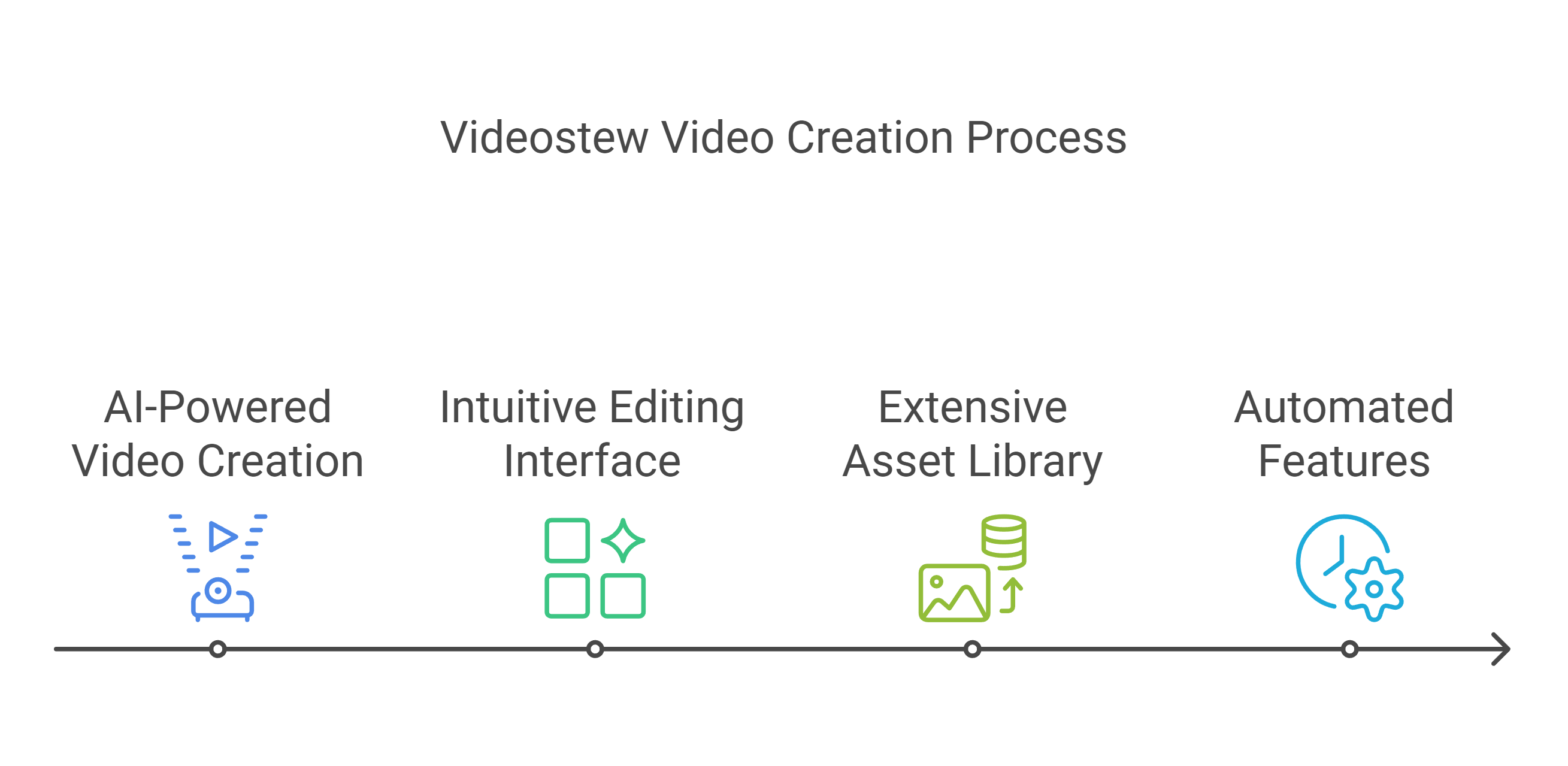
AI-Powered Video Creation
Videostew’s advanced AI algorithms analyze your input and automatically generate video drafts, significantly reducing initial production time. This feature proves invaluable for content creators working with tight deadlines or businesses needing to produce multiple videos quickly.
Intuitive Editing Interface
The platform offers a user-friendly interface that simplifies complex editing tasks. From basic trimming to advanced transitions, every tool is designed for maximum efficiency while maintaining professional quality standards.
Extensive Asset Library
Access a vast collection of royalty-free media, including videos, images, music, and fonts. This comprehensive library eliminates the need for external resource hunting, streamlining the creative process.
Automated Features
Videostew AI automates numerous time-consuming tasks, including caption generation, video resizing, and publishing scheduling. These features significantly reduce post-production time while maintaining consistent quality.
💡 What Does Videostew Do Well?
Videostew AI excels in democratizing video creation through its AI-powered approach. The platform particularly shines in:
- Automating repetitive tasks like caption generation and video resizing
- Providing an intuitive interface that reduces the learning curve
- Offering extensive customization options while maintaining simplicity
- Delivering professional-quality outputs with minimal technical expertise
🎬 Videostew Use Cases
Content Marketing
Marketing teams leverage Videostew AI to create engaging social media content, product demonstrations, and brand stories. The platform’s automated features enable consistent content delivery across multiple channels.
Educational Content
Educators and trainers utilize Videostew AI to develop compelling educational videos, online courses, and instructional materials. The AI-powered tools simplify complex concept explanations through visual storytelling.
Business Communications
Companies employ Videostew for internal communications, training videos, and corporate presentations. The platform’s collaborative features facilitate team involvement in video creation.
Social Media Management
Social media managers rely on Videostew AI to produce platform-specific content, taking advantage of the automated resizing and optimization features for different social networks.
🚀 How to Get Started with Videostew
Account Creation
- Visit the Videostew website
- Choose your preferred subscription plan
- Complete the registration process
Platform Familiarization
- Explore the intuitive dashboard
- Review available templates
- Access the media library
First Project Creation
- Select a template or start from scratch
- Import your content
- Utilize AI-powered editing tools
Customization and Enhancement
- Add transitions and effects
- Insert captions and music
- Apply brand elements
Export and Share
- Choose your preferred format
- Select platform-specific optimization
- Share directly to social media
👥 Who Is Videostew For?
Primary Users
- Digital Marketing Professionals
- Content Creators and Influencers
- Educational Institutions
- Small to Medium-sized Businesses
- Corporate Communication Teams
Skill Level Compatibility
- Beginners: Intuitive interface and AI assistance
- Intermediate: Advanced customization options
- Professional: Workflow optimization tools
🎯 Who is Using Videostew?
Success Stories
Marketing Agencies
Leading agencies leverage Videostew review to streamline client video production, reporting significant time savings and increased client satisfaction.
Educational Institutions
Universities and online learning platforms utilize Videostew to create engaging course content, improving student engagement rates.
Content Creators
Professional YouTubers and social media influencers rely on Videostew AI for consistent content delivery across multiple platforms.
⚡ What Makes Videostew Unique?
AI-First Approach
Unlike traditional video editors, Videostew’s AI capabilities automate complex tasks, reducing production time by up to 70%.
Seamless Collaboration
Built-in collaboration tools enable team members to work simultaneously on projects, streamlining the review and approval process.
Platform Optimization
Automatic video optimization for different platforms ensures content performs optimally across all channels.
🔄 Compatibilities and Integrations
Platform Support
- Web-based interface accessible on all major browsers
- Mobile responsiveness for on-the-go editing
- Cloud storage integration
Third-Party Integrations
- Social media platforms
- Cloud storage services
- Content management systems
- Marketing automation tools
💰 Videostew Pricing
Personal Plans
| Feature | Light | Personal | Pro |
|---|---|---|---|
| Monthly Price | ₩ 8,250 | ₩ 24,750 | ₩ 41,250 |
| Annual Price (16% off) | ₩ 99,000 | ₩ 297,000 | ₩ 495,000 |
| Video Rendering | 30 mins/month | 100 mins/month | 200 mins/month |
| Max Video Length | 5 minutes | 10 minutes | 10 minutes |
| Storage | 3GB | 10GB | 20GB |
| Resolution | FHD | FHD | FHD |
| Workspaces | 1 | 1 | 1 |
Business Plans
| Feature | Creator | Brand | Agency |
|---|---|---|---|
| Monthly Price | ₩ 64,167 | ₩ 128,333 | ₩ 366,667 |
| Annual Price (16% off) | ₩ 770,000 | ₩ 1,540,000 | ₩ 4,400,000 |
| Video Rendering | 300 mins/month | Unlimited | Unlimited |
| Max Video Length | 15 minutes | 20 minutes | 20 minutes |
| Storage | 50GB | 100GB | 300GB |
| Resolution | FHD | FHD | FHD |
| Workspaces | 10 | 10 | 10 |
| Team Members | Up to 2 | Up to 10 | Up to 10 |
🆚 Videostew Alternatives
| Feature | Videostew | Adobe Premiere Pro | Final Cut Pro |
|---|---|---|---|
| Target User | Beginners to Mid-level | Professional | Professional |
| Pricing Model | Subscription-based | Subscription-based | One-time purchase |
| Learning Curve | Low | High | Medium |
| Platform | Cloud-based | Desktop | Mac only |
| AI Features | Extensive | Limited | Limited |
| Collaboration | Real-time | Limited | Limited |
| Asset Library | Built-in | Additional cost | Limited |
| Offline Access | No | Yes | Yes |
| Export Quality | Up to FHD | Up to 8K | Up to 8K |
| Mobile Support | Yes (web) | Limited | No |
| Real-time Preview | Yes | Hardware dependent | Hardware dependent |
| Template Library | Extensive | Limited | Moderate |
| Auto-Captioning | Yes | Limited | No |
| Multi-format Export | Yes | Yes | Yes |
| Performance | Internet dependent | Hardware dependent | Hardware optimized |
⚖️ Videostew Pros ✅ and Cons ❎
- Intuitive AI-powered interface
- Extensive media library
- Automatic optimization features
- Collaborative workflow support
- Affordable pricing options
- Responsive customer support
- Limited advanced editing features
- Internet dependency
- Storage limitations on basic plans
- Learning curve for AI features
⚠️ Why Videostew May Not Be The Best Choice
Complex Projects
Professional video editors requiring intricate effects and advanced color grading may find Videostew AI’s features limiting.
Offline Work Requirements
Projects requiring offline editing capabilities might be better served by traditional desktop software.
Large Scale Productions
Major production houses with complex workflows might need more specialized tools.
👨💼 Expert Opinion
Videostew AI stemmed from thorough research and customer reviews and is expected to set a milestone in the field of AI-assisted video editing technology. Many businesses and individual producers these days seek fast, easy to use and quality video production services, so its mix of automation and profesionalism makes it a good fit for them.
📝 Summary
Videostew is an AI-powered video editor that has managed to maintain its usability and powerful functionality at the same time. It is equipped with automatic features, has an enormous asset library, and has collaborative features, making it perfect for contemporary content creators and companies that need reliable video production tools.
Videostew FAQs❓
Is Videostew suitable for beginners?
Yes, the platform’s intuitive interface and AI assistance make it accessible for users of all skill levels.
Can I collaborate with team members?
Absolutely, Videostew offers robust collaboration features allowing multiple team members to work on projects simultaneously.
What video formats are supported?
Videostew supports major video formats including MP4, MOV, AVI, and WMV.
Is there a mobile app available?
Currently, Videostew is primarily web-based but offers mobile-responsive functionality.
How secure is my content?
Videostew employs industry-standard encryption and secure cloud storage for all user content.
Can I cancel my subscription anytime?
Yes, subscriptions can be canceled at any time, with access continuing until the end of the billing period.
🔗 External Resources
- Official Website: https://videostew.com/
- Knowledge Base: https://videostew.com/newsletter
- Community Forum: https://www.facebook.com/videostewapp
Discover more from AI Founder Kit
Subscribe to get the latest posts sent to your email.