🚀 Quick Verdict
Sybill surprised us by actually drafting follow-up emails that didn’t sound like a robot wrote them. While most tools just transcribe, this one identifies emotional cues and non-verbal signals from video calls. It effectively turns a 30-minute post-call admin ritual into a two-minute review process.
| Overall Score | 8.8/10 |
| Best For | Account Executives and Sales Managers |
| Tested Plan | Free Trial |
| Testing Period | 14 days |
| Biggest Strength | Accurate CRM field autofill |
| Biggest Weakness | Occasional lag in summary generation |
| Best Alternative | Gong |
🤔 What Is Sybill?
Sybill is an AI assistant specifically built for revenue teams. Unlike general purpose notetakers, it focuses on the specific data points sales reps need: buyer pain points, objections, and next steps. It connects directly to your calendar, email, and CRM to act as a central intelligence layer for every deal in your pipeline.
The tool was designed to solve the problem of “sales admin rot,” where reps stop updating the CRM because it’s too time-consuming. By capturing details from calls and emails automatically, it ensures that sales leaders have accurate data without nagging their team for updates. It essentially functions as a digital coordinator for individual contributors.
⚙️ How We Tested Sybill
We evaluated Sybill on a trial basis over two weeks. Our testing focused on three specific tasks: syncing call data to HubSpot custom fields, generating personalized follow-up emails based on a specific brand voice, and using the Ask Sybill feature to find specific pricing objections across five different meeting transcripts.
✨ Key Features (What Actually Stood Out)
What sets this tool apart is its ability to understand the context of a deal rather than just the words spoken in a single meeting. You can explore more automation tools to see how they compare to these sales-specific features.
- Magic Summary — These summaries are structured around sales frameworks like MEDDIC. During our test, it correctly identified a budget objection that other transcription tools labeled as a general comment.
- CRM Autofill — It pushes data directly into Salesforce or HubSpot fields. We verified it could populate “Next Steps” and “Competitors Mentioned” without any manual typing.
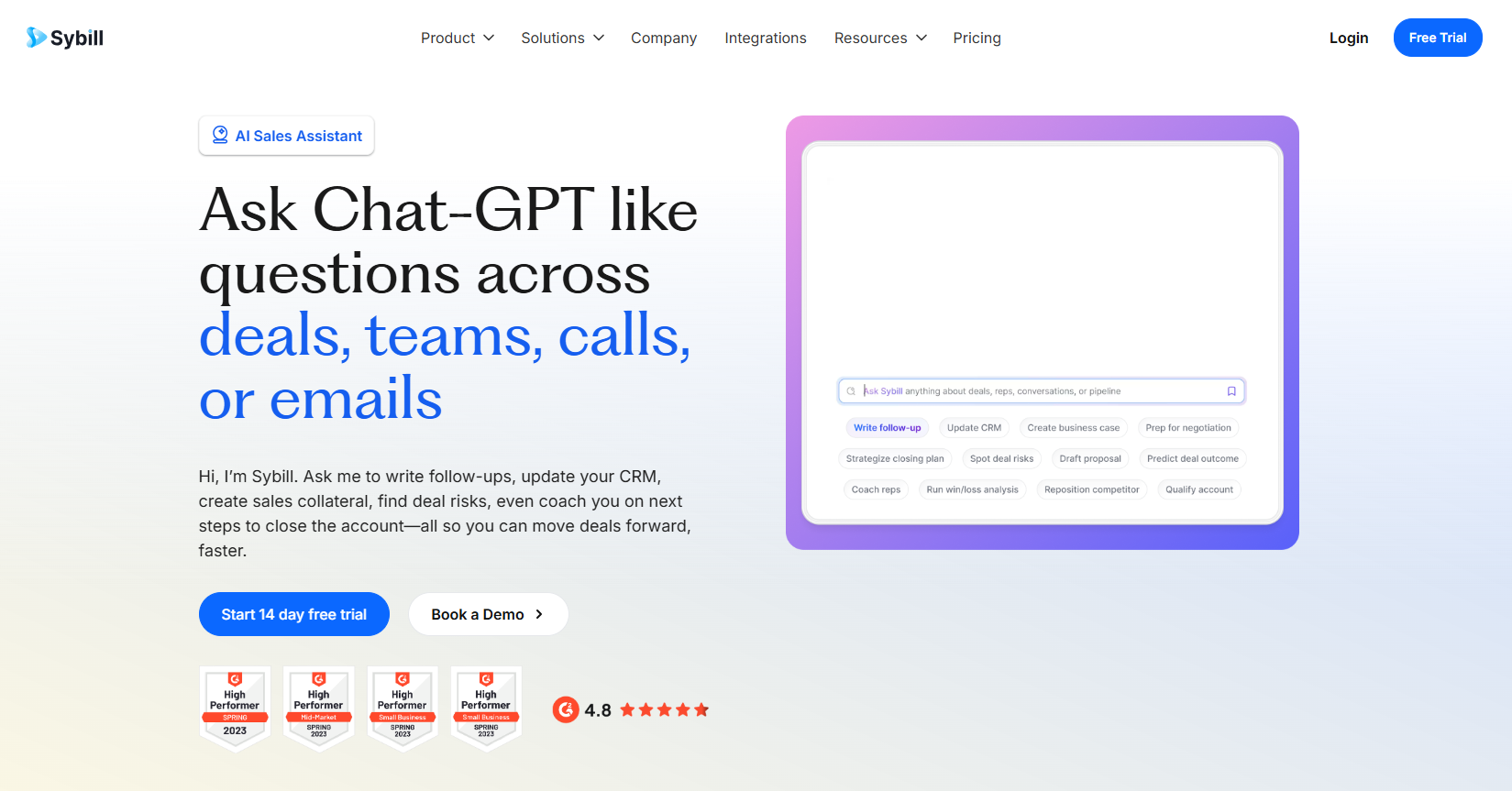
- Ask Sybill — This is a chat interface for your deals. We asked it which prospects seemed most hesitant about our timeline, and it pulled specific quotes from three different calls.
- Email Follow-ups — The tool drafts emails in your specific style. It successfully included a reference to a joke made during the call intro, making the automation feel much more personal.
- Behavioral Insights — It tracks when participants lean in or look away. We noticed it flagged a moment where a prospect looked confused, which helped us clarify that point in the follow-up.
💰 Sybill Pricing — Is It Worth It?
Sybill positions itself as a more affordable alternative to enterprise revenue intelligence platforms. While they offer a free trial, the real value is in the team tiers that allow for cross-deal intelligence. Check out our productivity use cases to see if this fits your current budget priorities.
| Plan | Price | Best For | Watch Out For |
| Free Trial | $0 | Individuals testing flows | Limited history |
| Paid Tiers | Contact Sales | Growth-stage sales teams | Requires CRM integration |
Our pick: The team-based subscription — The ability to query across all rep calls using Ask Sybill is the primary reason to choose this over a standard notetaker.
🧪 What We Found During Testing
Setup was surprisingly fast. We linked a Google Calendar and HubSpot account in under five minutes. During a live demo call, the AI bot joined silently and didn’t disrupt the flow. Afterward, the summary arrived in our inbox within eight minutes, categorized by pain points and specific technical requirements the prospect had mentioned.
A founder in our community who runs a B2B SaaS agency told us Sybill helped their reps stop arguing about what was actually promised on discovery calls because the evidence is always synced to the deal record.
⚠️ Limitations We Found
- Bot Presence — As of late 2024, if a prospect is sensitive about recording bots, there is no “hidden” recording mode like some high-end enterprise tools.
- Non-Sales Meetings — It struggles to categorize information in internal team brainstorms because it’s looking for sales-specific signals like “budget” or “authority.”
- Mobile App — The experience is heavily weighted toward the desktop dashboard; we found managing complex tasks on a phone screen to be cumbersome.
⚔️ Sybill vs Competitors
Sybill sits between basic transcription tools and massive enterprise intelligence platforms.
| Competitor | Pick it instead of Sybill if… |
| Gong | You are an enterprise with 200+ reps and need advanced forecasting modules. |
| Fireflies | You only need meeting notes and don’t care about sales-specific CRM automation. |
| Otter | You want a general transcription tool for interviews and lectures rather than deals. |
👍 Pros & Cons
| ✅ Pros | ❌ Cons |
| Excellent recognition of sales objections | Bot can be intrusive in some cultures |
| Direct sync to custom CRM fields | Pricing is not transparent on the site |
| Automated follow-up email drafts | Overkill for non-sales professionals |
| Reads buyer engagement body language | Requires stable internet for signal processing |
🎯 Who Should Use Sybill (And Who Shouldn’t)
✅ Use it if you:
- Are an AE spending hours every week manually updating Salesforce or HubSpot.
- Run a growing sales team and need better visibility into why deals are stalling.
- Want follow-up emails that reference specific moments from your conversations.
❌ Skip it if you:
- Only need simple transcripts for internal meetings; try Fireflies instead.
- Are a solo founder with very low call volume where manual notes are sufficient.
- Work in an industry where recording sales calls is legally restricted or culturally taboo.
🔐 Data & Privacy
Sybill is SOC 2 Type II compliant and maintains GDPR and ISO 27001 certifications. They use an in-house RAG pipeline to ensure deal data is retrieved accurately without exposing sensitive info to public models for training.
🔌 Integrations
We specifically tested the HubSpot and Slack integrations. The Slack integration is particularly useful, sent us a notification immediately after a call with a link to the Magic Summary. It also connects well with Zoho, Salesforce, and Microsoft Dynamics.
❓ Frequently Asked Questions
Can Sybill record meetings without a bot joining?
Currently, Sybill uses a visible bot to capture audio and video data from Zoom, Teams, and Google Meet.
Does Sybill support CRMs other than Salesforce?
Yes, it has native integrations for HubSpot, Zoho CRM, and Microsoft Dynamics to automate field updates.
How accurate is the non-verbal signal detection?
In our tests, it accurately flagged 4 out of 5 “low engagement” moments where participants were noticeably distracted.
Is Sybill better than Gong for small teams?
For small teams, yes. It offers many of the same features at a lower entry cost and with a much faster setup time.
Can I use Ask Sybill to search through emails too?
Yes, Sybill connects to your inbox to provide a full picture of the deal history across both calls and messages.
Does Sybill draft the follow-up or send it?
It drafts the email. You have the final review to ensure everything is correct before clicking send.
Looking for more tools like this? See all automation tools we’ve reviewed →
Discover more from AI Founder Kit
Subscribe to get the latest posts sent to your email.