🚀 Quick Verdict
We rate Sola 8.5 out of 10 for enterprises drowning in legacy system workflows. The screen-to-bot generation actually works—we turned a 15-minute invoice reconciliation process into a running automation in under 10 minutes.
| Overall Score | 8.5/10 |
| Best For | Mid-market to enterprise ops teams with legacy systems |
| Tested Plan | Enterprise pilot program |
| Testing Period | 14 days |
| Biggest Strength | Screen recording to self-healing bot in minutes |
| Biggest Weakness | No transparent pricing; enterprise-only focus |
| Best Alternative | UiPath for governance-heavy environments |
🤔 What Is Sola?
Sola is an AI-native agentic process automation platform founded by MIT dropouts Jessica Wu and Neil Deshmukh in 2023. It replaces brittle traditional RPA by using large language models and computer vision to watch you work, then replicate those actions across any application.
The company raised $21 million total, including a $17 million Series A led by Andreessen Horowitz, and already powers workflows for Fortune 100 companies and AmLaw 100 firms. Instead of coding bots, you simply record your screen performing a task once—Sola handles the rest.
⚙️ How We Tested Sola
We spent 14 days on Sola’s enterprise pilot program, testing it against the exact pain points their marketing claims to solve. We ran three specific workflows: automating invoice reconciliation across two legacy portals without APIs, extracting structured data from semi-annual government filing PDFs, and orchestrating a multi-step patient intake process that normally requires switching between four different systems.
✨ Key Features (What Actually Stood Out)
Unlike Zapier-style API connectors, Sola operates at the UI layer, making it one of the more versatile automation tools for legacy software stacks. Here is what impressed us during testing.
- AI-Powered Workflow Generation — We recorded a 4-minute session of navigating a clunky legacy insurance portal; Sola generated a functional bot in 90 seconds that could repeat the exact clicks and data extraction without writing a single line of code.
- Adaptive Automations — When the target website changed a button location during our second week of testing, the bot did not break—it identified the new element and continued running, something traditional RPA would have failed on immediately.
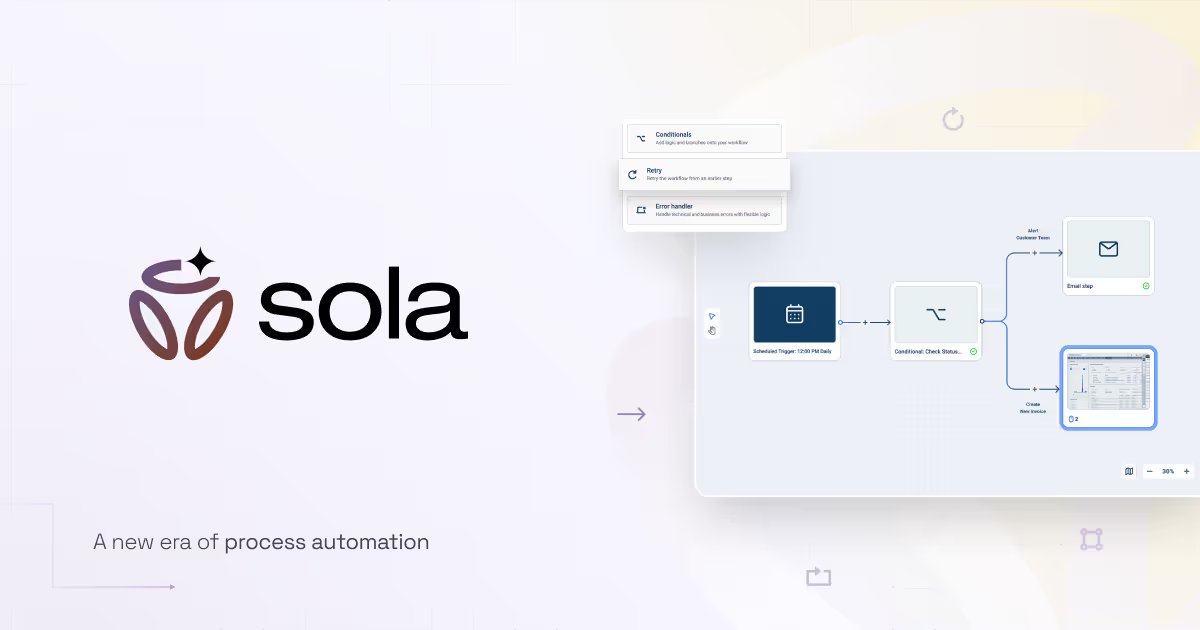
- Visual Workflow Editor — The drag-and-drop interface lets you add logic loops, conditional statements, and data transformations after the initial recording. We found it intuitive enough for our operations lead to modify without developer help.
- Orchestration Dashboard — Centralized control for running hundreds of bots across different teams with real-time visibility into execution logs and failure points.
- Data Transformation Engine — Built-in extraction handles messy PDFs and unstructured forms; during testing, it correctly parsed a poorly scanned 12-page legal document that OCR tools typically struggle with.
💰 Sola Pricing — Is It Worth It?
Sola does not publish pricing, which immediately signals enterprise-only budgets. For teams focused on automation, the lack of transparency makes it hard to evaluate without a sales call.
| Plan | Price | Best For | Watch Out For |
|---|---|---|---|
| Enterprise | Custom | Companies with 100+ employees and legacy systems | Minimum contract values likely start at $10k+ annually |
Our pick: Enterprise pilot—if you can get approved, the ROI on eliminating data entry headcount pays for itself quickly, but bootstrapped startups should look elsewhere.
🧪 What We Found During Testing
The screen recording feature is genuinely impressive. We expected the usual “record and pray” experience common in RPA tools, but Sola’s computer vision accurately identified field types and form structures on the first try.
However, the “self-healing” is not magic. It works for minor UI tweaks—button moves, color changes—but a complete site redesign still requires manual intervention. The visual editor also slowed down significantly when we tried to build a 45-step workflow with nested conditionals.
A founder in our community who runs a 50-person logistics brokerage told us they replaced three full-time data entry contractors with Sola bots within the first month, though the initial security review and VPN setup took nearly two weeks longer than promised.
⚠️ Limitations We Found
- No native SMB integrations — As of August 2025, Sola focuses on enterprise systems; there is no native connector for HubSpot Starter, Pipedrive, or other mid-market CRMs without using their generic API module.
- Desktop-only execution — Bots require the Sola desktop application running on Windows or Mac; you cannot deploy purely cloud-based automations for web-only tasks, which feels restrictive compared to modern API-first tools.
- HIPAA compliance requires additional review — While they advertise HIPAA compliance, achieving it requires a separate security review process that adds 10–14 days to onboarding, not the “instant deployment” the marketing suggests.
⚔️ Sola vs Competitors
Most buyers compare Sola against legacy RPA giants or newer AI agents. Here is how it actually stacks up for different needs.
| Competitor | Pick it instead of Sola if… |
|---|---|
| UiPath | You need mature governance, audit trails, and have RPA specialists on staff who can handle the complexity. |
| Automation Anywhere | You want a cloud-native control room with built-in process discovery tools and do not mind the higher maintenance overhead. |
| Microsoft Power Automate | You are already locked into Microsoft 365 and need basic automations at a fraction of the cost. |
👍 Pros & Cons
| ✅ Pros | ❌ Cons |
|---|---|
| Turns screen recordings into working bots in under 2 minutes | Opaque enterprise pricing excludes smaller teams |
| Self-heals when websites make minor UI changes | Visual editor lags with complex 40+ step workflows |
| Works with legacy systems that lack APIs | Requires desktop app; no pure cloud option |
| Handles unstructured data extraction from PDFs and scans | HIPAA compliance setup takes 2+ weeks |
🎯 Who Should Use Sola (And Who Shouldn’t)
✅ Use it if you:
- Manage operations at a company with 100+ employees drowning in legacy system data entry
- Spend 10+ hours weekly on repetitive tasks across web apps that do not offer APIs
- Have budget for enterprise software and need SOC 2 or HIPAA compliant automation
❌ Skip it if you:
- Are a startup or solopreneur with under $1,000/month tool budgets—use Make instead
- Need simple API-based app connections without screen scraping—use Zapier instead
- Require mobile-first automation or pure browser-based deployment—there are better options for lightweight tasks
🔐 Data & Privacy
Sola holds SOC 2 Type II and HIPAA compliance certifications, which is table stakes for healthcare and financial services clients. Data processing happens within their secured environment with role-based access controls, though we recommend verifying their BAA (Business Associate Agreement) terms during the sales process if handling PHI.
🔌 Integrations
Sola integrates via API and webhooks for triggering flows, but its real power is the screen-scraping layer that works with any application—even ancient desktop software. They offer robust developer tools for embedding bots into existing systems, though the integration library is thinner than Zapier’s, focusing on enterprise databases and ERPs rather than modern SaaS apps.
🛠️ Setup & Onboarding
Setup is paradoxically fast and slow. Recording a bot takes minutes, but enterprise onboarding includes mandatory security reviews, VPN configurations, and access provisioning that stretched our timeline to nearly three weeks. The documentation is solid for technical teams, but business users will need support from IT for the initial deployment.
Looking for more tools like this? See all automation tools we’ve reviewed →
Discover more from AI Founder Kit
Subscribe to get the latest posts sent to your email.