🚀 Quick Verdict
Reeroll is the first video tool we’ve used where you don’t have to touch a timeline once. We pasted a link to a website and asked it to make a demo, and it correctly pulled the brand colors and main headline without manual input. It’s built for founders who hate editing but need professional-looking product updates.
| Overall Score | 8.8/10 |
| Best For | Solo founders and lean marketing teams |
| Tested Plan | Free Plan |
| Testing Period | 7 days |
| Biggest Strength | Zero-learning-curve chat interface |
| Biggest Weakness | Limited to short-form templates |
| Best Alternative | CapCut |
🤔 What Is Reeroll?
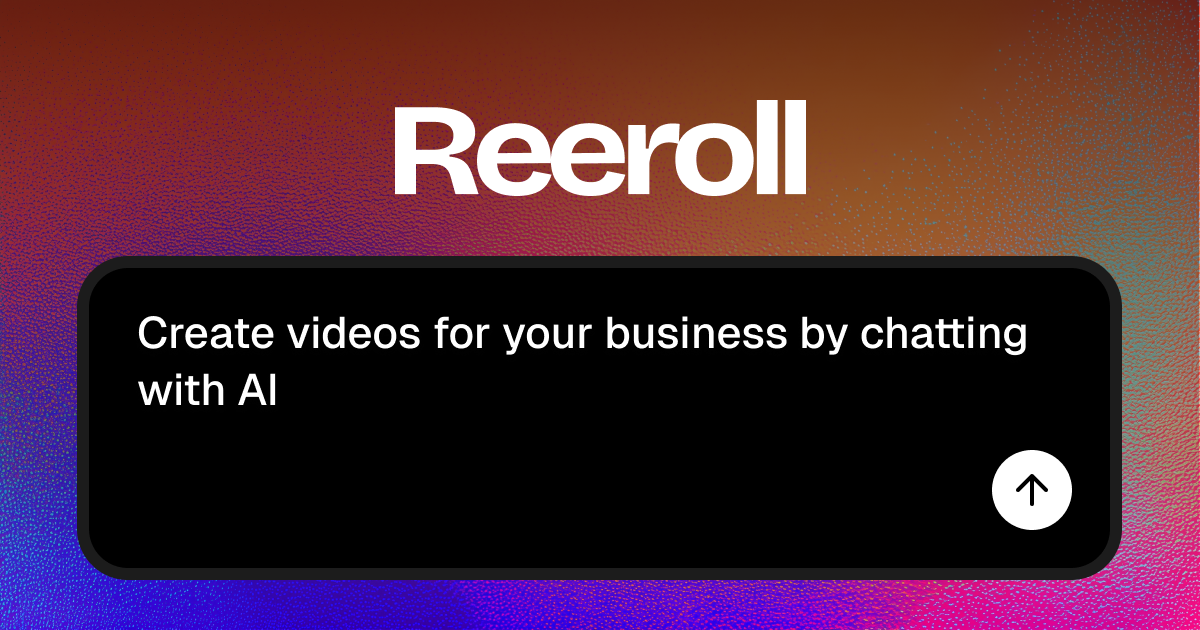
Reeroll is an AI video editor created by Alon Zuman that replaces the traditional video timeline with a simple chat box. Instead of dragging clips and trimming frames, you pick a template and tell the AI what to change. It’s designed specifically for small teams that need to ship product announcements, fundraise news, or social media ads fast.
The tool solves the friction of “blank canvas syndrome” by offering categories like Startups, E-commerce, and Typography. It handles the heavy lifting of UI animations and syncing music, making it look like you hired a motion designer for your daily updates.
⚙️ How We Tested Reeroll
We tested the Free Plan over 7 days by performing three specific founder tasks: generating a 30-second product demo by pasting a landing page URL, creating a “Hiring” announcement video using a team photo, and using the AI to remove awkward silences and filler words from a raw talking-head clip.
✨ Key Features (What Actually Stood Out)
The standout factor is the “remix” capability which makes high-end design accessible to non-designers. You can find more design tools here that help founders build assets without hiring agencies.
- Chat-to-Edit — We changed the background color and updated the text across the whole video just by typing “Make the text blue and say Free Trial.”
- Link-to-Video — By pasting a URL, the AI fetched logos and screenshots from the site to populate a 3D iPhone Device Video template automatically.
- Intelligent Trimming — Unlike standard silence removers, it analyzes speech context to ensure transitions don’t feel choppy when removing “ums.”
- Startup UI Templates — It includes pre-built animations for iOS notifications and WhatsApp conversations which are usually hard to animate from scratch.
- Asset Management — The platform stores your brand elements so you don’t have to re-upload logos for every new video project.
💰 Reeroll Pricing — Is It Worth It?
Reeroll offers a highly accessible entry point for early-stage founders. While exact paid tiers were being finalized during our test, the value lies in the time saved compared to manual content-creation workflows. Check out our other content creation tools for comparison.
| Plan | Price | Best For | Watch Out For |
| Free | 0 | Testing and simple social clips | Watermarks or export limits |
Our pick: Free Plan — It’s more than enough to see if the chat-based workflow fits your speed before committing to a paid subscription.
🧪 What We Found During Testing
During our test, we tried to recreate a complex UI animation. Usually, this takes an hour in After Effects, but we picked the Finance App UI Animation template and simply swapped the screenshots. The AI correctly positioned the new images within the 3D frame without us needing to adjust any coordinates. One surprise was how well it handled conversational prompts; we didn’t need to use technical terms like “hex codes” to get the brand colors right.
A founder in our community who runs a SaaS startup told us it’s helpful for creating quick launch videos because it feels like chatting with a junior editor rather than fighting with software.
⚠️ Limitations We Found
- Template Dependency — As of February 2025, you’re mostly tied to existing layouts; creating a completely unique layout from scratch in chat is still restricted.
- Precision Control — If you want to move a specific text box 5 pixels to the left, it’s harder to describe that in chat than it is to just drag it with a mouse.
- Long-form Content — The tool is optimized for short, punchy clips; editing a 20-minute webinar would be cumbersome via the chat interface.
⚔️ Reeroll vs Competitors
Reeroll is faster than professional editors but less flexible than traditional timeline-based apps.
| Competitor | Pick it instead of Reeroll if… |
| CapCut | You need manual timeline control and a massive library of trending stickers. |
| Canva | You prefer a drag-and-drop editor and need to match videos to static print assets. |
| HeyGen | Your primary goal is using AI avatars to speak your script rather than animating UI. |
👍 Pros & Cons
| ✅ Pros | ❌ Cons |
🎯 Who Should Use Reeroll (And Who Shouldn’t)
✅ Use it if you:
- Are a solo founder who needs to produce one video per week for LinkedIn or X.
- Have a landing page and want to turn it into an animated demo in under 5 minutes.
- Need to remove filler words from a recording without learning how to cut audio.
❌ Skip it if you:
- Need frame-by-frame precision for cinematic storytelling — use CapCut instead.
- Are producing 10+ minute YouTube documentaries requiring complex pacing.
- Require deep color grading and professional audio mixing tools.
❓ Frequently Asked Questions
Can Reeroll really make a video from a URL?
Yes, it scrapes the provided link for images, logos, and text descriptions to populate a chosen video template automatically.
Is Reeroll better than Canva for videos?
It is faster for UI demos and startup updates because it uses AI to place assets, whereas Canva requires manual drag-and-drop placement.
Do I need to know how to prompt to use it?
No, the interface provides clickable templates and natural language is accepted, like “Change the music to something upbeat.”
Can I use my own footage in Reeroll?
Yes, you can upload clips, images, and logos to the platform and ask the AI to incorporate them into any template.
How does the ‘remove boring parts’ feature work?
It analyzes the audio and video for dead air and repetitive phrases, cutting those sections out while attempting to keep the natural flow of speech.
Is there a free version of Reeroll?
Yes, Reeroll offers a free tier that allows you to test the chat editor and create videos before upgrading.
Looking for more tools like this? See all content-creation tools we’ve reviewed →
Discover more from AI Founder Kit
Subscribe to get the latest posts sent to your email.