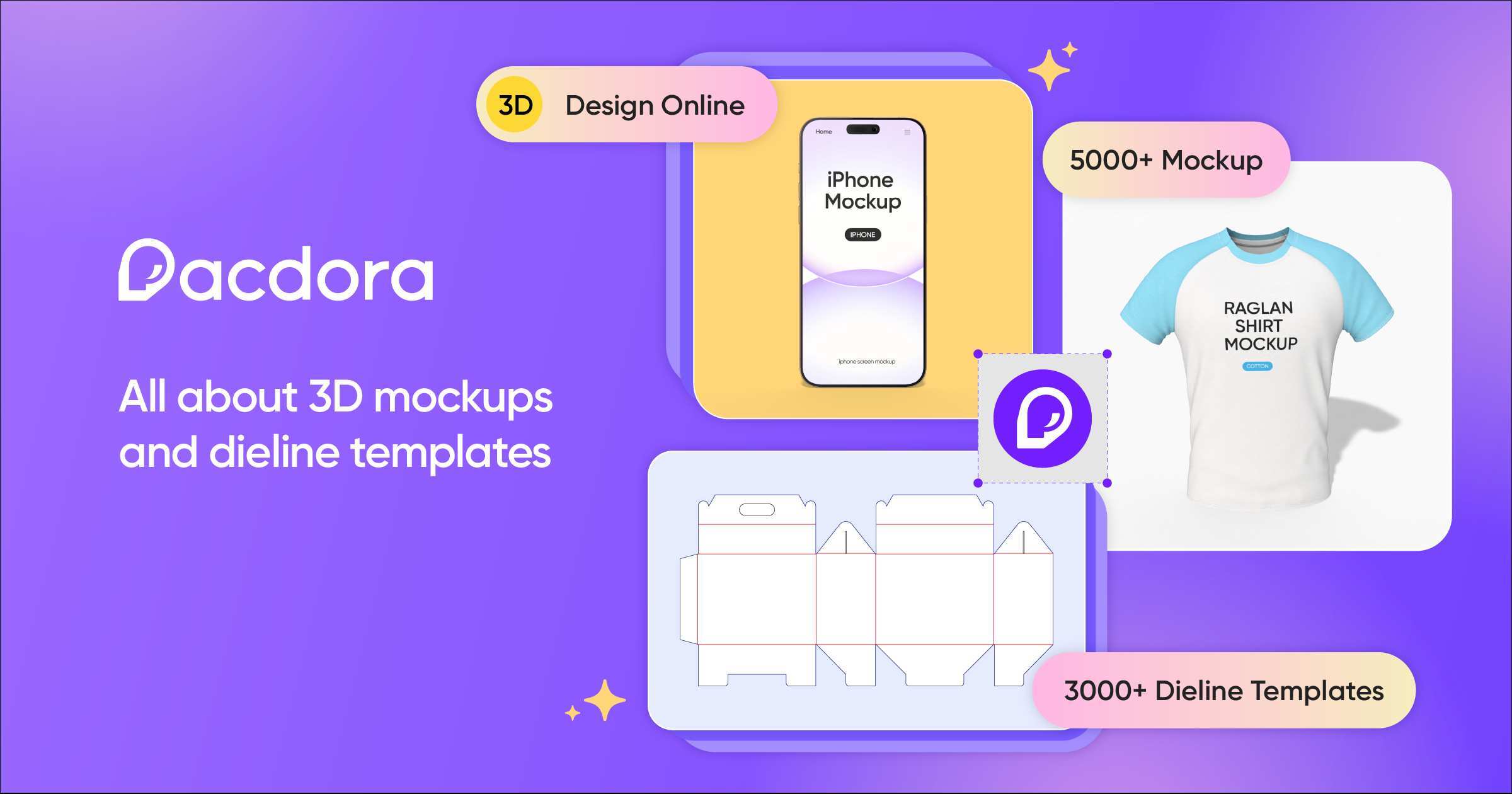
🚀 Quick Verdict
Pacdora completely removes the need for complex CAD software when building physical box templates. We were surprised by how the 3D preview updates instantly as you tweak 2D dieline dimensions. It’s the fastest way to get a print-ready file without being a structural engineer.
| Overall Score | 8.8/10 |
| Best For | E-commerce founders and graphic designers |
| Tested Plan | Pro Plan ($29/mo) |
| Testing Period | 14 days |
| Biggest Strength | Seamless 2D to 3D synchronization |
| Biggest Weakness | Occasional dieline generation errors |
| Best Alternative | Packify.ai |
🤔 What Is Pacdora?
Pacdora is a browser-based packaging design platform that combines structural engineering with 3D visualization. Founded in 2021, it aims to be the Canva of the packaging industry by providing thousands of adjustable templates for boxes, bottles, and bags.
It solves the friction between creative design and manufacturing. Instead of guessing if a 2D layout fits a 3D box, Pacdora lets you wrap your artwork around a model and export the exact technical files a factory needs for printing and cutting.
⚙️ How We Tested Pacdora
We used the Pro plan for $29 over two weeks to perform three founder-specific tasks. First, we generated a custom-sized mailer box dieline for a fictional subscription brand. Second, we uploaded brand assets to create a 3D glass bottle mockup. Finally, we exported high-resolution MP4 video renders to used in /usecase/marketing/ materials.
✨ Key Features (What Actually Stood Out)
The platform stands out by making technical packaging specs accessible to non-technical users. You can explore more /category/design/ tools, but few handle the structural physics of folding boxes this well.
- Dieline Generator — You input exact length, width, and depth, and the tool creates a flat vector file with fold lines and cut lines automatically.
- 3D Mockup Editor — We dragged artworks onto the model and saw the lighting and textures apply in real-time without needing Photoshop.
- AI Backgrounds — This feature generated realistic lifestyle scenes for our products, which looked much better than a flat white background.
- Interactive Sharing — We sent a 3D preview link to a “client” who could rotate the box in their own browser without downloading anything.
- Multi-Format Export — Supporting AI, PDF, and DXF meant we could move straight from design to the printing shop’s software.
💰 Pacdora Pricing — Is It Worth It?
Pacdora uses a freemium model where you can browse and design for free, but downloading dielines or high-res renders requires a subscription. This is a smart setup for /solution/productivity/ because you only pay when you’re ready to produce. Education discounts are available for students and teachers.
| Plan | Price | Best For | Watch Out For |
| Free | $0 | Browsing templates | No dieline downloads |
| Pro | $29/mo | Active founders | Single user access |
| Business | Contact sales | Agencies | Higher cost for teams |
Our pick: Pro Plan — It’s the only way to get the technical files needed to actually print your designs.
🧪 What We Found During Testing
The transition from a 2D flat view to a 3D folded box is impressive. We tried changing the thickness of the cardboard in the settings, and the 3D model adjusted its hinges and fold points immediately. This prevents the common mistake of designing artwork that gets cut off by a flap.
A founder in our community who runs a cosmetics brand told us that using the 3D preview helped them catch a logo placement error on the bottom flap that they missed in 2D.
⚠️ Limitations We Found
- Dieline Errors — As of late 2024, some users report “Failed” errors when entering very specific custom dimensions for certain box types.
- Web Performance — Heavy 3D rendering tasks can lag on older laptops since everything happens in the browser.
- Texture Variety — While there are many materials, getting a specific “metallic foil” look requires some manual tweaking of the reflection settings.
⚔️ Pacdora vs Competitors
Most designers look for tools that bridge the gap between flat art and physical production.
| Competitor | Pick it instead of Pacdora if… |
| Packify.ai | You want more AI-driven generation from simple text prompts. |
| Glorify | You need social media assets more than technical print dielines. |
👍 Pros & Cons
| ✅ Pros | ❌ Cons |
| Massive library of 3,000+ templates | Subscription is required for all exports |
| No software installation needed | Can be slow on low-end hardware | Steep learning curve for custom materials |
| Direct export of print-ready files | Occasional server-side generation bugs |
🎯 Who Should Use Pacdora (And Who Shouldn’t)
✅ Use it if you:
- Are an e-commerce brand owner needing to visualize custom packaging.
- Are a freelancer who does not want to manually draw dielines in Illustrator.
- Need to show clients a realistic 3D model before ordering physical samples.
❌ Skip it if you:
- Only need basic social media mockups; use Canva instead.
- Work in high-end industrial design requiring complex mechanical CAD software.
- Do not have a stable internet connection for the cloud-based editor.
❓ Frequently Asked Questions
Can I use Pacdora for free?
You can use the editor and browse the library for free, but you cannot download dielines or high-resolution images without a paid plan.
What file formats does Pacdora export?
It supports AI, PDF, and DXF for dielines, and JPG, PNG, or MP4 for 3D renderings.
Do I need Adobe Illustrator to use it?
No, the entire design process can happen inside Pacdora, though many designers export the dieline to Illustrator for final artwork touches.
Is there a student discount?
Yes, Pacdora offers special pricing for users in the education system or students who contact their support team.
Can I customize the box dimensions?
Yes, you can input custom length, width, and depth, and the template will resize automatically to fit.
Is Pacdora better than Packify.ai?
Pacdora has a larger library of dielines, while Packify focuses more on the AI generation of the artwork itself.
Looking for more tools like this? See all design tools we’ve reviewed →
Discover more from AI Founder Kit
Subscribe to get the latest posts sent to your email.