🚀 Quick Verdict
The AUTOMATE tab is the standout feature because it runs in the background while you work. We found it more reliable for price tracking than standalone extensions since it handles JavaScript-heavy pages better. It effectively turns your browser into a programmable assistant without requiring a separate server.
| Overall Score | 8.8/10 |
| Best For | Founders tracking competitors |
| Tested Plan | Free Demo |
| Testing Period | 7 days |
| Biggest Strength | Background web monitoring |
| Biggest Weakness | Strict daily message limits |
| Best Alternative | Visualping |
🤔 What Is Harpa AI?
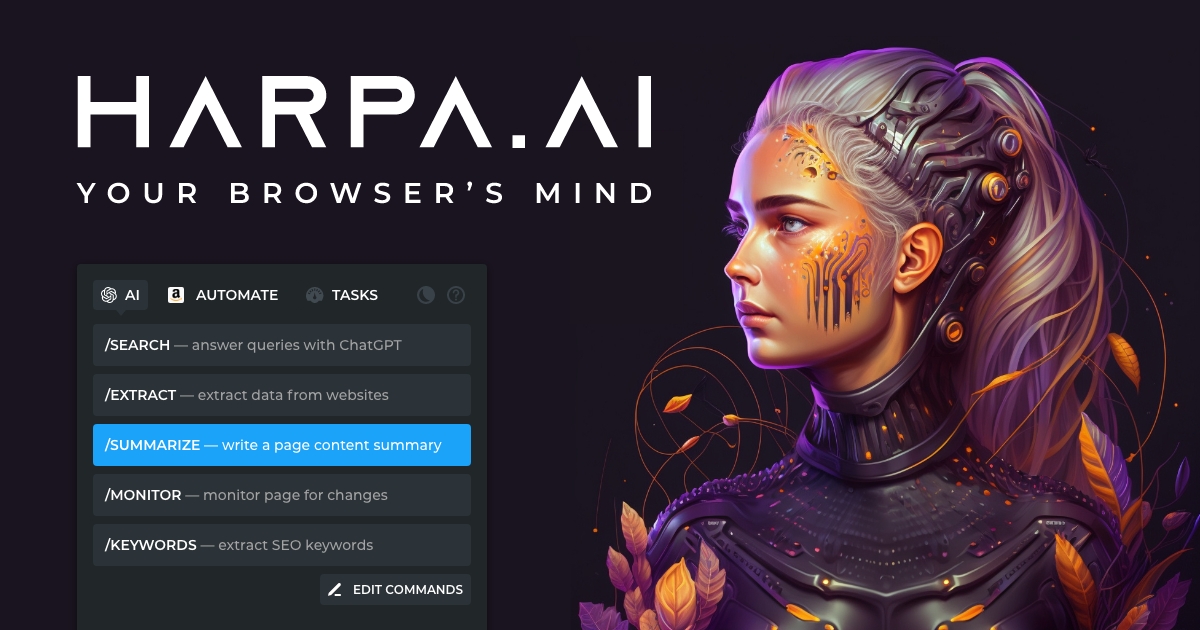
Harpa AI is a browser extension that merges artificial intelligence with robotic process automation. It allows you to use models like ChatGPT, Claude, and Gemini directly on any webpage to extract data or automate repetitive clicks. It lives in your sidebar, meaning you can process information without constantly switching between tabs.
The tool was built to solve the friction of manual web research and monitoring. Instead of manually checking a site for updates, you can program the extension to watch specific elements and notify you of changes. It targets users who need to scrape directories, monitor price drops, or summarize long-form content like YouTube videos.
⚙️ How We Tested Harpa AI
We tested the Free Demo plan for 7 days by performing 3 common founder tasks. First, we set up a monitor to track price changes on a competitor’s product page. Second, we used the {{grab}} command to scrape a list of 50 business names and emails from a directory into a CSV. Third, we used the /summary command to extract key takeaways from a 20-minute industry webinar on YouTube.
✨ Key Features (What Actually Stood Out)
If you are looking to scale your /category/automation/, this extension provides a unique hybrid of chat and logic. It doesn’t just talk about the web; it interacts with it.
- AUTOMATE tab — This allows you to set up monitors that refresh in the background. We successfully tracked a competitor’s blog and received a browser alert within minutes of a new post going live.
- CloudGPT — This connection provides access to the latest models without needing your own API keys. It was noticeably faster than the standard web session connections during our testing.
- ChatML — This is a custom language for building multi-step automations. While it has a learning curve, we used it to create a command that navigates to a URL, clicks a button, and extracts the resulting text.
- Page-Aware Mode — The AI can read the entire content of your active tab. We used this to ask specific questions about a complex terms-of-service page without copying and pasting text.
- {{grab}} Parameter — This feature pulls specific data points using CSS selectors. It worked well for extracting tabular data that usually requires a dedicated scraping tool.
💰 Harpa AI Pricing — Is It Worth It?
The pricing structure is based on usage tokens and feature access. It fits well into a /solution/productivity/ stack for founders who spend all day in a browser. The lifetime deal is particularly attractive for those who want to avoid another monthly subscription and use their own API keys.
| Plan | Price | Best For | Watch Out For |
| Demo | Free | Light testing | 10 message daily limit |
| S1 Plan | See Website | Power users | Token caps apply |
| X Plan | Lifetime | BYOK users | Requires own API keys |
Our pick: X Plan — The lifetime deal is the best value for founders who already have their own OpenAI or Claude API keys and want the automation features permanently.
🧪 What We Found During Testing
During our test, we set up a monitor for a competitor’s pricing page. The AUTOMATE tab refreshed the page every 15 minutes and sent a browser notification the moment the price dropped. We also tried to scrape a list of 500 business names from a directory, which worked well until we hit a pagination wall that required a custom ChatML command to solve. The sidebar interface is helpful, but it can feel cramped when you are trying to view a full data extraction result.
A founder in our community who runs a small agency told us they set up a monitor for a specific government grant page to get an alert the second the application PDF appeared.
⚠️ Limitations We Found
- Token limits — The free version only allows 10 messages a day, which runs out quickly if you are doing deep research. As of early 2026, this limit makes the demo plan strictly for light testing.
- Learning curve — Creating complex multi-step automations requires understanding their ChatML syntax, which isn’t as simple as a drag-and-drop builder.
- Browser dependency — Since it is an extension, the browser must remain open for the background monitors to function correctly.
⚔️ Harpa AI vs Competitors
Harpa AI competes with other AI sidebars and dedicated web monitoring tools.
| Competitor | Pick it instead of Harpa AI if… |
| Visualping | You only need simple visual change alerts without AI processing. |
| Merlin | You want a more social-media focused assistant for LinkedIn and Twitter. |
| Monica | You prefer a simpler interface focused on chat rather than web automation. |
👍 Pros & Cons
| ✅ Pros | ❌ Cons |
| Background web monitoring | Strict free limits |
| Local data privacy | Complex command syntax |
| Multi-model support | Browser must stay open |
| Webhook integration | No mobile support |
🎯 Who Should Use Harpa AI (And Who Shouldn’t)
✅ Use it if you:
- Need to monitor price changes or stock levels on e-commerce sites.
- Want to scrape data from websites that don’t have an official API.
- Spend significant time summarizing YouTube videos for research.
❌ Skip it if you:
- Need a mobile-first AI assistant; consider Perplexity instead.
- Only want a basic chat interface without automation features.
- Require a tool that runs 24/7 on a server without your computer being on.
🔐 Data & Privacy
Harpa AI is privacy-centric. It stores your chat history and automation data locally on your machine rather than on their servers. They also state that they do not use your data or prompts to train AI models, and you can find their full policy on their website.
🔌 Integrations
The extension integrates with Make.com and Zapier via webhooks. We tested this by sending a price alert from the browser monitor directly to a Slack channel, which worked without any delay.
🛠️ Setup & Onboarding
Installing the extension from the Chrome Web Store takes seconds. However, the onboarding for custom commands is steep; you will likely need to read their documentation or watch a tutorial to use the ChatML features effectively.
❓ Frequently Asked Questions
Is Harpa AI free to use?
Yes, there is a free Demo plan with a 10-message daily limit and basic automation features.
How do Megatokens work?
Megatokens are the internal currency used to pay for AI requests when using Harpa’s cloud models instead of your own API keys.
Can Harpa AI scrape Amazon?
Yes, it can monitor Amazon prices and extract product details using the AUTOMATE tab and CSS selectors.
Does Harpa AI work with Claude?
Yes, you can connect it to Claude via web sessions or your own API keys for more reliable access.
Is Harpa AI safe for data?
It is privacy-centric and stores your chat history locally or in your own cloud storage rather than on company servers.
Can I use my own API keys?
Yes, the X Plan specifically allows you to Bring Your Own Key (BYOK) for OpenAI, OpenRouter, and other providers.
Looking for more tools like this? See all automation tools we’ve reviewed →