🚀 Quick Verdict
The LinkedIn extension is the standout feature because it gives you a checklist directly on your profile page. It stopped us from guessing which keywords were missing for specific roles. The autofill tool is a massive time saver for those repetitive Workday forms.
| Overall Score | 8.2/10 |
| Best For | Active job seekers |
| Tested Plan | Premium Plan at $8.99/week |
| Testing Period | 7 days |
| Biggest Strength | LinkedIn optimization checklist |
| Biggest Weakness | Weekly billing adds up fast |
| Best Alternative | Teal |
🤔 What Is Careerflow?
Careerflow is a suite of tools designed to manage the entire job hunting process from one dashboard. It was built to help people move away from messy spreadsheets and manual resume tailoring for every single application.
The platform combines a resume builder, a cover letter generator, and a job tracker. It focuses heavily on beating applicant tracking systems by matching your profile data against specific job descriptions.
⚙️ How We Tested Careerflow
We signed up for the Premium plan at $8.99 per week and spent 7 days testing it. We used the tool to optimize a LinkedIn profile for a Product Lead role, auto-filled 5 applications on Workday career sites, and generated a tailored resume from a raw text file.
✨ Key Features (What Actually Stood Out)
The tool excels at removing the friction of manual data entry during the search phase. You can find more productivity tools that handle task management in our full database.
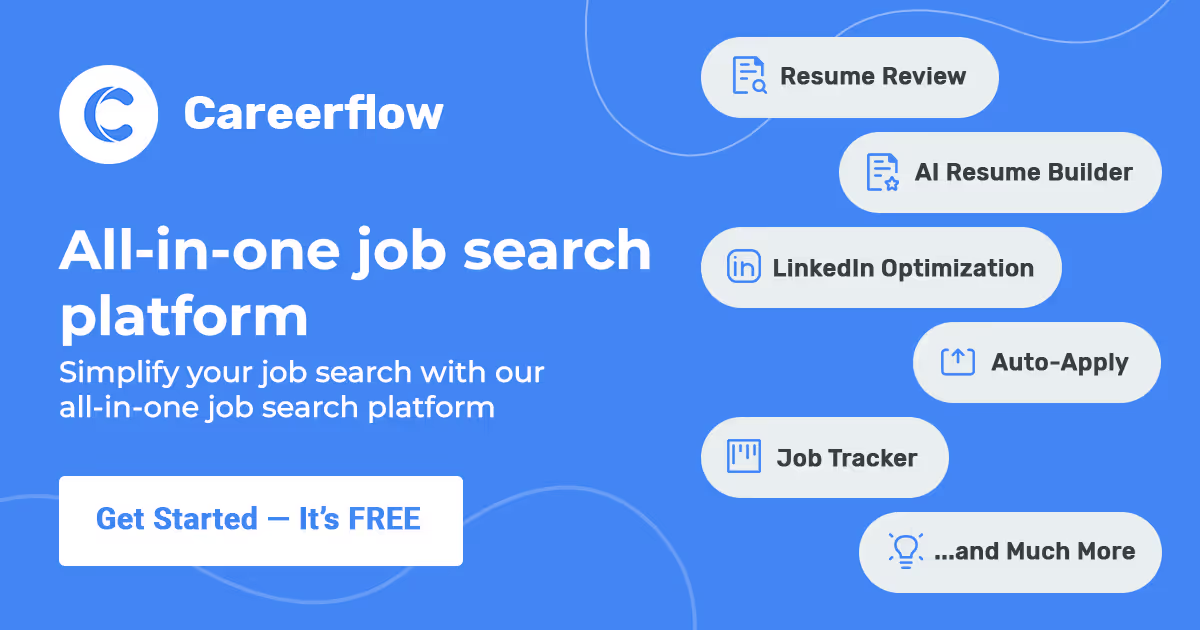
- LinkedIn Profile Optimizer — This extension provides a sidebar on LinkedIn that scores your profile and suggests specific text changes for your headline and about section.
- AI Application Autofill — It successfully mapped our saved work history into complex job forms on Greenhouse and Lever with one click.
- Job Tracker Board — This is a visual Kanban board that automatically saves job postings from LinkedIn or Indeed so you don’t need a spreadsheet.
- X-ray Recruiter Search — A specific search tool that helps you find hiring managers at target companies without needing a LinkedIn Premium subscription.
- AI Resume Builder — It generates bullet points based on your past experience but tunes them to match the requirements of the specific job you are eyeing.
💰 Careerflow Pricing — Is It Worth It?
The free version is generous for basic tracking, but the AI features are mostly locked behind the premium tier. The weekly pricing model is unusual and can become expensive if your job search lasts several months. You can explore other automation options if you only need the form-filling features.
| Plan | Price | Best For | Watch Out For |
| Basic | Free | Casual browsing | Limited AI credits |
| Premium | $8.99/week | Aggressive searching | Recurring weekly cost |
Our pick: Premium — The weekly plan is best if you plan to spend one intense week finishing your resume and LinkedIn profile before switching back to free.
🧪 What We Found During Testing
The LinkedIn optimizer was the most useful part of the suite. It pointed out that our headline lacked three specific industry keywords that recruiters search for. Once we added them, the profile score moved from 65 to 92 immediately.
The autofill feature worked on 4 out of the 5 sites we tried. It struggled with a custom career portal that used non-standard labels for the education section. However, on standard Workday and Greenhouse pages, it saved us about 10 minutes of typing per application.
A founder in our community who runs a marketing agency told us the LinkedIn optimizer helped them fix their professional headline in under two minutes by suggesting specific keywords they had overlooked.
⚠️ Limitations We Found
- Weekly Billing — As of early 2025, the $8.99 weekly rate is the default, which feels higher than monthly competitors if you forget to cancel.
- Generic AI Phrasing — Some of the AI-generated bullet points for resumes felt a bit robotic and required manual editing to sound human.
- Extension Conflicts — We noticed the Chrome extension occasionally slowed down LinkedIn page loads when multiple other extensions were active.
⚔️ Careerflow vs Competitors
Most people compare this tool to other all-in-one job search platforms that offer browser extensions.
| Competitor | Pick it instead of Careerflow if… |
| Teal | You want a more robust CRM for managing networking contacts and long-term career growth. |
| Jobscan | You only care about high-volume ATS resume matching and don’t need a LinkedIn optimizer. |
| Rezi | You need strictly formatted resumes for traditional industries like finance or law. |
👍 Pros & Cons
| ✅ Pros | ❌ Cons |
| Excellent LinkedIn profile checklist | AI content requires heavy editing |
| Reliable application autofill tool | Weekly pricing is expensive long-term | Extension can lag on LinkedIn |
| Easy ATS keyword matching | Limited templates in free version |
🎯 Who Should Use Careerflow (And Who Shouldn’t)
✅ Use it if you:
- Are actively applying to 10 or more jobs per week and want to save time on forms.
- Need a clear, step-by-step guide to fixing your LinkedIn profile.
- Want to keep all your job applications in a single visual board rather than a sheet.
❌ Skip it if you:
- Only apply to one job every few months, as a free tool like Teal might be enough.
- Prefer to write every resume bullet point by hand for a personal touch.
- Are on a tight budget and cannot justify the weekly premium cost.
❓ Frequently Asked Questions
Is Careerflow free to use?
Yes, there is a basic version that includes the job tracker and limited resume analysis, but most AI features require a premium subscription.
How does the LinkedIn optimizer work?
It is a Chrome extension that reads your profile and compares it to industry standards, giving you a score and specific text suggestions.
Does it work with Workday job applications?
Yes, the autofill feature is designed to work with major hiring platforms like Workday, Greenhouse, and Lever.
Is the resume builder ATS-friendly?
Yes, it uses standard formatting and keyword optimization to help resumes pass through automated screening software.
Can I cancel the premium plan easily?
Yes, you can manage your subscription through the dashboard, though you should do it before the next weekly billing cycle starts.
Is Careerflow better than Teal?
Careerflow has a stronger focus on the LinkedIn optimization checklist, while Teal offers more comprehensive networking and contact management tools.
Looking for more tools like this? See all productivity tools we’ve reviewed →
Discover more from AI Founder Kit
Subscribe to get the latest posts sent to your email.