🚀 Quick Verdict
Gaga AI stands out because it doesn’t just overlay audio; its GAGA-1 model generates video and sound simultaneously to ensure natural hand gestures and facial expressions. While it lacks the cinematic scale of larger models, the character persistence is a lifesaver for recurring brand mascots. It’s the most practical choice for founders building consistent social media personas.
| Overall Score | 8.2/10 |
| Best For | Social media creators and brand educators |
| Tested Plan | Free Tier |
| Testing Period | 5 days |
| Biggest Strength | Consistent character performance across multiple clips |
| Biggest Weakness | Beta instability causes occasional generation stalls |
| Best Alternative | HeyGen |
🤔 What Is Gaga AI?
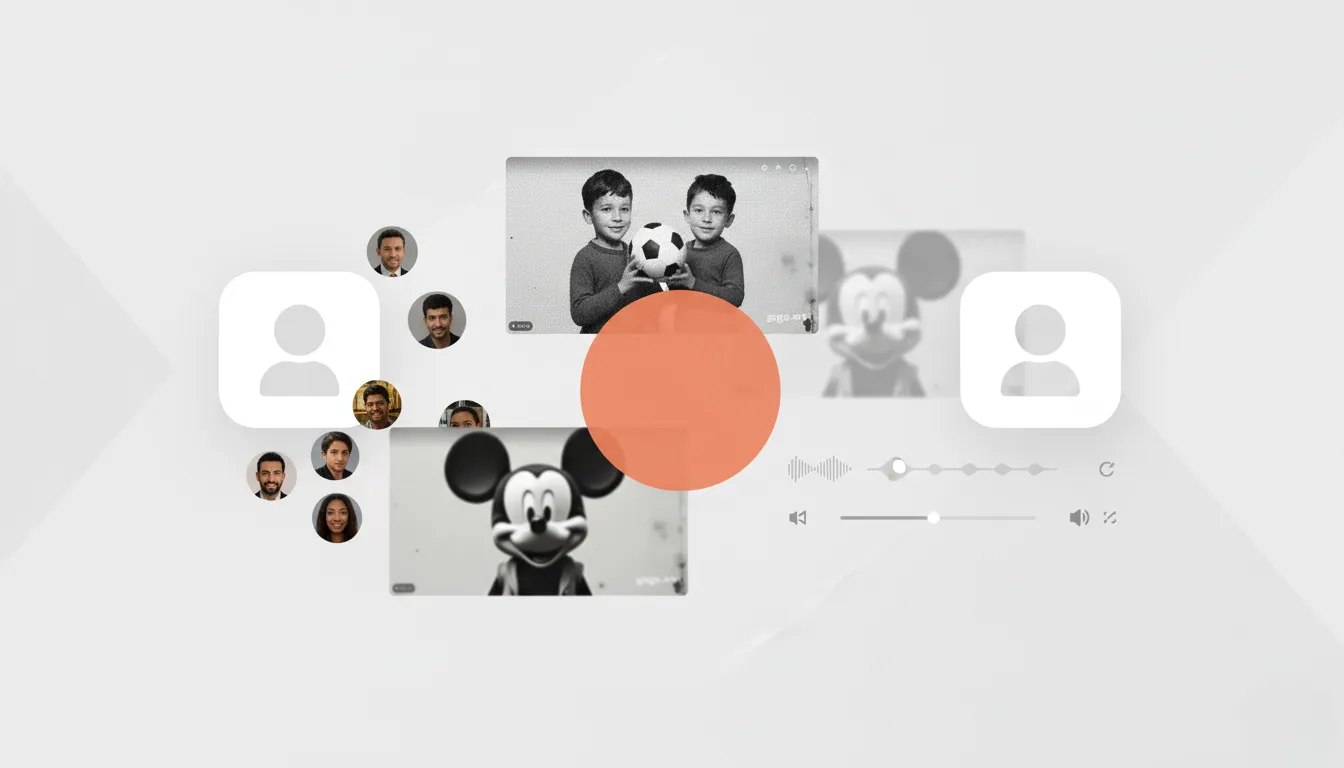
Gaga AI is a video generation platform built by Sand.ai that focuses on “digital humans” and talking avatars. Unlike general text-to-video tools that create random scenes, this tool is designed for creators who need a specific character to deliver a message across multiple videos.
The platform uses specialized models like GAGA-1 and Gaga-avatar to solve the “uncanny valley” problem. It allows users to upload a single portrait or audio sample and transform it into a full emotional performance with synchronized lip movements and body language.
⚙️ How We Tested Gaga AI
We tested Gaga AI on the Free Tier over 5 days, focusing on three specific founder workflows: converting a 500-word blog post into a talking head video, creating a 15-second “motion comic” sequence from a static character illustration, and testing the English text-to-speech engine for a product demo script.
✨ Key Features (What Actually Stood Out)
The tool separates itself by prioritizing human emotion over background scenery. You can explore more options in our content creation category.
- Character Persistence — This let us save a specific character design and reappear in different videos without the face shifting or changing clothes randomly.
- Unified Audio-Video Generation — During testing, we noticed that hand gestures actually matched the emphasis in the audio, which is rare for standard lip-sync tools.
- Motion Preview — We were able to see a low-resolution animation preview before spending credits on a full 4K render.
- Voice Cloning — After uploading a 2-minute voice sample, the system generated a vocal identity that stayed consistent across five different script tests.
- Image-to-Video Animation — We successfully added subtle breathing and blinking to a static PNG portrait, making it feel alive for a website header.
💰 Gaga AI Pricing — Is It Worth It?
Gaga AI offers a free tier that is generous for testing, though outputs carry a watermark. For heavy users, the higher tiers unlock API access and longer video durations of up to 5 minutes. Check out our productivity section to see how this fits into your workflow.
| Plan | Price | Best For | Watch Out For |
| Free Tier | $0 | Testing quality | Watermarked videos |
| Paid Plans | Scale-based | Professional branding | Occasional beta bugs |
Our pick: Free Tier — It’s enough to verify if the lip-sync quality meets your specific brand standards before paying.
🧪 What We Found During Testing
The setup was simple, but we noticed that the system sometimes stalled at 99% during peak hours. When the generation finished, the facial expressions were surprisingly nuanced; for example, a prompt for a “cozy coffee shop” produced a character who actually smiled while mentioning the warmth of the drink. However, the English text-to-speech still feels a bit robotic compared to dedicated audio tools, so we found it better to upload our own recorded audio for the best results.
A founder in our community who runs a YouTube education channel told us the character consistency tool finally allowed them to create a digital host for their lessons without being on camera every day.
⚠️ Limitations We Found
- Audio Quality — As of late 2025, the native English voiceovers can sound flat; it is better to use an external voice file.
- Beta Instability — We experienced two generation failures where the task stayed stuck until we refreshed the browser.
- Complex Physics — During an action scene test, the model struggled with fast-moving hand gestures, resulting in some blurred pixels.
⚔️ Gaga AI vs Competitors
Most creators compare this to cinematic tools like Kling or corporate tools like HeyGen.
| Competitor | Pick it instead of Gaga AI if… |
| Kling 3.0 | You need wide cinematic shots and multi-character narrative scenes. |
| HeyGen | You need a more polished enterprise platform with deep Canva integrations. |
| Runway | You are looking for artistic brush controls and high-end visual effects. |
👍 Pros & Cons
| ✅ Pros | ❌ Cons |
| Syncs hand gestures to voice tone | English TTS sounds artificial |
| Characters stay identical across clips | Occasional processing timeouts |
| Fast 3-minute generation times | Strict content moderation filters |
| Generous 5-minute video limit | Mobile site is mostly in Chinese |
🎯 Who Should Use Gaga AI (And Who Shouldn’t)
✅ Use it if you:
- Are a solo founder building a faceless YouTube or TikTok brand.
- Need to animate a specific character mascot for customer support videos.
- Have short voice clips and want to turn them into visual narrations.
❌ Skip it if you:
- Need high-action cinema clips — use Kling 3.0 instead.
- Need studio-quality professional voiceovers without external tools.
- Are uncomfortable with beta software that occasionally requires a page refresh.
❓ Frequently Asked Questions
Is Gaga AI free to use?
Yes, there is a free tier available for testing, though the exported videos will include a watermark.
Can I use my own voice in Gaga AI?
Yes, you can upload an audio file or use the voice cloning feature to make your avatar sound like you.
What is the maximum video length for Gaga AI?
Using Avatar 2.0, the platform supports video generation for segments up to 5 minutes long.
Does Gaga AI support multiple languages?
Yes, it has a multilingual avatar system designed for international reach across different markets.
How long does it take to generate a video?
During our tests, most 15-second clips were completed in under 3 minutes.
How does Gaga AI compare to Kling 3.0?
Gaga AI is better for single-subject talking head videos, while Kling 3.0 is better for cinematic scenery and camera movement.
Looking for more tools like this? See all design tools we’ve reviewed →
Discover more from AI Founder Kit
Subscribe to get the latest posts sent to your email.