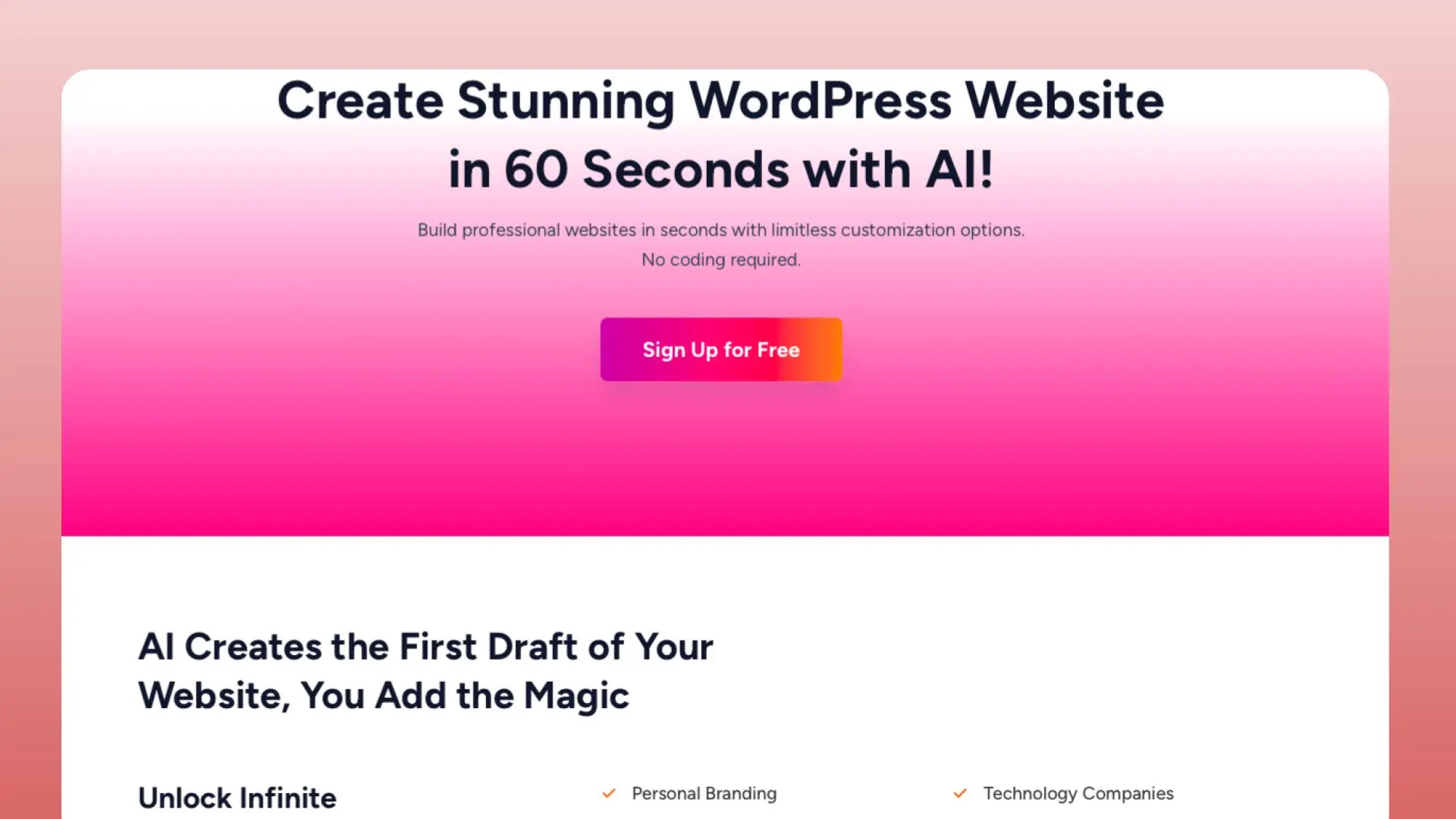
WordPress.com Plugin: Your All-in-One WordPress Solution 🛠️
The WordPress.com Plugin is the official tool from Automattic that brings the power of WordPress.com to your self-hosted WordPress site. It’s designed to simplify website creation, management, and growth for bloggers, small businesses, and enterprises alike.
Key Information at a Glance 👀
- Category: Website Builder & Management Tool
- Best for: Bloggers, small businesses, and WordPress enthusiasts
- Key Features:
- Cloud-based hosting and management 🌐
- Jetpack security and performance features 🚀
- AI-powered writing assistance ✍️
- One-click staging environments 🔄
- Advanced SEO tools 📊
- Pricing: Free plan available, paid plans start at $4/month (billed annually)
- Free Trial: 14-day trial for all paid plans
WordPress.com Plugin vs Competitors: Pricing Comparison 🔄
| Feature | WordPress.com Plugin | Elementor | Divi Builder | WPBakery |
|---|---|---|---|---|
| Free Plan | ✅ | ✅ | ❌ | ❌ |
| Starting Price | $4/month | $49/year | $89/year | $45 (one-time) |
| Sites Allowed | Unlimited | 1 | Unlimited | 1 |
| Cloud Hosting | ✅ | ❌ | ❌ | ❌ |
| AI Writing Tools | ✅ | ❌ | ❌ | ❌ |
| Jetpack Integration | ✅ | ❌ | ❌ | ❌ |
Pros and Cons ⚖️
Pros:
- Seamless integration with WordPress.com ecosystem
- Built-in Jetpack security and performance features
- AI-powered content creation tools
- One-click staging environments for testing
Cons:
- Some advanced features require paid plans
- Learning curve for new WordPress users
- Limited theme selection compared to WordPress.org
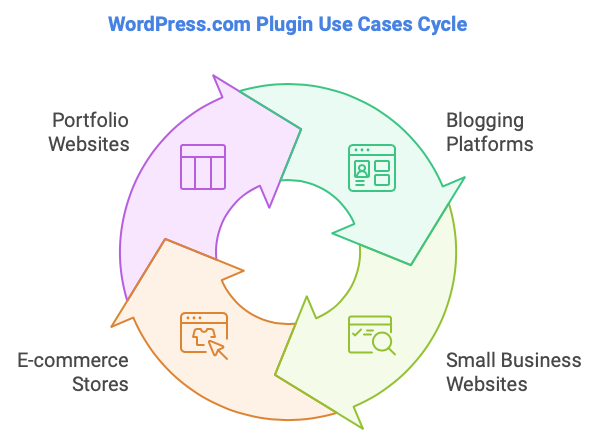
Use Cases: Where WordPress.com Plugin Shines ✨
- Blogging Platforms: Ideal for content creators looking for a hassle-free blogging experience with built-in SEO tools.
- Small Business Websites: Perfect for entrepreneurs who want a professional-looking site without technical headaches.
- E-commerce Stores: Seamlessly integrate WooCommerce for a powerful online shop with robust security features.
- Portfolio Websites: Artists and professionals can showcase their work with beautiful, customizable themes.
Integration Capabilities 🔗
The WordPress.com Plugin offers seamless integration with:
- Jetpack suite of tools
- WooCommerce for e-commerce
- Google Analytics for traffic insights
- Popular social media platforms for sharing
User Ratings 🌟
(User ratings would be displayed here if collected by the platform)
Alternatives to WordPress.com Plugin 🔄
- Elementor: A popular drag-and-drop page builder with more design flexibility but lacks integrated hosting.
- Divi Builder: Offers extensive design options but may have a steeper learning curve and no cloud hosting.
- Wix: All-in-one website builder, easier for beginners but less flexible than WordPress.
- Squarespace: Design-focused platform with built-in features but less customization than WordPress.
Frequently Asked Questions ❓
Q: Is the WordPress.com Plugin free to use?
A: Yes, there’s a free plan available with basic features. Paid plans offer additional functionality and start at $4/month.
Q: Can I use the WordPress.com Plugin on my existing WordPress site?
A: Absolutely! The plugin can be installed on any self-hosted WordPress site to enhance its capabilities.
Q: Does the plugin include hosting?
A: Yes, the WordPress.com Plugin offers cloud-based hosting as part of its service, simplifying site management.
Q: How does the AI writing assistant work?
A: The AI tool helps generate content ideas, improve writing style, and even create draft posts based on your prompts.
Q: Is Jetpack security included with the plugin?
A: Yes, essential Jetpack security features are included, with more advanced options available in paid plans.
Explore More WordPress Tools 🔍
Ready to take your WordPress site to the next level? Check out our comprehensive list of WordPress plugins and tools to enhance your site’s functionality and performance.
“For more in-depth reviews and comparisons of business tools like the WordPress.com Plugin, visit BusinessKit.io – your trusted resource for software and tool evaluations.”
Social Media Profiles 📱
- Instagram: https://www.instagram.com/wordpressdotcom/
- Twitter: https://twitter.com/WordPress
- LinkedIn: https://www.linkedin.com/company/wordpress-com/
Support Information 📧
- Support Email: [email protected]
- Community Forum: https://wordpress.com/forums/
Affiliate Program 💼
- Affiliate Signup Link: https://wordpress.com/affiliate-program/
- Affiliate Support Email: [email protected]
Discover more from AI Founder Kit
Subscribe to get the latest posts sent to your email.