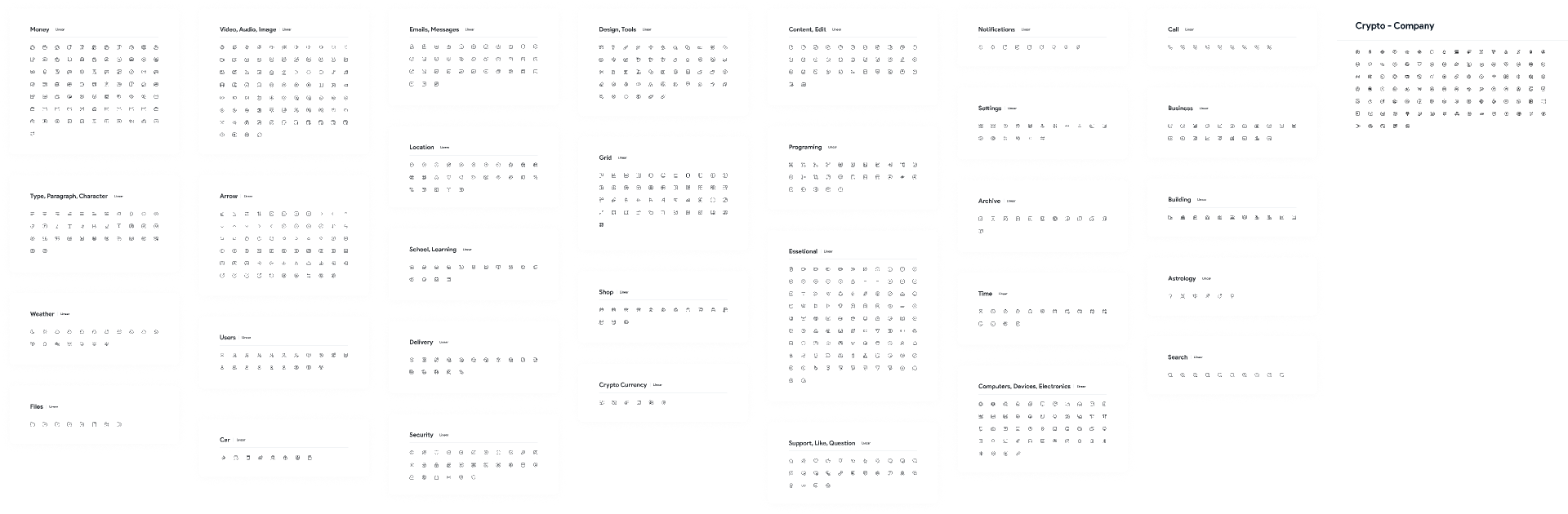
What is Iconsax? 🎨
Iconsax is a powerful Figma plugin that provides access to a comprehensive library of customizable icons. Designed with modern aesthetics in mind, it helps designers create visually appealing interfaces effortlessly. By integrating Iconsax into your workflow, you can save time and enhance the overall quality of your WordPress blog.
Use Cases for Iconsax in WordPress
- Blog Post Graphics: Utilize Iconsax to find the perfect icons for your blog posts, making them more engaging and visually appealing.
- UI Elements: Incorporate icons into your website’s UI components, such as buttons, menus, and navigation bars, for a cohesive look.
- Infographics: Create informative graphics that catch the eye using Iconsax’s extensive icon library.
- Social Media Sharing: Enhance your social media buttons with unique icons that reflect your brand’s personality.
How to Use Iconsax? 🛠️
Getting started with Iconsax in Figma is straightforward. Here’s a step-by-step guide:
Step 1: Install the Iconsax Plugin
- Open Figma and navigate to the “Plugins” tab.
- Search for “Iconsax” and click “Install.”
- Once installed, you’ll find it under the “Plugins” menu.
Step 2: Browse the Icon Library
- Launch the Iconsax plugin from the plugins menu.
- Use the search bar to find specific icons or browse through various categories.
- Click on the icon you want to use, and it will be imported directly into your Figma canvas.
Step 3: Customize Your Icons
- Select the imported icon.
- Adjust the size, color, and effects to fit your blog’s design theme.
- Save your designs and export them as PNG, SVG, or other formats for use in WordPress.
Takeaways from Using Iconsax 🌈
- Enhanced Aesthetic: Iconsax allows for more visually appealing blog posts, keeping readers engaged.
- Time Efficiency: Accessing a vast library of icons saves time compared to designing from scratch.
- Customization: Easily modify icons to match your brand identity, making your blog truly unique.
- Versatility: Suitable for various design applications beyond just blog posts.
- User-Friendly: Designed to be intuitive, even for those who are new to Figma.
Conclusion: Elevate Your WordPress Blog with Iconsax 🌟
Iconsax is more than just an icon library; it’s a valuable tool that can transform your WordPress blog into a visually striking platform. By following the simple steps to integrate this Figma plugin, you can significantly enhance your design process, engage your audience more effectively, and create a unique identity for your blog.
Discover more from AI Founder Kit
Subscribe to get the latest posts sent to your email.