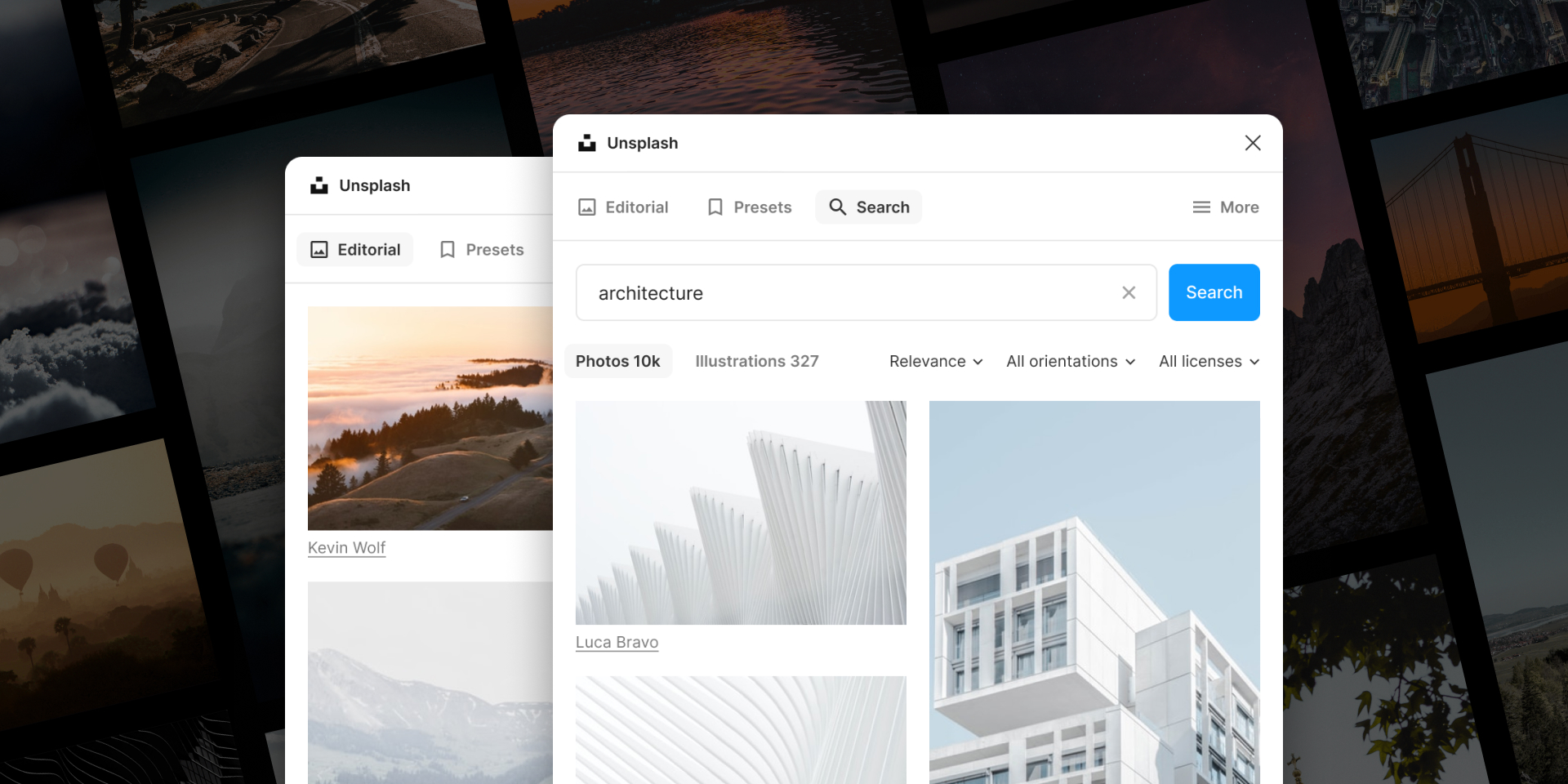
What is the Unsplash Figma Plugin?
The Unsplash Figma plugin is a game-changer for designers who want to access high-quality stock photos directly within their favorite design tool. 🎨 It seamlessly integrates Unsplash’s vast library of free-to-use images into Figma, allowing you to browse, select, and insert stunning visuals without ever leaving your workspace.
Why Use Unsplash in Figma?
Incorporating stock photos in design has never been easier. Here’s why you should consider using the Unsplash Figma plugin:
- Time-saving: No more switching between browser tabs and your design software.
- Inspiration on demand: Access millions of photos to spark your creativity.
- Seamless integration: Photos fit perfectly into your Figma projects with just a click.
- Always free: Unsplash photos are free to use, even for commercial projects.
- Constantly updated: New photos are added daily, ensuring fresh content.
How to Use the Unsplash Plugin in Figma
Ready to supercharge your design workflow? Here’s a step-by-step guide to using this fantastic Figma design tool:
- Install the plugin: Head to the Figma Community and search for “Unsplash.” Click “Install” to add it to your Figma toolkit.
- Open the plugin: In your Figma project, right-click and select Plugins > Unsplash.
- Search for images: Use keywords to find the perfect photo for your design. The plugin offers a powerful search function to help you find exactly what you need.
- Preview and select: Hover over thumbnails to see larger previews. Click on an image to select it.
- Insert into your design: Once you’ve found the perfect photo, simply click “Insert” to add it to your Figma canvas. It’s that easy! 🎉
Pro Tips for Using Unsplash in Figma
To truly master this creative design resource, keep these tips in mind:
- Use specific search terms for better results
- Explore different image orientations (landscape, portrait, square)
- Experiment with layering and blending modes for unique effects
- Don’t forget to credit photographers when possible (though not required)
- Save your favorite images for quick access in future projects
Real-World Use Cases
The Unsplash Figma plugin shines in various design scenarios:
- Website mockups: Quickly populate your layouts with realistic imagery.
- Presentation design: Create visually stunning slides with eye-catching photos.
- Branding projects: Find inspiration for color palettes and visual themes.
- Social media content: Design scroll-stopping posts with high-quality visuals.
- App prototypes: Add life-like images to your mobile app designs.
Takeaways and Conclusion
The Unsplash plugin for Figma is a must-have tool for any designer looking to streamline their workflow and access a world of creative possibilities. By integrating seamlessly with Figma, it allows you to focus on what matters most – bringing your creative vision to life. 💡
Remember, great design is about more than just beautiful images. Use the Unsplash plugin as a springboard for your creativity, but don’t forget to add your unique touch to make each design truly your own.
So, what are you waiting for? Install the Unsplash plugin today and watch your Figma projects come alive with stunning visuals that will captivate your audience and elevate your designs to new heights! 🚀
Discover more from AI Founder Kit
Subscribe to get the latest posts sent to your email.