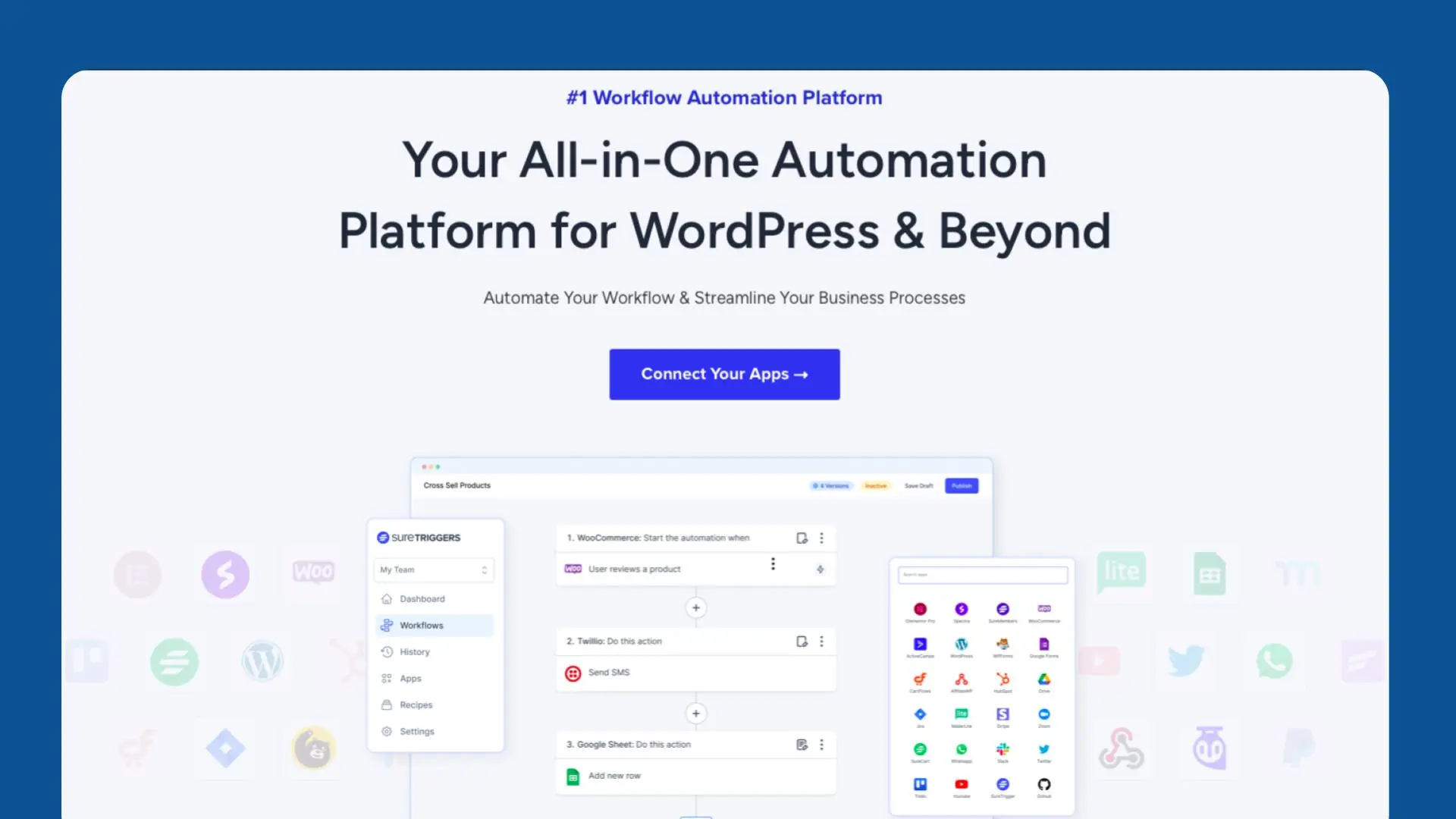
Are you tired of juggling between multiple plugins and platforms just to get simple tasks done on your WordPress site? Look no further because SureTriggers is here to save the day. With this versatile WordPress automation plugin, you can easily connect your site to various services and automate tedious tasks, improving your workflow and saving time ⏳.
What is SureTriggers?
SureTriggers is a powerful WordPress automation plugin that allows you to automate tasks across different platforms without writing a single line of code. Whether it’s sending data to third-party apps, creating custom workflows, or managing your tasks directly within WordPress, SureTriggers simplifies everything. 🌟
Use Cases: How SureTriggers Can Make Life Easier
SureTriggers can be used in multiple ways, making it an ideal tool for various WordPress users:
- Content Creators: Automatically publish your blog posts on social media platforms like Facebook, Twitter, or LinkedIn when you hit publish in WordPress.
- E-commerce Stores: Send purchase confirmations, follow-up emails, or track customer activity automatically after every transaction.
- Marketers: Trigger actions like email campaigns or lead follow-ups every time someone fills out a contact form or signs up for your newsletter.
- Customer Support: Automatically assign support tickets or notify your team whenever a user submits a query through your site.
These automation workflows allow you to focus on what really matters—growing your business while SureTriggers takes care of the repetitive tasks for you. 🛠️
How to Use SureTriggers
Setting up SureTriggers is incredibly simple and doesn’t require any technical expertise. Here’s how you can do it:
- Install the Plugin: Download SureTriggers from the WordPress plugin directory and install it like any other plugin.
- Connect Your Apps: Link your WordPress site to the services you frequently use, such as Gmail, Slack, WooCommerce, or Mailchimp. SureTriggers supports multiple integrations.
- Create a Workflow: After linking your apps, define a trigger and action. For example, “When a new order is placed on WooCommerce (trigger), send a confirmation email to the buyer (action).”
- Test Your Workflow: Before making it live, test the automation to ensure everything is functioning correctly.
- Activate and Enjoy: Once the workflow is tested, activate it, and let SureTriggers work its magic.
Takeaways ✍️
- Time-saving automation: Say goodbye to repetitive tasks.
- Easy integration: Connect WordPress to a wide range of platforms.
- No coding required: Perfect for non-tech-savvy users.
- Scalable workflows: Create complex workflows that suit your specific needs.
- Boost productivity: Focus on what matters while SureTriggers handles the rest.
Conclusion
In an increasingly competitive digital landscape, it’s important to have tools that help you stay ahead. SureTriggers offers you the automation power you need to streamline tasks, connect services, and reduce the manual work that usually slows down productivity. Whether you’re running a blog, an online store, or a marketing campaign, this plugin helps you achieve more with less effort. By integrating various services and creating custom workflows, SureTriggers lets you focus on growing your business instead of managing day-to-day operations.
Start using SureTriggers today and experience a smarter, faster, and more efficient WordPress sit
- Automate tasks across WordPress with SureTriggers.
- Easy integration with multiple platforms like WooCommerce, Slack, etc.
- No coding required for setting up automation.
- Ideal for bloggers, e-commerce owners, and marketers.
- Focus on growth while SureTriggers handles the tedious work.
Discover more from AI Founder Kit
Subscribe to get the latest posts sent to your email.