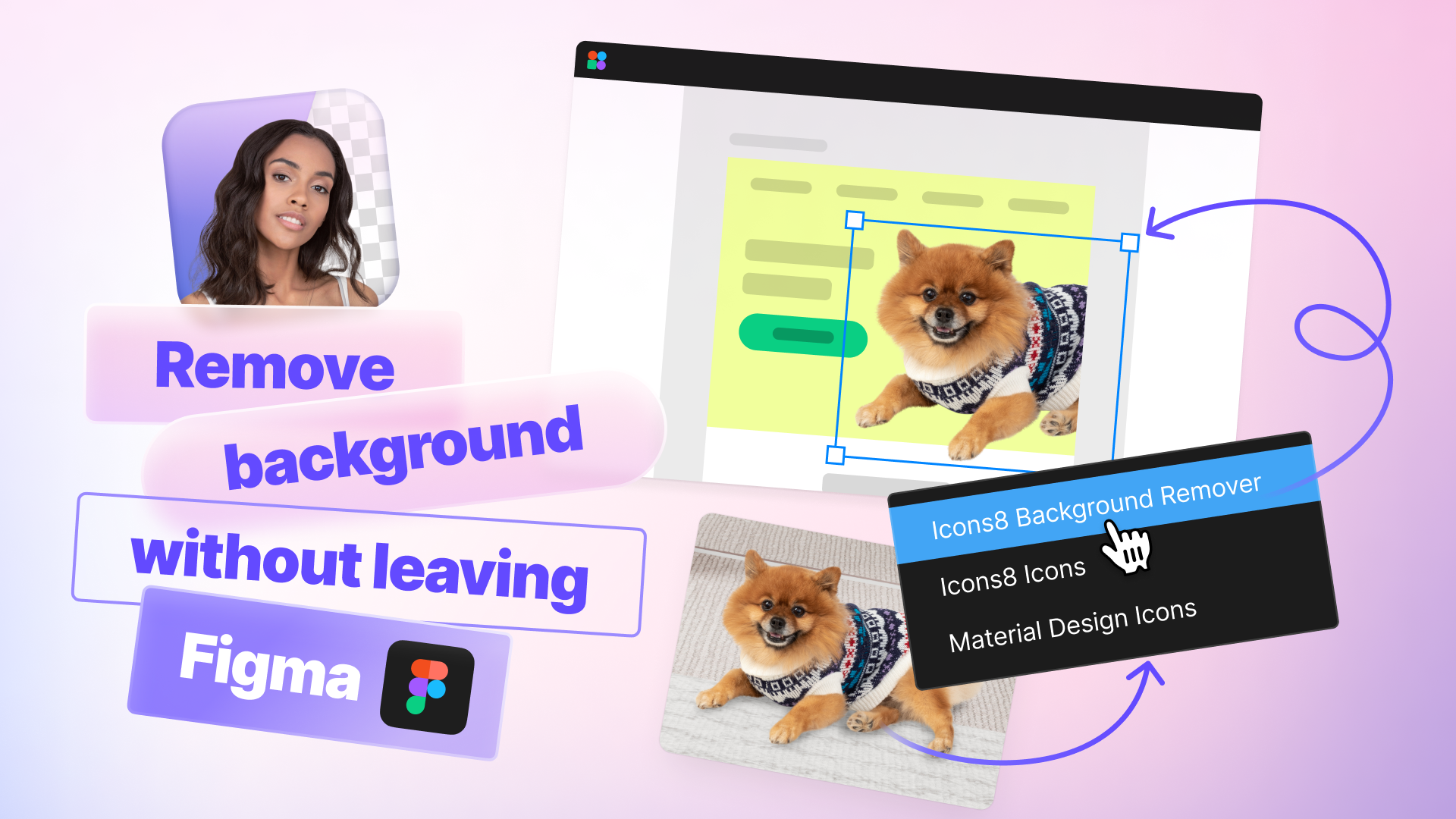
What is Icons8 Background Remover?
The Icons8 Background Remover Figma plugin is a powerful tool that does exactly what it says on the tin – it removes backgrounds from your images with just a few clicks. 🎭 But it’s so much more than that. This nifty little plugin is about to become your best friend in the design world, helping you create cleaner, more impactful visuals without breaking a sweat.
Why You Need This in Your Figma Toolkit
Let’s face it – manually removing backgrounds is about as fun as watching paint dry. 🥱 It’s tedious, time-consuming, and let’s be honest, we’ve all had those moments where we’ve wanted to throw our computer out the window trying to get those pesky edges just right. That’s where the Icons8 Background Remover Figma plugin comes in to save the day (and your sanity).
Here’s why you’ll fall in love with this tool:
- Lightning-fast results: Get clean, background-free images in seconds.
- No Photoshop skills required: Perfect for beginners and pros alike.
- Seamless Figma integration: Work smarter, not harder, right within your favorite design tool.
- Improved design workflow: Say goodbye to switching between multiple apps.
- Professional-looking results: Elevate your designs with crisp, clean images.
How to Use Icons8 Background Remover in Figma
Ready to dive in and start removing backgrounds like a pro? Here’s a step-by-step guide to get you up and running:
- Install the plugin: Head over to the Figma Community and search for “Icons8 Background Remover.” Hit that install button and let the magic begin!
- Select your image: Choose the image you want to work on in your Figma project.
- Run the plugin: Right-click on your image, go to Plugins, and select Icons8 Background Remover.
- Watch the magic happen: 🎩✨ The plugin will automatically remove the background. It’s like having a tiny wizard inside your computer!
- Fine-tune (if needed): Use the plugin’s built-in tools to make any necessary adjustments.
- Apply and enjoy: Once you’re happy with the result, apply the changes and marvel at your newly background-free image!
Pro Tips for Background Removal Success
To really make the most of this awesome Figma design workflow enhancement, keep these tips in mind:
- Start with high-quality images for the best results
- Use the “Adjust” feature for tricky areas like hair or fur
- Experiment with different backgrounds to create unique compositions
- Combine with other Figma tools for even more creative possibilities
- Don’t forget to credit Icons8 if you’re using the images commercially
Real-World Use Cases
The Icons8 Background Remover Figma plugin is a versatile tool that can supercharge various design projects:
- E-commerce product showcases: Create clean, professional product images.
- Social media content: Design eye-catching posts with floating elements.
- Web design: Easily integrate hero images and banners into your layouts.
- Branding materials: Craft polished logos and brand assets.
- Presentation design: Make your slides pop with crisp, background-free visuals.
Takeaways and Conclusion
The Icons8 Background Remover Figma plugin is more than just a background removal tool – it’s a game-changer for your design workflow. By seamlessly integrating with Figma, it allows you to create professional-looking designs faster and more efficiently than ever before. 🚀
Remember, great design is about bringing your creative vision to life, and this plugin gives you the freedom to do just that without getting bogged down in tedious tasks. Whether you’re a seasoned pro or just starting out, the Icons8 Background Remover is an invaluable addition to your Figma toolkit.
So, what are you waiting for? Give the Icons8 Background Remover Figma plugin a spin today and watch as it transforms your design process. Trust me, your future self (and your clients) will thank you! 😉
Discover more from AI Founder Kit
Subscribe to get the latest posts sent to your email.