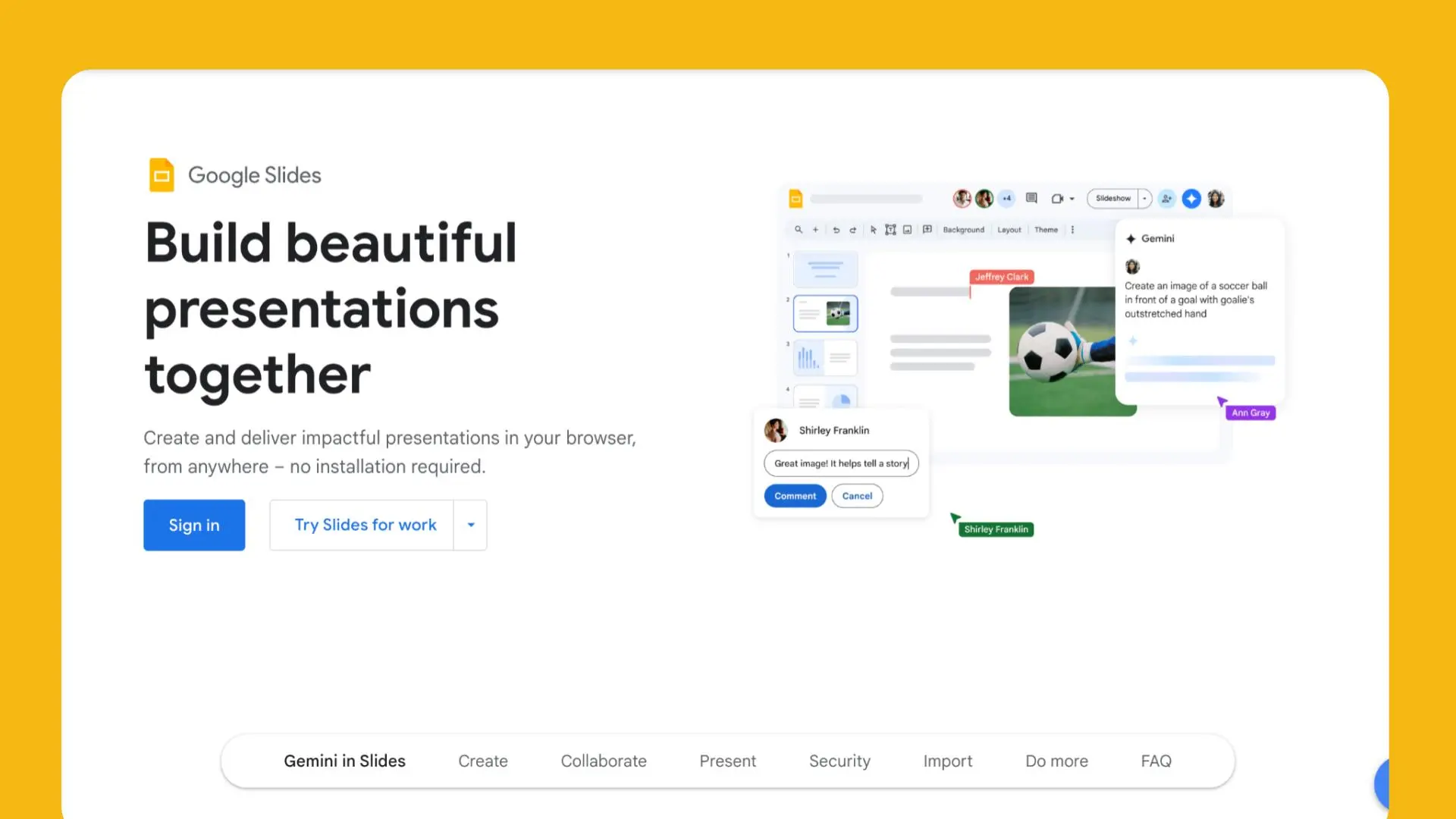
Google Slides is a powerful, cloud-based presentation tool offered by Google as part of its Google Workspace suite. This free platform allows users to create, edit, and collaborate on presentations from anywhere, making it ideal for individuals, businesses, and educators. Whether you’re working on a business pitch or an educational project, Google Slides offers a wide range of features, including customizable templates, collaboration options, and integrations with other Google services.
In this article, we’ll cover everything you need to know about using Google Slides, from how to get started to leveraging templates and collaboration features. By the end, you’ll understand how to create polished, professional presentations easily and efficiently.
How to Use Google Slides
Step-by-Step Guide: How to Use Google Slides
- Access Google Slides
To begin, sign in to your Google account and go to Google Slides. You can also access it directly from your Google Drive by clicking the “New” button and selecting “Google Slides.” - Creating a New Presentation
Once in Google Slides, click on the blank template or select a pre-designed template to start building your presentation. You can choose from a variety of templates for different use cases, such as business presentations, educational slideshows, or personal projects. - Customizing Slides
Google Slides offers a wide array of tools to customize your slides. You can insert text, images, videos, shapes, and charts by using the toolbar. For quick designs, utilize the Google Slides templates which offer professionally designed layouts. - Adding Animations and Transitions
Enhance your presentation by adding animations to text or images. You can also set slide transitions to ensure a smooth flow between slides. These features make your presentation more engaging and dynamic. - Presenting and Sharing
Once your presentation is ready, you can present it directly from Google Slides or download it as a PowerPoint or PDF file. Use the share button to invite collaborators, allowing others to view or edit the presentation in real-time.
Google Slides Templates
Exploring Google Slides Templates for Business and Education
One of the most appealing features of Google Slides is the wide range of templates available. Whether you’re creating a business presentation or preparing a classroom lesson, templates can help speed up your workflow and ensure a polished result. Templates can be found for various niches, including:
- Business Proposals – Designed for corporate pitches with clean, professional layouts.
- Educational Templates – Pre-made designs tailored for teachers and students.
- Marketing Templates – Ideal for product launches or sales reports.
With Google Slides templates, all you have to do is input your content, and you’re ready to present!
Google Slides Collaboration Features:
Collaborate in Real-Time with Google Slides
One of the major strengths of Google Slides is its collaboration features. Unlike traditional software where you send files back and forth, Google Slides allows for real-time collaboration, making it easy to work with others no matter where they are. Some key features include:
- Simultaneous Editing – Multiple users can work on the same slide deck at once, with changes reflected in real-time.
- Commenting and Suggestions – Collaborators can leave comments or suggestions, making the editing process smoother.
- Version History – Track changes over time and restore older versions of your presentation if needed.
Google Slides for Business Presentations
Why Use Google Slides for Business Presentations?
Google Slides is perfect for business presentations, offering tools that make it easy to craft professional presentations quickly. Here’s why businesses should use Google Slides:
- Accessibility – Since it’s cloud-based, your presentations are always available, even on mobile.
- Real-Time Collaboration – Teams can work together, regardless of location, without the hassle of version control.
- Template Options – Professionally designed templates make it easier to create high-impact business presentations.
- Integration with Google Workspace – It works seamlessly with Google Drive, Google Sheets, and other Workspace tools.
Takeaways
- Google Slides offers a free, cloud-based solution for creating dynamic presentations.
- The platform’s real-time collaboration features make it a standout choice for teams.
- With Google Slides templates, users can create polished presentations quickly.
- Business presentations benefit from the platform’s accessibility and integration with Google Workspace.
- How to use Google Slides effectively depends on understanding its features and tools.
Conclusion
Google Slides is more than just a basic presentation tool. It’s a platform designed for collaboration, creativity, and convenience. Whether you’re working on business presentations, educational content, or personal projects, Google Slides provides the flexibility and functionality to make your presentations stand out. By taking advantage of its templates, collaboration features, and integration with Google Workspace, you can create polished and professional presentations with ease
- Free, cloud-based presentation tool 🌐
- Offers real-time collaboration 🤝
- Pre-designed templates for quick use 🖼️
- Seamless integration with Google Workspace 💼
- Accessible from any device 📱
Discover more from AI Founder Kit
Subscribe to get the latest posts sent to your email.