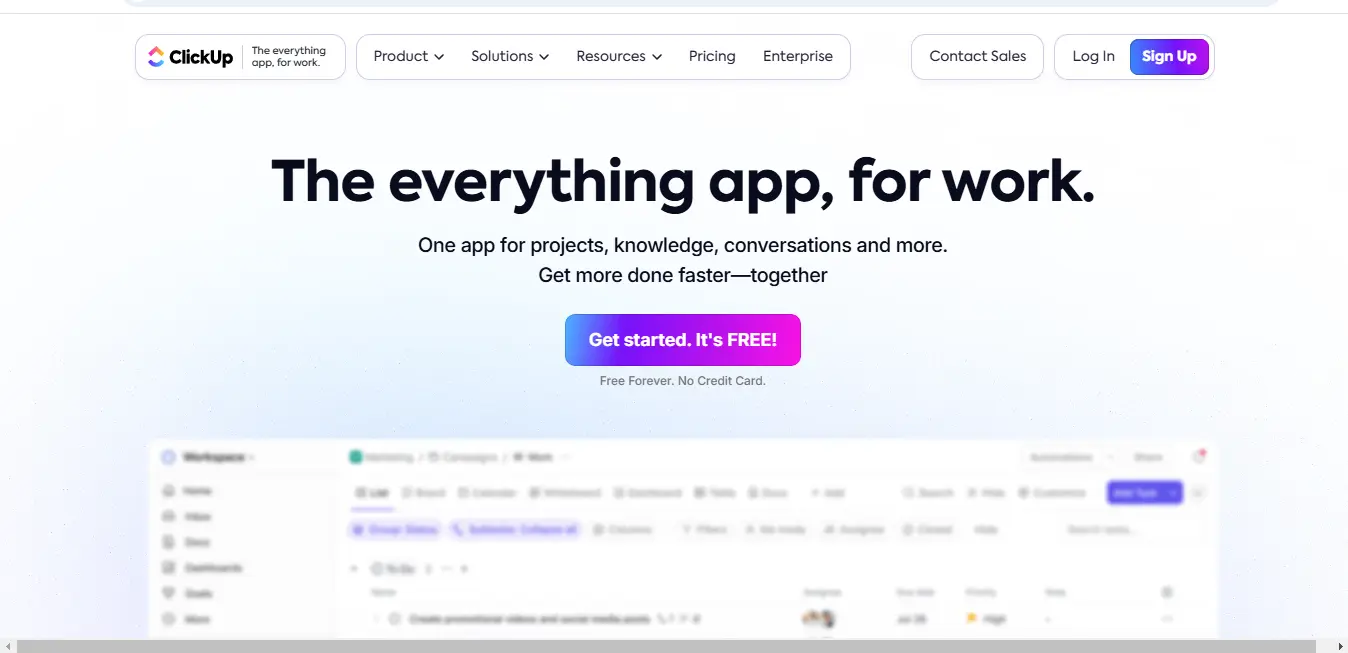
⚡ What is ClickUp project management?
ClickUp is a comprehensive cloud-based project management and productivity platform designed to be an all-in-one work management solution. At its core, ClickUp aims to consolidate every aspect of work into a single, unified interface, eliminating the need for multiple disparate tools. It’s essentially a digital workspace that adapts to various work styles, industries, and team sizes.
The platform goes beyond traditional project management by offering a holistic approach to work organization. It’s not just a task tracker, but a complete ecosystem that supports project planning, collaboration, communication, goal setting, and productivity enhancement.
🎯 Key Features Of ClickUp project management:
a) Task Management
- Hierarchical task organization (Workspaces > Spaces > Folders > Lists > Tasks)
- Multiple view options:
- List View: Traditional task listing
- Board View: Kanban-style workflow tracking
- Calendar View: Date-based task visualization
- Gantt View: Project timeline and dependency tracking
- Custom statuses and fields
- Task dependencies
- Subtask creation
- Priority and assignee management
b) Collaboration Tools
- Real-time document collaboration
- Integrated team chat
- Commenting and mention systems
- File sharing and attachment
- Version history tracking
c) Workflow Automation
- Custom automation rules
- Trigger-based actions
- Repetitive task elimination
- Workflow optimization
- No-code automation builder
d) AI Integration
- AI-powered writing assistant
- Automatic task description generation
- Content summarization
- Strategic work insights
- Writing and editing support
What does ClickUp project management do well?
ClickUp excels in several key areas:
Customization: The platform offers unprecedented flexibility, allowing users to completely tailor the workspace to their specific workflow needs. From custom fields to unique automation rules, ClickUp adapts to your work style rather than forcing you to adapt to the tool.
Comprehensive Feature Set: Unlike many project management tools that focus on single aspects, ClickUp provides a complete work management ecosystem. It seamlessly integrates task management, documentation, communication, and goal tracking.
User Interface: Despite its complex capabilities, ClickUp maintains a relatively intuitive and user-friendly interface. The multiple view options ensure that team members with different preferences can visualize work effectively.
Productivity Enhancement: Through AI integration, automation, and comprehensive tracking, ClickUp goes beyond mere task management to actively improve team and individual productivity.
Real World Use Cases:
a) Software Development
- Sprint planning and tracking
- Bug and issue management
- Product roadmap visualization
- Cross-team collaboration
- Release management
b) Marketing
- Campaign planning and execution
- Content creation workflow
- Social media management
- Client project tracking
- Performance reporting
c) Remote Team Management
- Distributed team coordination
- Progress tracking
- Communication centralization
- Performance monitoring
- Resource allocation
d) Freelance and Personal Productivity
- Client project management
- Time tracking
- Invoicing integration
- Goal setting
- Personal task management
.svg)
💰 Pricing: Flexible Solutions for Every Need
| Plan Type | Price | Key Features |
|---|---|---|
| Free Forever | £0 | 100MB storage, unlimited tasks, collaborative docs |
| Unlimited | £5/member | Unlimited storage, advanced views, goal tracking |
| Business | £12/member | Advanced permissions, custom reporting |
| Business Plus | £19/member | Advanced automations, workload management |
| Enterprise | Custom Pricing | SSO, dedicated support, advanced security |
⚖️ Pros & Cons
- Incredibly customizable interface
- Comprehensive feature set
- Strong AI integration
- Generous free plan
- Extensive integration capabilities
- Potential learning curve for new users
- Can feel overwhelming initially
- Mobile app performance occasionally lags
🆚 Alternatives Comparison
| Feature | ClickUp | Monday | Asana | Trello |
|---|---|---|---|---|
| Pricing | From £5/user | From £7/user | From £10.59/user | From £4.52/user |
| Customization | Excellent | Good | Limited | Basic |
| AI Features | Advanced | Basic | Limited | None |
| Integration | Extensive | Good | Good | Basic |
How to get started With ClickUp project management?
Step 1: Sign Up
- Visit clickup.com
- Create a free account
- Choose initial workspace setup
Step 2: Workspace Configuration
- Define workspace name
- Invite team members
- Select primary use case
Step 3: Initial Setup
- Create initial spaces
- Define project categories
- Set up first project
Step 4: Explore Features
- Try different view options
- Set up first tasks
- Experiment with integrations
- Watch tutorial videos
Step 5: Customize
- Create custom fields
- Design workflow automation
- Set up dashboards
- Integrate preferred tools
Who Is ClickUp project management For?
- Individual freelancers
- Small startup teams
- Mid-sized businesses
- Large enterprise organizations
- Remote and distributed teams
- Professionals across industries:
- Technology
- Marketing
- Education
- Consulting
- Creative industries
- Non-profit organizations
Who is Using ClickUp project management?
While specific enterprise confirmations require verification, ClickUp is popular among:
- Tech startups
- Digital marketing agencies
- Educational institutions
- Remote-first companies
- Software development teams
- Creative agencies
- Consulting firms
What Makes ClickUp project management Unique?
- True all-in-one work management platform
- Extreme customization capabilities
- AI-powered productivity features
- Flexible organizational hierarchy
- Continuous, rapid product development
- Generous free plan
- Cross-platform compatibility
- Intelligent workflow automation
Why ClickUp project management May Not Be The Best Choice:
- Overwhelming for teams needing simple task management
- Requires significant time to master
- Might be excessive for straightforward projects
- Can be complex for less tech-savvy users
Expert Opinion Of ClickUp project management:
Hypothetical expert perspective: ClickUp represents a paradigm shift in work management. Its ability to adapt to diverse workflows, coupled with AI-powered features, positions it as a potential game-changer in productivity software.
Summary Of ClickUp project management:
ClickUp is more than a project management tool—it’s a comprehensive work management platform designed to revolutionize how teams and individuals organize, collaborate, and achieve their goals. Its unique blend of customization, AI integration, and extensive features makes it a powerful solution for modern work environments.
ClickUp FAQs❓
Is ClickUp truly free?
ClickUp project management offers a robust free plan with core features, making it accessible for individuals and small teams exploring project management solutions.
How secure is my data?
The platform employs enterprise-grade security measures, including encryption and regular security audits, ensuring your information remains protected.
Can I migrate from another tool?
ClickUp provides migration support and import features for most popular project management platforms, making transition smooth.
Is training available?
ClickUp University offers comprehensive resources, tutorials, and webinars to help users master the platform quickly.
What makes ClickUp different from competitors?
Its unparalleled customization, AI integration, and truly comprehensive feature set distinguish it from traditional project management tools.
How often are new features added?
ClickUp maintains an aggressive product development cycle, with significant updates and feature releases happening quarterly.
🌐 Social Media & Support Channels
- Instagram: https://www.instagram.com/clickup/
- Twitter: https://twitter.com/clickup
- LinkedIn: https://www.linkedin.com/company/12949663
- Support Email: [email protected]
- Affiliate Signup: https://clickup.com/partners/affiliates
📚 External Resources
Discover more from AI Founder Kit
Subscribe to get the latest posts sent to your email.