🚀 Introduction
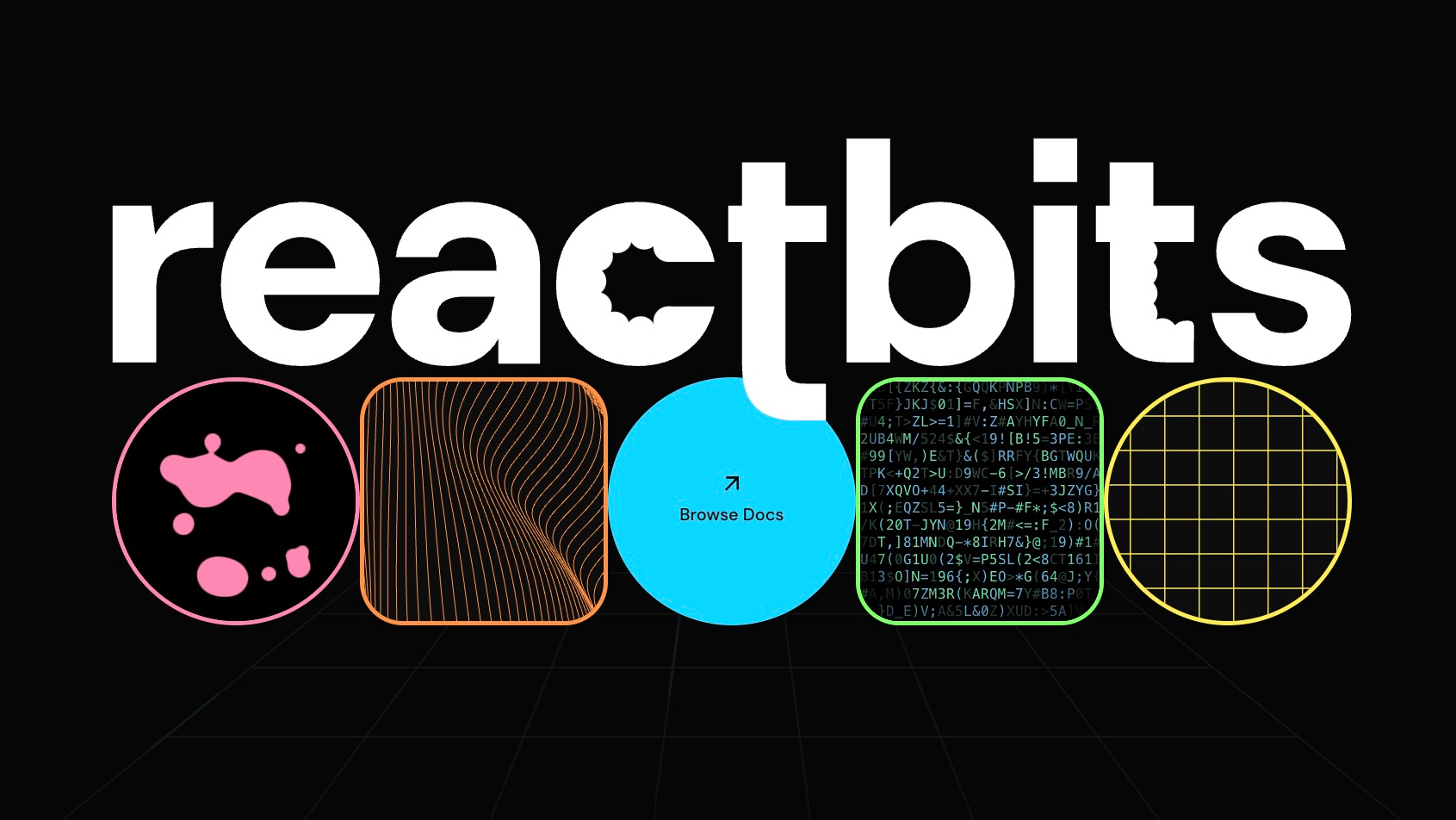
ReactBits is a curated collection of modern, open-source React components designed to elevate user interfaces. Specifically built for frontend developers and designers, it provides ready-to-use animations, background effects, and interactive elements like cursor followers and magnetic buttons. By leveraging libraries such as Framer Motion and Tailwind CSS, ReactBits eliminates the need to code complex animations from scratch. It is the go-to resource for adding “wow” factors to websites quickly, ensuring high performance and visual appeal without the technical debt associated with custom animation logic.
🎯 Key Features
- Diverse Component Library: ReactBits boasts over 60 unique components ranging from text scramblers and particle backgrounds to 3D tilt effects. This extensive variety allows developers to find the exact visual flair needed for any section of a website, whether it is a landing page hero or a subtle footer interaction.
- Copy and Paste Implementation: The standout feature is its ease of use. Developers do not need to install heavy dependencies manually. Instead, they can simply copy the provided code snippet and paste it directly into their React project. This drastically reduces development time and allows for rapid prototyping of engaging user interfaces.
- Built on Modern Tech: The components are built using industry-standard technologies like React, Tailwind CSS, and Framer Motion. This ensures that the animations are lightweight, highly performant, and easily customizable to fit existing design systems. The code is clean and readable, making it easy to tweak parameters like speed, color, and intensity.
- Interactive Effects: The library includes specialized interactive elements such as custom cursors, scroll progress indicators, and parallax scrolling effects. These features are crucial for keeping users engaged and improving the perceived responsiveness of a web application.
- Responsive and Accessible: Despite being visually complex, the components are designed with responsiveness in mind. They adapt to different screen sizes, ensuring that the animations look great on both mobile devices and desktop monitors without breaking the layout.
⚖️ Pros and Cons
Pros:
- Saves development time significantly with copy-paste code.
- High-quality, modern animations that enhance UX.
- Easy integration with existing React and Tailwind projects.
Cons:
- Requires knowledge of React to implement effectively.
- Customization options are limited to code-level edits.
❓ ReactBits FAQ
Is ReactBits completely free to use?
Yes, ReactBits offers a vast library of components for free. You can browse, copy, and paste the code into your personal or commercial projects without an initial fee, though checking specific license terms for commercial redistribution is recommended.
What technologies are required to use ReactBits?
You need a React environment to use these components. Most components are built using Tailwind CSS for styling and Framer Motion for animations, so having these libraries installed in your project is usually necessary for the components to work correctly.
Can I customize the animations?
Absolutely. Since ReactBits provides open code, you have full control to customize every aspect of the animation. You can easily adjust parameters such as duration, easing, colors, and size directly within the code to match your specific design requirements.
Do I need to install a package via npm?
No, ReactBits is designed for convenience. You do not need to install a specific ReactBits package. You simply visit the website, find the component you like, and copy the code. However, you will need to ensure your project has the underlying dependencies like Framer Motion installed.
Is ReactBits suitable for beginners?
While the copy-paste nature makes it accessible, ReactBits is best suited for developers who have a basic understanding of React and how to manage dependencies. Beginners may need to familiarize themselves with how Tailwind CSS and Framer Motion work to fully utilize the components.
How does ReactBits improve website performance?
The components are optimized for performance, utilizing efficient animation libraries like Framer Motion. This ensures that complex animations run smoothly at 60fps without bogging down the browser, providing a seamless user experience.
Discover more from AI Founder Kit
Subscribe to get the latest posts sent to your email.