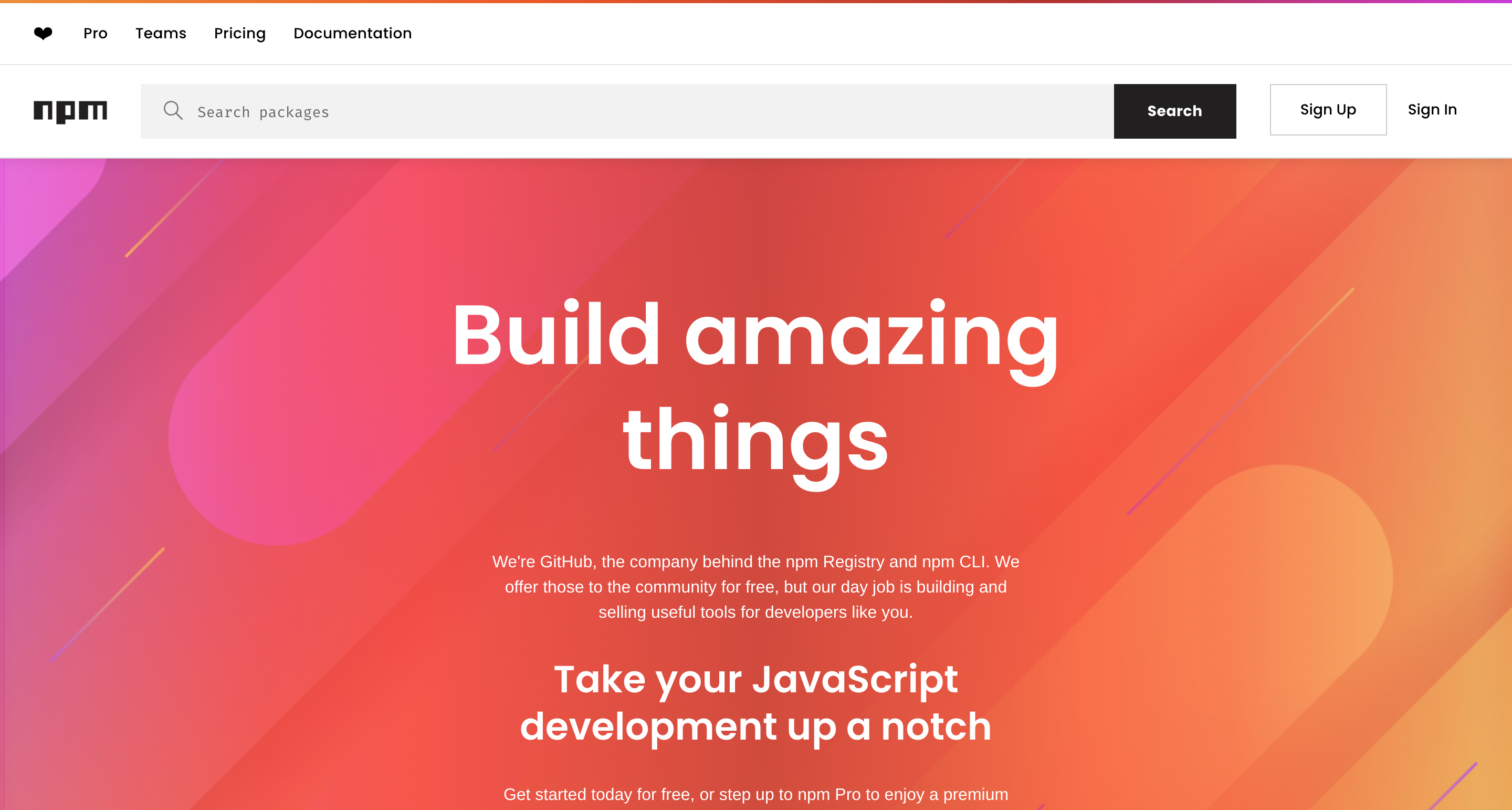
npm (Node Package Manager) is the world’s largest software registry, hosting over a million open-source packages for JavaScript developers. It simplifies dependency management, making it an essential tool for both front-end and back-end development. Whether you’re building a small script or a complex enterprise application, npm provides a seamless way to manage libraries, frameworks, and tools.
✔️ Extensive library of reusable JavaScript packages.
✔️ Efficient package versioning and dependency resolution.
✔️ Seamless integration with Node.js projects.
✔️ Active community support with frequent updates.
❌ Security risks due to unverified third-party packages.
❌ Dependency bloat can lead to large project sizes.
❌ Requires internet access for package installation and updates.
📌 npm vs. Other Package Managers
| Feature | npm | Yarn | pnpm |
|---|---|---|---|
| Speed | Moderate | Faster | Fastest |
| Disk Usage | High | Moderate | Low |
| Security | Good | Better | Best |
| Lockfile | package-lock.json | yarn.lock | pnpm-lock.yaml |
| Offline Mode | No | Yes | Yes |
npm FAQs
How do I install npm?
npm comes bundled with Node.js. Simply install Node.js to get npm.
Q2: How do I install a package using npm?
Run npm install package-name in your terminal.
Can I publish my own package on npm?
Yes! Use npm login and npm publish to share your package.
Is npm secure?
While npm has security measures, always verify package sources to prevent vulnerabilities.
What’s the difference between npm and Yarn?
Yarn offers better performance and security, but npm remains widely used.
Discover more from AI Founder Kit
Subscribe to get the latest posts sent to your email.