🚀 Introduction
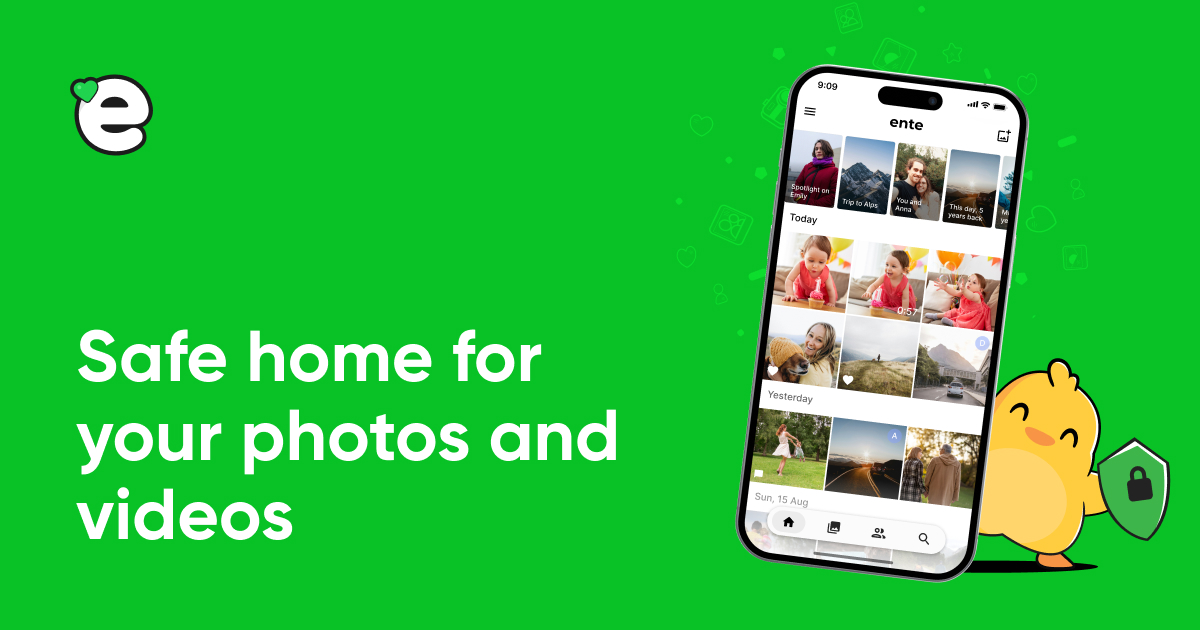
Ente is a privacy-focused photo storage and backup app designed for individuals and families seeking secure management of their memories. With end-to-end encryption, it ensures that only you can access your photos, making it ideal for privacy-conscious users. This tool stands out in the crowded photo app market by offering seamless backup across devices, AI-driven search, and easy sharing without compromising security. Whether you’re protecting family albums or personal snapshots, Ente provides durable storage and reliable features, making it a valuable alternative to mainstream services like Google Photos. Its open-source nature adds trustworthiness, appealing to tech-savvy users who prioritize data control. (102 words)
🎯 Key Features
- On-device AI search allows users to find photos using natural language queries like “beach sunset,” enabling quick and intuitive discovery without uploading data to servers.
- Relive memories feature creates curated stories from your photos, helping you revisit trips and events while keeping everything encrypted for added privacy.
- Secure album sharing lets you collaborate with family or friends, allowing them to add photos while maintaining end-to-end encryption for all shared content.
- Family plan sharing option provides storage for up to five members at no extra cost, ensuring each has their own private space without data overlap.
- Durable encrypted storage backs up data in three separate locations, offering reliability and protection against data loss, with options for original quality preservation. (248 words total for this section)
⚖️ Pros and Cons
Pros:
- Strong end-to-end encryption ensures complete privacy and data security.
- User-friendly interface with AI search makes photo management effortless.
- Affordable pricing with family sharing and free 10GB storage option.
Cons:
- Limited advanced editing tools compared to competitors.
- Potential syncing delays on some devices.
❓ Ente FAQ
How does Ente ensure photo security?
Ente uses end-to-end encryption and stores data in three secure locations, keeping your photos private and protected from breaches. (25 words)
Can I migrate photos from Google Photos?
Yes, Ente offers a simple migration tool via its desktop app to transfer photos from Google while maintaining encryption. (28 words)
Does Ente support all devices?
Ente has apps for Android, iOS, Web, Mac, Linux, and Windows, ensuring seamless backups across platforms. (22 words)
How can I share photos securely?
Share albums with Ente users or via links, with all interactions end-to-end encrypted for privacy. (21 words)
Is family sharing available?
Yes, add up to five family members to share storage without compromising individual privacy. (22 words)
What makes Ente different from Google Photos?
Ente prioritizes privacy with encryption and no data selling, unlike Google Photos, while offering similar features like AI search. (32 words)
(150 words total for FAQ section)Discover more from AI Founder Kit
Subscribe to get the latest posts sent to your email.