🚀 Introduction
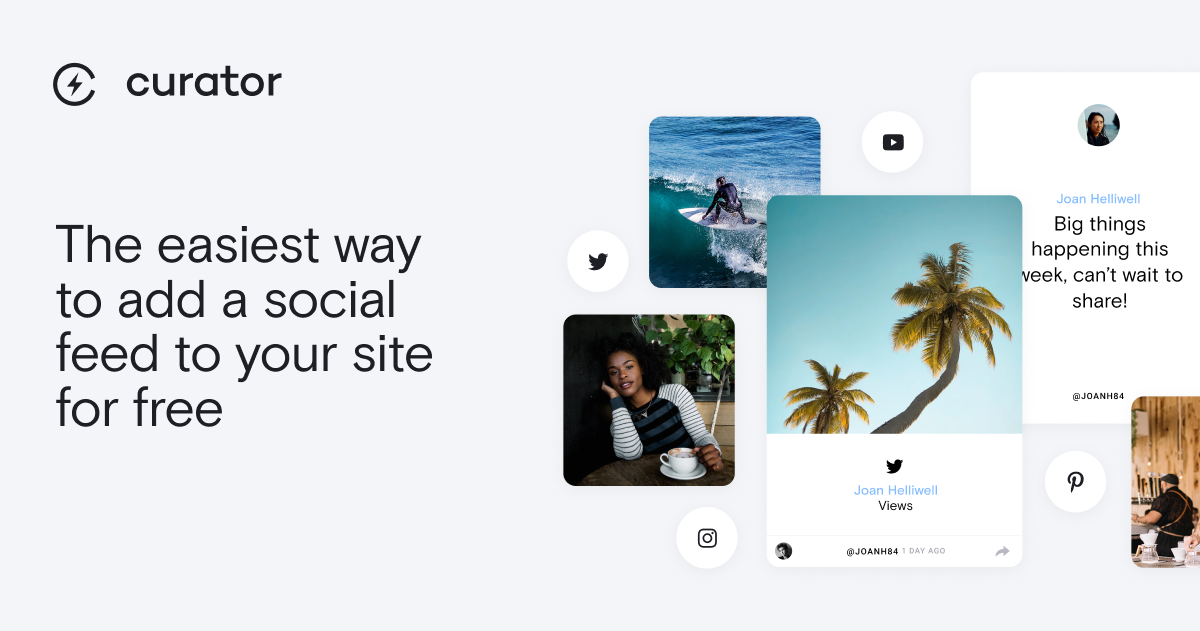
Curator is a powerful social media aggregation tool that helps businesses and content creators collect and display social content from multiple platforms on their websites. Designed for marketers, agencies, and website owners, Curator offers an easy way to showcase social proof, user-generated content, or branded social posts in an engaging widget. With its free forever plan and simple setup process, it’s become a popular choice for enhancing websites with dynamic social content.
🎯 Key Features
- Multi-platform support: Aggregate content from Instagram, Twitter, Facebook, YouTube, TikTok, Pinterest, and more with a single tool
- Customizable designs: Choose from various layout options and customize colors, fonts, and styles to match your brand
- Content moderation: Filter and approve posts before they appear on your website to maintain quality control
- Automated updates: New social posts automatically appear in your feed without manual updates
- Embeddable widgets: Easily add your social feed to any website with simple embed codes or WordPress plugins
⚖️ Pros and Cons
Pros:
- Free forever plan available with generous features
- Supports all major social media platforms
- Simple setup process (under 5 minutes)
- Responsive customer support
Cons:
- Advanced features require paid plans
- Limited customization in free version
❓ Curator FAQ
Is Curator really free?
Yes, Curator offers a free forever plan that includes basic aggregation features and one social feed. Paid plans with more advanced features are available for businesses needing additional functionality.
Which social platforms does Curator support?
Curator supports Instagram, Twitter, Facebook, YouTube, TikTok, Pinterest, LinkedIn, Tumblr, Slack, Vimeo, Reddit, Behance, Yelp, Flickr, DeviantArt, RSS feeds, and Google Reviews.
How long does it take to set up a Curator feed?
Most users can set up their first social feed in under 5 minutes. The process involves connecting your social accounts, customizing the design, and embedding the widget on your website.
Can I moderate the content that appears in my feed?
Yes, Curator provides moderation tools that let you approve or reject posts before they appear on your website, ensuring only appropriate content is displayed.
Does Curator work with WordPress?
Yes, Curator offers a WordPress plugin and embed codes that make it easy to add social feeds to WordPress sites. The widget is also compatible with other website builders and custom sites.
What analytics does Curator provide?
Curator’s dashboard shows engagement metrics for your social feed, including views, clicks, and interactions, helping you understand how visitors engage with your content.
Discover more from AI Founder Kit
Subscribe to get the latest posts sent to your email.