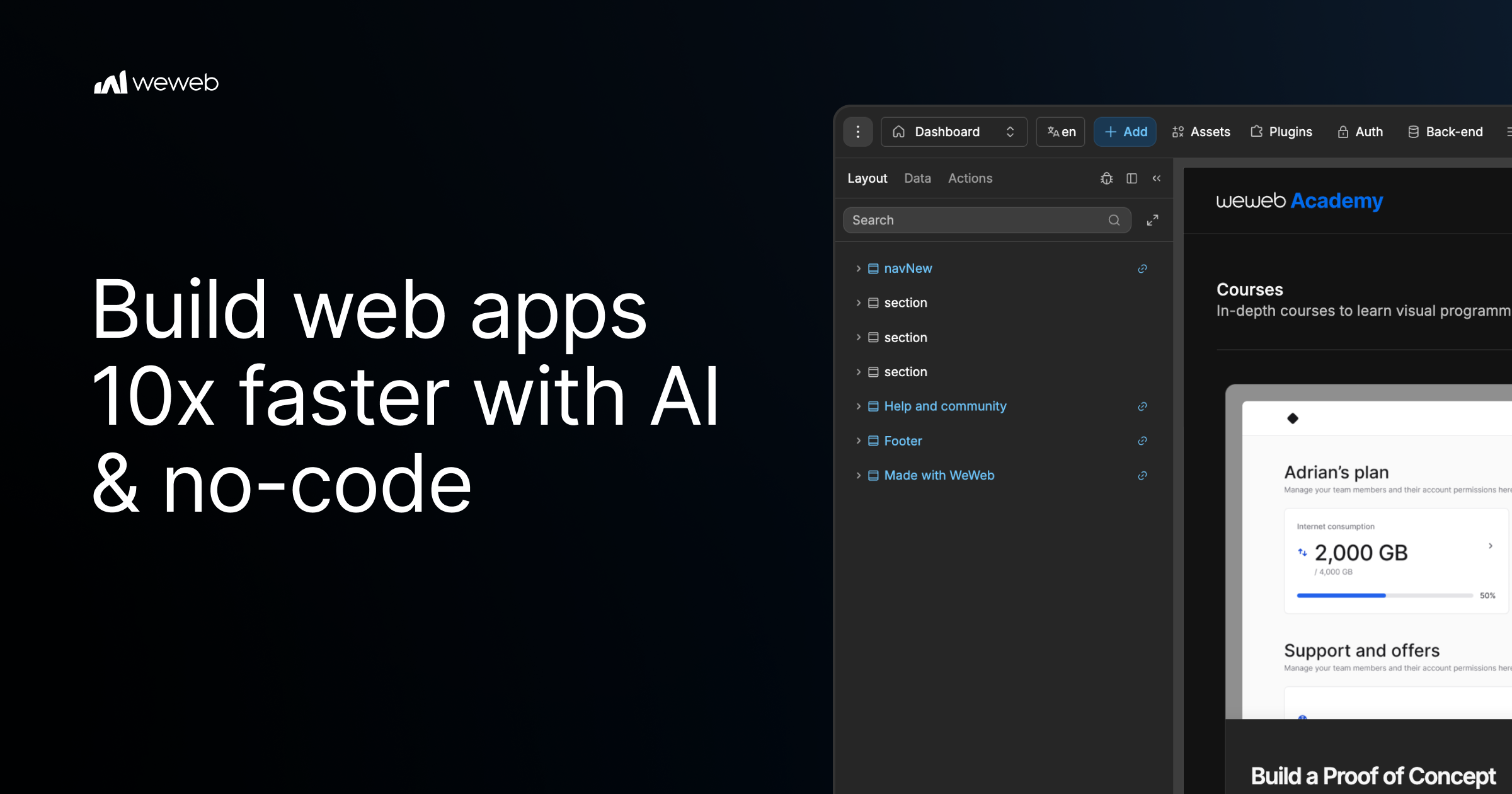
🚀 Quick Verdict
WeWeb handles complex logic without the proprietary lock-in found in most builders. We were surprised that exporting it as a standard Vue.js app actually worked without breaking the layout. It’s not a toy for simple sites; it’s a serious tool for building internal software.
| Overall Score | 8.8/10 |
| Best For | Founders building SaaS or portals |
| Tested Plan | Starter $16/mo |
| Testing Period | 14 days |
| Biggest Strength | Total backend flexibility |
| Biggest Weakness | High technical learning curve |
| Best Alternative | FlutterFlow |
🤔 What Is WeWeb?
WeWeb is a visual development platform specifically for creating the frontend of web applications. Unlike all-in-one builders, it decouples the interface from the database, allowing you to link your UI to existing tools like Supabase, Airtable, or a private REST API. It was built to give founders the speed of no-code with the professional standards of modern JavaScript frameworks.
The tool converts your visual designs into real Vue.js code. It targets businesses that need customer portals, internal tools, or SaaS MVPs where data ownership and performance are non-negotiable. It solves the “vendor lock-in” problem by letting you export your code and host it on your own infrastructure if you decide to leave the platform.
⚙️ How We Tested WeWeb
We signed up for the Starter plan at $16 per month and spent two weeks building a functional client portal. We focused on three founder tasks: connecting a Supabase database to display user-specific records, building a multi-step onboarding form with conditional logic, and attempting to export the project to a local environment. We specifically tested how the WeWeb AI assistant handled generating complex formulas for data filtering.
✨ Key Features (What Actually Stood Out)
The platform feels more like an Integrated Development Environment (IDE) than a simple drag-and-drop tool for nocode projects.
- Backend Freedom — We connected a REST API and an Airtable base to the same page. The data stayed synced without the lag we usually see when using middle-man automation tools.
- Vue.js Architecture — Every element you drop is a real Vue component. When we looked at the code panel, the properties were clean and followed standard development naming conventions.
- State Management — The ability to create Variables and Collections that persist across pages allowed us to build a seamless “cart” experience in our test app.
- Custom Components — We weren’t limited to their library. We imported a third-party chart library via the Developer Docs, and it became a draggable element in the editor.
- Deployment Flexibility — We published our test app to the global CDN in one click, but we also successfully downloaded the ZIP file containing the source code.
💰 WeWeb Pricing — Is It Worth It?
Pricing is split between “Workspace” seats for builders and “Hosting” for your live apps. While the $16 entry point is low, costs scale as you need more specialized features like roles and permissions or self-hosting. For most productivity tools, the free tier is enough to learn the logic, but you’ll need a paid plan to remove the watermark and connect a custom domain.
| Plan | Price | Best For | Watch Out For |
| Free | $0 | Learning and MVPs | WeWeb watermark included |
| Starter | $16/mo | Bootstrapped SaaS | Limited to 1 project |
| Professional | $49/mo | Growing businesses | Self-hosting requires higher tier |
Our pick: Starter — It’s the most cost-effective way to launch a professional-looking portal with your own domain and no branding.
🧪 What We Found During Testing
The initial setup was more intense than expected. Coming from simpler builders, we struggled with the concept of “binding” data until we realized we had to treat the app like a real database-driven project. Once we understood the logic, building layouts became incredibly fast because the Design System enforces consistency across all pages.
The WeWeb AI was a mixed bag. It was great at explaining how to write a JavaScript formula for a filter, but it failed when we asked it to generate a full responsive section from scratch; the elements often overlapped and required manual tweaking. However, the speed at which we could change a backend from Airtable to Supabase without rebuilding the UI was a massive win for scalability.
A founder in our community who runs a real estate agency told us they moved from Softr to WeWeb because they needed a multi-tenant portal where each client could strictly view only their own property photos without any risk of data leaking between accounts.
⚠️ Limitations We Found
- Learning Curve — You need to understand relational databases and basic CSS flexbox logic to make things look professional. As of late 2024, it is still not a tool for those who want to avoid logic.
- AI Credit Consumption — The AI agent uses tokens quickly. We burned through a chunk of our monthly limit just trying to fix a single navigation bar bug.
- Documentation Gaps — Some advanced features mentioned in the forum aren’t fully covered in the official docs, requiring a bit of trial and error.
⚔️ WeWeb vs Competitors
Most competitors try to own the database, whereas WeWeb focuses solely on being the best possible skin for your data.
| Competitor | Pick it instead of WeWeb if… |
| Bubble | You want an all-in-one database and frontend and don’t care about code export. |
| Softr | You need to build a simple directory or portal on Airtable in under an hour. |
| FlutterFlow | You are building a native mobile app for iOS and Android stores specifically. |
👍 Pros & Cons
| ✅ Pros | ❌ Cons |
| True code export prevents vendor lock-in | Steep learning curve for non-developers |
| Pixel-perfect control over CSS layouts | AI agent can be unreliable for complex layouts |
| Unlimited app users on all paid plans | Setup of auth flows takes significant time |
| Pre-rendered pages are great for SEO | Advanced self-hosting is locked to enterprise |
🎯 Who Should Use WeWeb (And Who Shouldn’t)
✅ Use it if you:
- Are a founder building a SaaS that needs to look custom and professional.
- Have an existing external database (like Supabase or Xano) you want to build a UI for.
- Need a tool that scales to thousands of users without per-user pricing fees.
❌ Skip it if you:
- Want to build a basic internal list with zero logic; use Softr instead.
- Are only focused on mobile app store deployment; check out FlutterFlow.
- Do not want to learn how databases and API calls work.
❓ Frequently Asked Questions
Is WeWeb actually no-code?
It is a visual builder, but it follows coding logic. You won’t have to write syntax, but you must understand how variables and objects work to build anything useful.
Can I host WeWeb on my own servers?
Yes, you can export your project as a Vue.js application and host it on AWS, Netlify, or your own private cloud, but this usually requires a higher tier plan.
Does WeWeb charge per app user?
No, they offer unlimited app users on their standard paid plans, which is a major advantage over competitors like Softr or Glide.
How does WeWeb compare to Bubble?
Bubble is an all-in-one system with its own database. WeWeb is just the frontend, giving you more freedom to choose where your data lives.
Is the WeWeb AI good for beginners?
It helps with logic and explaining formulas, but it often struggles to create complex visual designs that match a specific brand guide without manual correction.
Can I build SEO-friendly sites?
Yes, WeWeb pre-renders pages on their CDN, which makes them fast and easy for search engines to crawl compared to many single-page applications.
Looking for more tools like this? See all nocode tools we’ve reviewed →
Discover more from AI Founder Kit
Subscribe to get the latest posts sent to your email.