🚀 Quick Verdict
We were surprised by how well the live handoff works. You can watch the AI talk to customers in real-time and jump in if it gets stuck. It’s much better than standard bots that just leave users in a loop.
| Overall Score | 8.4/10 |
| Best For | Small eCommerce and education brands |
| Tested Plan | Free Plan |
| Testing Period | 7 days |
| Biggest Strength | Real-time human intervention |
| Biggest Weakness | Limited customization on free tier |
| Best Alternative | Chatbase |
🤔 What Is Watermelon?
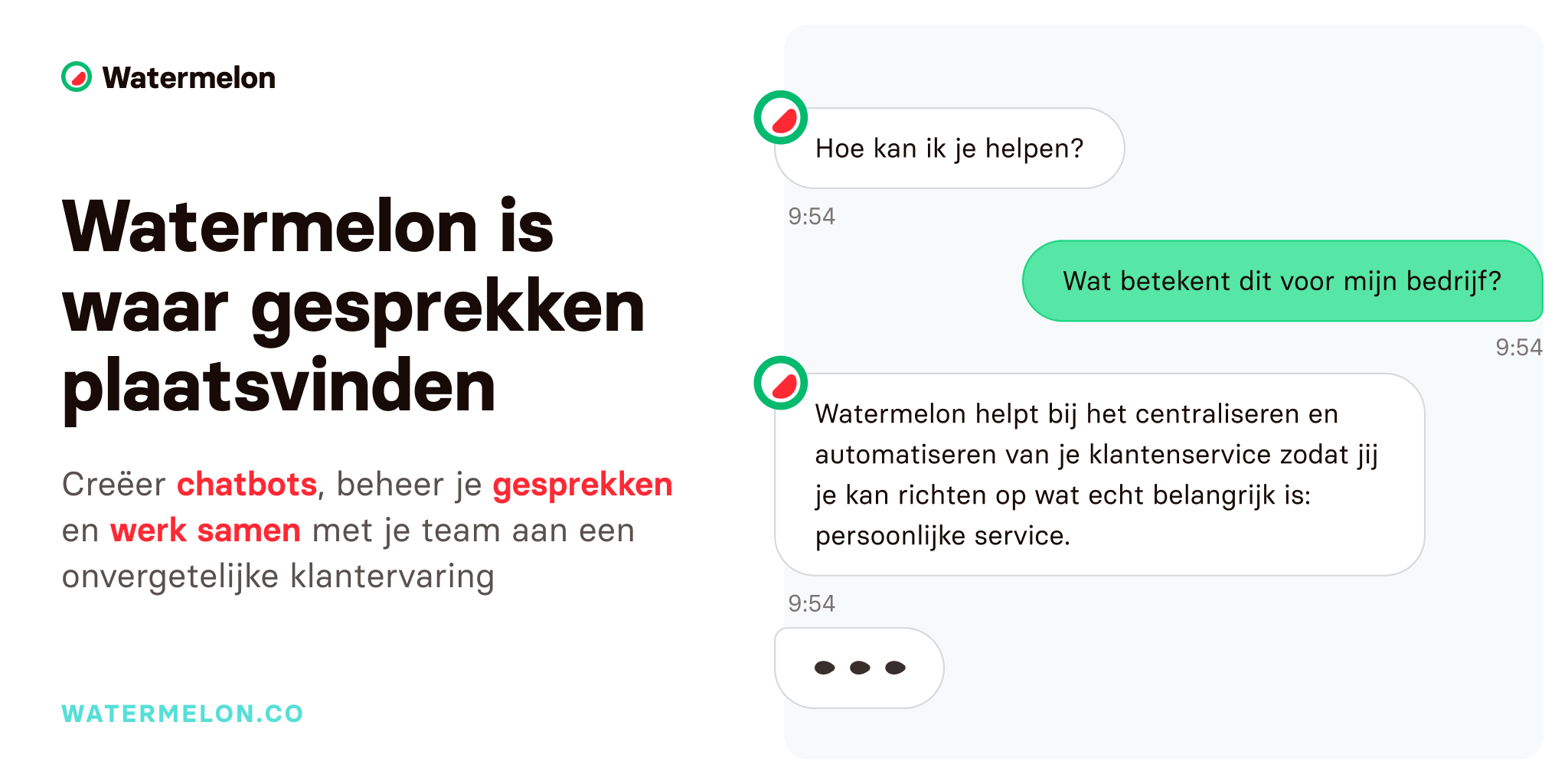
Watermelon is an AI platform designed to automate customer conversations across multiple channels. It allows founders to build digital colleagues that answer questions based on their own business data and documents.
The tool focuses on high-quality interactions rather than just simple keyword matching. It’s built to help teams scale their support without adding more headcount by handling repetitive questions automatically.
⚙️ How We Tested Watermelon
We signed up for the free plan and spent a week testing it on a mock store. Our tasks included training the bot on a 15-page PDF manual, connecting it to a WhatsApp test account, and setting up rules for human escalation.
✨ Key Features (What Actually Stood Out)
The platform makes it easy to keep your brand voice consistent across different apps. You can find more customer support tools that offer similar features, but Watermelon’s focus on the EU market is a clear advantage.
- AI Agent Builder — We uploaded a document and the bot started answering specific questions about it within minutes. It didn’t require any coding to get the logic right.
- Omnichannel Inbox — You can manage WhatsApp, Instagram, and Facebook messages in one place. It stops you from jumping between five different browser tabs to answer one customer.
- Live Handoff — If the AI can’t answer, it alerts a human. We liked that we could see the full chat history before taking over the conversation.
- WhatsApp Integration — It uses the official API which is more stable than third-party workarounds. This is vital for businesses that rely on mobile messaging.
- Analytics Dashboard — It shows exactly how many questions the AI handled versus how many were sent to humans. This makes it easy to see the actual ROI.
💰 Watermelon Pricing — Is It Worth It?
Watermelon offers a free entry point, but you’ll need to upgrade as your volume grows. Some advanced features like specific CRM integrations are locked behind higher tiers. You can explore more automation tools to compare costs for high-volume messaging.
| Plan | Price | Best For | Watch Out For |
| Free | 0 | Testing and small bots | Limited conversation volume |
| Advanced | Contact Sales | Growing businesses | Pricing isn’t transparent |
| Business | Contact Sales | Large support teams | Higher setup complexity |
Our pick: Free Plan — It’s the best way to see if the AI can actually handle your specific customer questions before you commit to a contract.
🧪 What We Found During Testing
Setting up the bot was fast, but we found that the quality of the answers depends heavily on your documentation. When we gave it vague instructions, it struggled with specific policy questions. However, once we refined the data source, it handled 24/7 queries without any errors. The interface for human agents is clean and didn’t require a long learning curve for our team.
A founder in our community who runs an education business told us their bot handled most student enrollment queries but required human help for specific financial aid questions.
⚠️ Limitations We Found
- Opaque Pricing — As of early 2025, you have to talk to sales to get clear numbers for the paid tiers. This is annoying for founders who want to move fast.
- Data Dependency — If your website or docs are messy, the AI will give messy answers. It doesn’t fix your bad documentation for you.
- Limited Free Tier — You’ll hit the conversation limits quickly if you have any real traffic.
⚔️ Watermelon vs Competitors
Most people compare Watermelon against big players like Intercom or simpler wrappers like Chatbase.
| Competitor | Pick it instead of Watermelon if… |
| Intercom | You need a massive app ecosystem and have a much larger budget. |
| Chatbase | You only need a simple website widget and don’t need a shared inbox. |
| Zendesk | You’re an enterprise that needs deep ticketing history and complex workflows. |
👍 Pros & Cons
| ✅ Pros | ❌ Cons |
| Fast setup with no coding needed | Pricing isn’t listed on the site |
| Official WhatsApp API support | Free plan has strict limits | Requires high-quality source data |
| Human agents can take over easily | Advanced features need a demo call |
🎯 Who Should Use Watermelon (And Who Shouldn’t)
✅ Use it if you:
- Run a European business and need strict GDPR compliance.
- Get the same 10 support questions every single day.
- Want to offer 24/7 support on WhatsApp without hiring a night shift.
❌ Skip it if you:
- Need a tool with transparent, public pricing tiers. Try Chatbase instead.
- Only have a few support tickets per week.
- Don’t have any written documentation for the AI to learn from.
🔐 Data & Privacy
Watermelon is ISO 27001 certified and stores all data on secure EU servers. They’re fully GDPR compliant, and they don’t use your customer data to train external AI models. This is a big win for businesses in regulated industries.
🔌 Integrations
We specifically tested the WhatsApp and Instagram integrations, which were easy to link. It also works with Zapier, Salesforce, and SendCloud. The API is available if you need to pull data from your own custom CRM.
❓ Frequently Asked Questions
Is Watermelon AI free to use?
Yes, there’s a free plan available to get started, though it has limits on conversation volume.
Does Watermelon work with WhatsApp?
Yes, it connects directly to the WhatsApp Business API for automated messaging.
Can a human take over the chat?
Yes, the platform includes a live chat feature that lets human agents take over from the AI at any time.
Where is my customer data stored?
All data is hosted on secure servers within the EU to ensure GDPR compliance.
Do I need to know how to code?
No, the AI Agent builder is a no-code tool that works by uploading documents or linking your website.
What languages does the AI support?
It supports a wide range of languages, making it suitable for international businesses.
Looking for more tools like this? See all customer-support tools we’ve reviewed →
Discover more from AI Founder Kit
Subscribe to get the latest posts sent to your email.