🚀 Quick Verdict
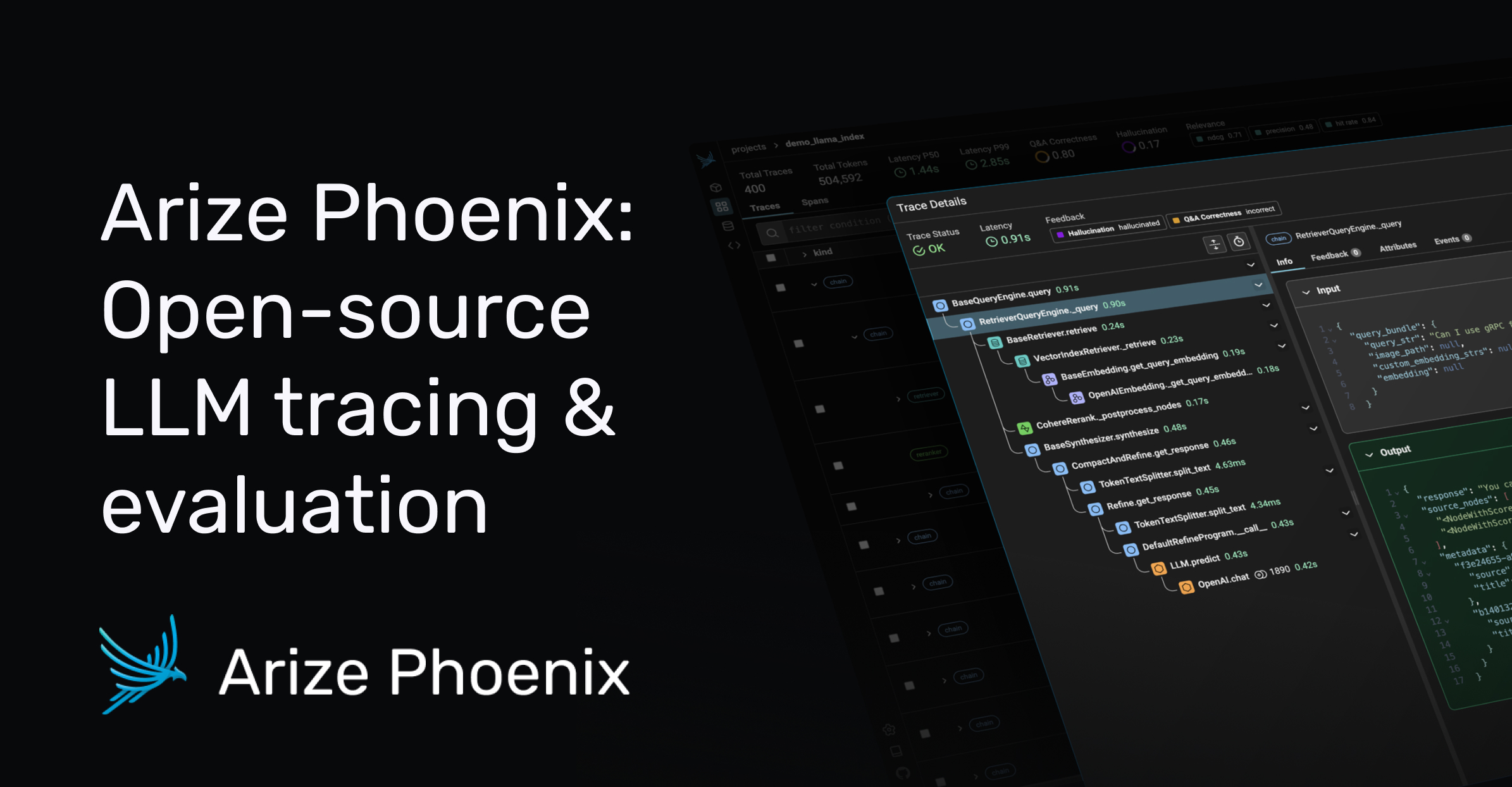
The local setup is surprisingly fast. We could see every step of our AI agent’s logic within minutes. It makes the black box of LLMs much easier to manage.
| Overall Score | 9/10 |
| Best For | AI app founders |
| Tested Plan | Open Source (Free) |
| Testing Period | 7 days |
| Biggest Strength | Local execution |
| Biggest Weakness | Python dependency |
| Best Alternative | LangSmith |
🤔 What Is Phoenix?
Phoenix is an open-source tool for looking inside your AI applications. It’s built by Arize to help developers find where their LLM chains are breaking. It helps you track every request and response your AI makes.
It works by running a local server on your machine. You don’t have to send your sensitive data to a third-party cloud. It’s specifically for people building with tools like LangChain or LlamaIndex.
⚙️ How We Tested Phoenix
We used the Open Source version for 7 days at no cost. Our team ran three specific tasks. We traced a RAG pipeline to find retrieval errors, used LLM-as-a-judge to grade 50 prompt outputs, and visualized embedding clusters for a customer support dataset.
✨ Key Features (What Actually Stood Out)
It’s different because it focuses on local development instead of cloud-only monitoring. You can see how your data flows through coding workflows without paying for every trace.
- LLM Tracing – This records every step of an AI’s thought process. We used it to find a loop where an agent got stuck.
- RAG Analysis – It shows which documents your AI retrieved. We saw exactly which file caused a hallucination.
- LLM-as-a-Judge – You can use a model like GPT-4 to grade your own bot. It’s faster than reading every response yourself.
- Dataset Clustering – This groups similar AI responses together. It helped us find patterns in failed answers.
- OpenTelemetry Support – It uses an open standard for data. You aren’t locked into one specific vendor.
💰 Phoenix Pricing — Is It Worth It?
The tool is free and open source. You’ll only pay if you move to the Arize enterprise platform for massive scale. It’s a great deal for founders who want to keep costs low during automation development.
| Plan | Price | Best For | Watch Out For |
| Open Source | Free | Local development | No cloud storage |
| Enterprise | Custom | Large teams | Higher cost |
Our pick: Open Source – It’s the standard version and costs nothing for most early startups.
🧪 What We Found During Testing
The local hosting via pip was fast. We caught a retrieval error where the model was pulling the wrong PDF chunk in under two minutes. The UI is dense but lets you click into every single API call.
A founder in our community who runs a customer support agency told us they use Phoenix to show clients exactly why certain AI responses were triggered.
⚠️ Limitations We Found
- Learning curve – It requires basic Python knowledge to set up.
- Persistence – Data is lost when the local server stops unless you set up a separate database.
- Resource heavy – Running the visualizer locally can slow down older laptops during high traffic.
⚔️ Phoenix vs Competitors
Most people compare this to cloud-based monitoring tools that charge per trace.
| Competitor | Pick it instead of Phoenix if… |
| LangSmith | Pick it instead of Phoenix if you’re already deep in the LangChain ecosystem and want a managed cloud. |
| Weights & Biases | Pick it instead of Phoenix if you need to track traditional machine learning experiments alongside LLMs. |
👍 Pros & Cons
| ✅ Pros | ❌ Cons |
| Fast local setup | Requires Python skills |
| Zero cost for open source | No built-in user auth |
| Native LangChain support | Local data storage limits |
| Clear trace visualization | UI can be overwhelming |
🎯 Who Should Use Phoenix (And Who Shouldn’t)
✅ Use it if you:
- Are building a RAG application and need to see retrieval steps.
- Want to keep your data on your own machine for privacy.
- Need to debug complex AI agent loops without high costs.
❌ Skip it if you:
- Don’t know how to use Python or pip. Check out LangSmith.
- Need a simple dashboard without any technical details.
- Want a fully managed cloud service with zero setup.
🔐 Data & Privacy
Phoenix runs locally, so your data stays on your machine. It doesn’t send your traces to Arize unless you specifically connect it to their cloud platform. This is a big win for startups with sensitive customer data.
🔌 Integrations
We tested the LangChain and LlamaIndex integrations. Both worked by adding just two lines of code to our existing scripts. It also supports OpenAI and Pinecone for tracking vector database calls.
🛠️ Setup & Onboarding
Setup takes about five minutes if you have Python installed. You just run a pip command and start the server. The documentation is clear, but you’ll need to be comfortable with a command line.
❓ Frequently Asked Questions
Is Phoenix free?
Yes, the open-source version is completely free to use.
Phoenix vs LangSmith?
Phoenix is open source and local, while LangSmith is a managed cloud service.
Does it work with LangChain?
Yes, it has native support for LangChain traces and spans.
Can I host it myself?
Yes, you can run it via Docker or as a standard Python package.
What is LLM-as-a-judge?
It’s a feature that uses a large model to automatically grade your chatbot’s answers.
Is data sent to Arize?
No, the local version keeps all data on your computer by default.
Looking for more tools like this? See all coding tools we’ve reviewed →
Discover more from AI Founder Kit
Subscribe to get the latest posts sent to your email.