🚀 Quick Verdict
The Text Match Cut feature actually works with one click. We expected a messy edge but the cutout was surprisingly clean on high-contrast photos. It saves hours of manual masking for simple social media transitions.
| Overall Score | 8.2/10 |
| Best For | Social media creators |
| Tested Plan | Pro Monthly ($3.49) |
| Testing Period | 7 days |
| Biggest Strength | One-click paper textures |
| Biggest Weakness | Credits lost after cancellation |
| Best Alternative | Adobe After Effects |
🤔 What Is Paper Animator?
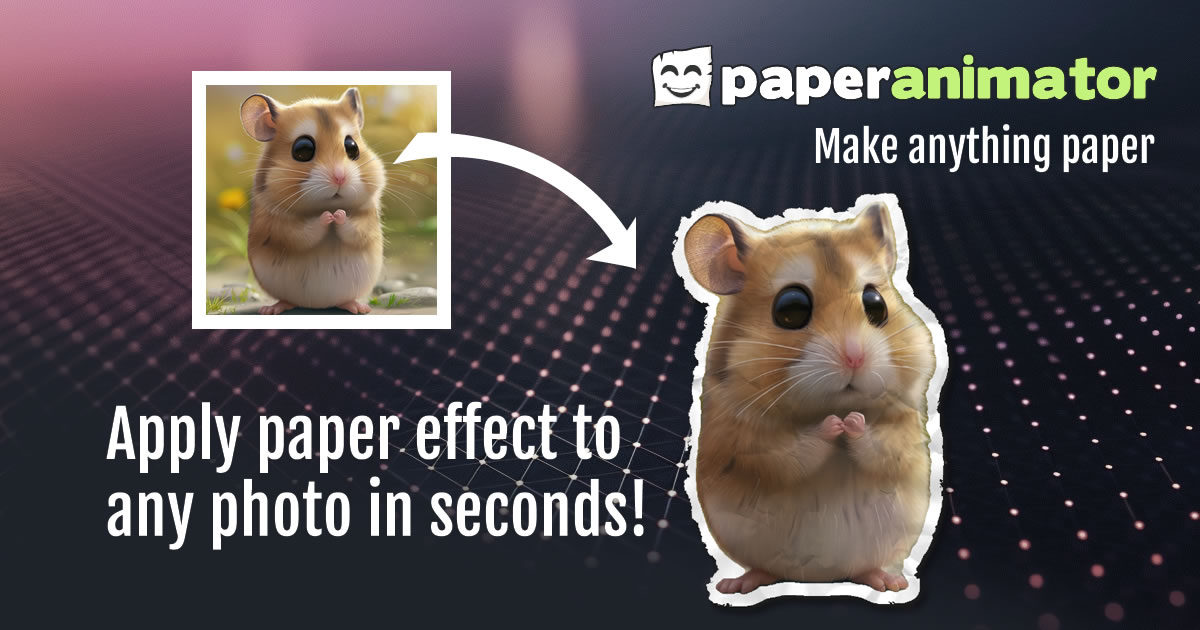
Paper Animator is a browser-based tool that turns static images into animated paper graphics. It uses AI to handle background removal and apply textures like ripped edges or fold-out effects.
It was built to help creators get the popular paper-cut aesthetic without needing complex plugins. Founders use it to create unique assets for ads or video intros without hiring a motion designer.
⚙️ How We Tested Paper Animator
We signed up for the Pro Monthly plan at $3.49 and tested it for a full week. Our team completed three specific tasks: creating a paper-fold Instagram ad from a product photo, generating magazine-style text for a brand logo, and testing the Green Screen export for a YouTube intro.
✨ Key Features (What Actually Stood Out)
The tool focuses on niche animation styles that are usually difficult to build from scratch in social media editors.
- Paper Fold-Out — This adds a physical folding animation to any flat image. It worked well for revealing product features in a short video clip.
- Magazine Letters — You type text and it generates mismatched, cut-out letters. Every generation gives a different look which helps avoid a repetitive brand style.
- Text Match Cut — This automates a complex editing trick where text transitions into an image. We found it works best when the keyword is short.
- Green Screen Export — This allows you to remove the background within the tool and export with a green backdrop. It made it easy to drop the animation into our existing video projects.
- Background Removal — The built-in tool identifies objects fairly well. It struggled slightly with fine details like hair but handled solid objects perfectly.
💰 Paper Animator Pricing — Is It Worth It?
The pricing is aggressive for the value provided, especially if you only need a few assets. You can find more design tools with similar styles, but few focus purely on this paper aesthetic.
| Plan | Price | Best For | Watch Out For |
| Free | $0 | Testing basic features | Only 1 credit total |
| Pay As You Go | $1.99+ | One-off projects | Higher cost per credit |
| Pro Monthly | $3.49 | Active creators | Credits lost if you cancel |
Our pick: Pro Monthly — The price is low enough that 120 credits per month is a better deal than buying single credits for $1.99.
🧪 What We Found During Testing
The interface is very simple. We dropped a photo of a sneaker in, and within ten seconds, we had a ripped-paper animation ready for export. The Magazine Letters feature was the biggest surprise because it doesn’t just use a font; it feels like actual scanned paper bits.
A founder in our community who runs a boutique agency told us the green screen export saved them from manually masking paper textures in Premiere for every client project.
⚠️ Limitations We Found
- Credit Expiration — As of late 2024, if you cancel your subscription, any remaining credits are lost at the end of the billing cycle.
- Resolution Cap — Exports are limited to 1080p. If you need 4K for high-end professional work, this might not meet your requirements.
- No Mobile App — While it works on mobile browsers, the drag-and-drop interface is much easier to use on a desktop.
⚔️ Paper Animator vs Competitors
Most competitors are general video editors rather than specific animation generators.
| Competitor | Pick it instead of Paper Animator if… |
| After Effects | You need total control over every fold and shadow in the animation. |
| Canva | You only need static paper textures and don’t care about motion. |
| CapCut | You want a mobile-first app with a wider variety of generic video effects. |
👍 Pros & Cons
| ✅ Pros | ❌ Cons |
| Very fast rendering speeds | Strict credit expiration policy |
| Unique magazine letter styles | No 4K export options | Limited to paper-style effects |
| Green screen support included | Occasional background removal errors |
🎯 Who Should Use Paper Animator (And Who Shouldn’t)
✅ Use it if you:
- Need a specific paper-cut aesthetic for social media ads.
- Want to create fast transitions without learning complex software.
- Are looking for a cheap way to generate custom magazine-style typography.
❌ Skip it if you:
- Require 4K resolution for professional film projects — use After Effects instead.
- Only need a one-time animation and don’t want to manage a subscription.
- Need a wide variety of animation styles beyond paper effects.
❓ Frequently Asked Questions
Does Paper Animator have a free plan?
Yes, you get 1 free credit when you sign up to test the features and export quality.
What is the difference between Pay As You Go and Pro?
Pay As You Go is a one-time purchase while Pro is a monthly subscription with 120 credits and 1080p exports.
Can I export with a transparent background?
You can export with a green screen background and remove it in your video editor, or export static assets as PNG.
Do unused credits roll over?
Yes, subscription credits roll over as long as the subscription is active, up to five times your monthly amount.
Is it better than After Effects?
It is much faster for this specific style, but it offers less customization for professional motion designers.
What resolution are the video exports?
Subscribed users can download paper animation videos in 1080p Full HD resolution.
Looking for more tools like this? See all content-creation tools we’ve reviewed →
Discover more from AI Founder Kit
Subscribe to get the latest posts sent to your email.