🚀 Quick Verdict
Flint surprised us by how accurately it mirrored our existing site’s typography and spacing without any manual CSS tweaks. It’s built for marketing teams who are tired of waiting on developers to ship simple comparison or ad pages. Unlike generic builders, it creates pages that actually look like they belong on your main domain.
| Overall Score | 9.2/10 |
| Best For | B2B SaaS growth teams |
| Tested Plan | 14-day Pro Trial |
| Testing Period | 10 days |
| Biggest Strength | Pixel-perfect brand cloning |
| Biggest Weakness | Requires an existing live site |
| Best Alternative | Framer |
🤔 What Is Flint?
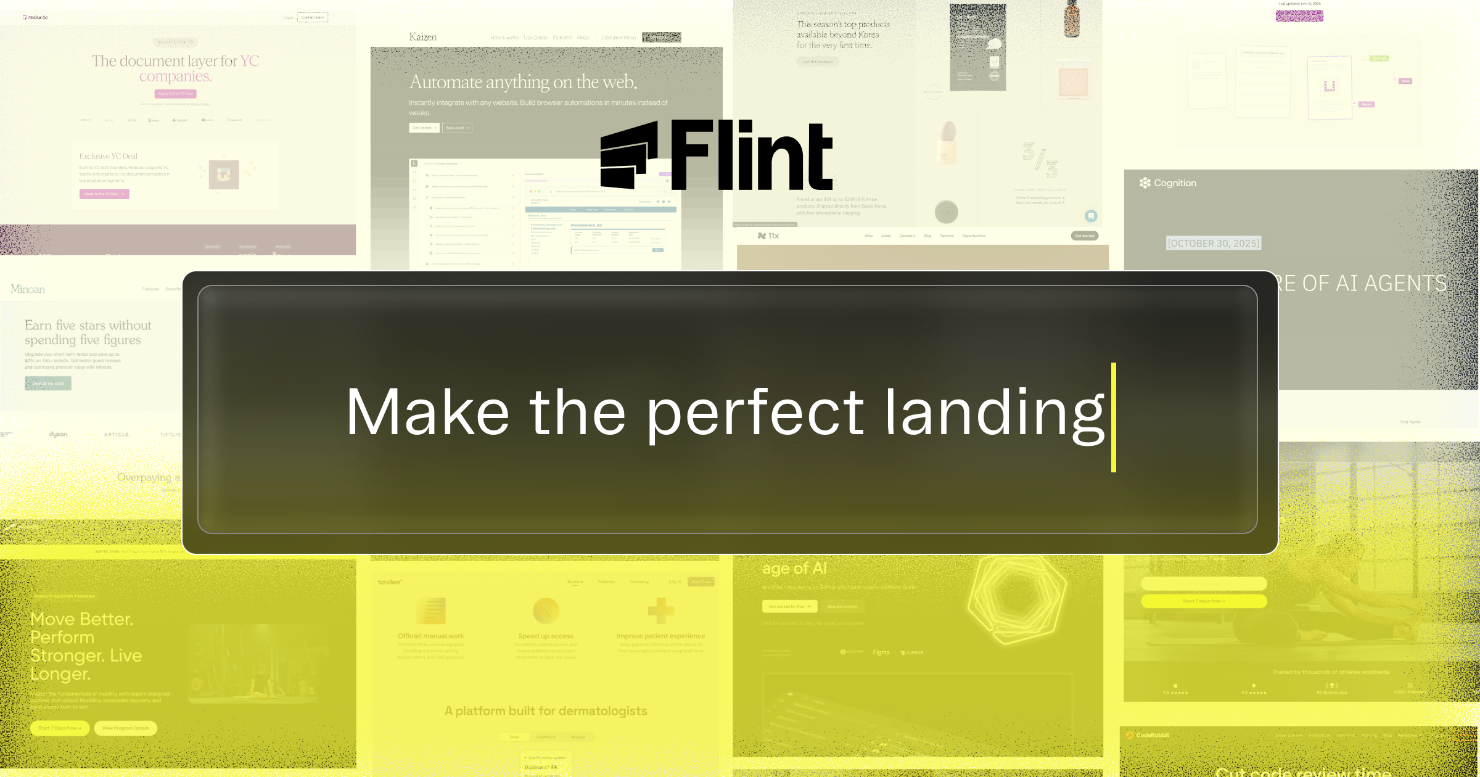
Flint is an autonomous website platform designed specifically for marketing and growth teams. Founded by Michelle Lim and Max Wang, former engineers from Warp and Nuro, it solves the “telephone game” between marketing strategy and engineering implementation. The tool ingests your current design system from a URL and allows you to generate new, production-ready pages using simple prompts.
It isn’t just a site builder; it’s a management system. It handles the deployment, hosting, and optimization of pages so you don’t have to manage a messy CMS migration. It’s particularly useful for creating high-volume personalized pages for ABM or specific ad campaigns.
⚙️ How We Tested Flint
We signed up for the 14-day Pro trial (no credit card required) and focused on three founder-level tasks. First, we imported our existing brand identity by simply providing our homepage URL. Second, we generated a Comparison Page against a competitor using a text brief. Third, we integrated GTM to ensure lead tracking worked without touching the head code.
✨ Key Features (What Actually Stood Out)
The core value of Flint is its ability to stay “on-brand” without a designer’s constant supervision. This makes it a great addition to your marketing stack if you ship pages weekly.
- Autonomous Brand Import — Flint scans your live site and pulls fonts, colors, and layout patterns perfectly. During our test, it even captured our specific button border-radius correctly.
- AI Change Summary — When you’re ready to publish, the tool generates a summary of what changed since the last version. This made it easy to keep our remote team updated on minor text tweaks.
- Personalized Outbound — We tested the Clay integration, which allows you to generate hundreds of landing pages for specific prospects automatically.
- Native Lead Capture — Forms aren’t just blocks; they’re functional. They automatically validated the email fields we set up without extra configuration.
- Autonomous Optimization — The platform is built to perform its own A/B tests and learn from visitor trends over time, though this requires consistent traffic to see results.
💰 Flint Pricing — Is It Worth It?
Flint is currently in a high-growth phase and emphasizes their Pro trial for testing. If you’re a solo founder, the 14-day trial is enough to build your first few comparison pages. For larger teams, the investment replaces the need for a dedicated front-end engineer for productivity in the marketing department.
| Plan | Price | Best For | Watch Out For |
| 14-Day Pro Trial | $0 | Early testing | Limited duration |
| Pro/Enterprise | Contact Sales | Growth teams | Custom setup needs |
Our pick: 14-Day Pro Trial — It’s the best way to see if the AI can truly handle your specific brand’s design system before committing.
🧪 What We Found During Testing
The setup was incredibly fast. We pointed Flint at our site, and within minutes, we had a workspace that worked like a designer’s version of ChatGPT. We asked it to create a page for a specific ad campaign, and it grouped the sections logically with proper H1 and H2 tags for SEO. The biggest win was the Share button, which let us preview the live link without hitting the main domain.
A founder in our community who runs a B2B SaaS told us the Clay integration allowed them to send prospect-specific links that actually looked like custom-built websites.
⚠️ Limitations We Found
- No “Scratch” Builds — You can’t use Flint if you don’t have a live website yet. It needs a brand to copy from.
- Content Writing — While the layout and code are AI-driven, the team mentions that full AI copy generation is still a future roadmap item.
- Learning Curve — While easy to use, getting the AI to place specific interactive components exactly where you want them sometimes takes two or three prompt iterations.
⚔️ Flint vs Competitors
Flint competes with modern site builders that are moving toward AI-first workflows.
| Competitor | Pick it instead of Flint if… |
| Framer | You want total manual control over every single animation and pixel. |
| Webflow | You need a complex database or high-end custom CMS functionality. |
| Lovable | You are a developer looking to build full web apps rather than marketing pages. |
👍 Pros & Cons
| ✅ Pros | ❌ Cons |
| Imports design systems in minutes | Requires an existing brand URL |
| No engineering maintenance required | Enterprise pricing is opaque |
| Built-in GA4/GTM script migration | Limited to marketing page use cases |
🎯 Who Should Use Flint (And Who Shouldn’t)
✅ Use it if you:
- Are a marketing leader tired of waiting weeks for a developer to fix a landing page.
- Want to run personalized ABM campaigns with unique pages for every prospect.
- Need to maintain brand consistency across hundreds of different ad landing pages.
❌ Skip it if you:
- Are starting a brand from scratch without a live site — use Canva or a template.
- Need to build a complex web application with logged-in states.
- Only need one page and have the time to build it manually in a standard builder.
🔐 Data & Privacy
Flint is designed for professional teams and stores site architecture and design data to maintain your brand system. They work with high-growth companies like Graphite and Modal and provide standard enterprise-grade data handling. You can find their privacy details at flint.com/privacy.
❓ Frequently Asked Questions
Do I need to migrate my whole site to Flint?
No. Many teams use Flint only for landing pages on a subdomain while keeping their main site on another CMS like WordPress or Webflow.
Can Flint work from a Figma file?
Currently, Flint works best by scanning a live, public URL to import your brand. If you only have Figma, you should build your homepage first.
Does Flint write the marketing copy for me?
Currently, you provide the copy or a content brief, and Flint builds the design and code. Native AI copywriting is expected in future updates.
Is Flint better than Claude Code for landing pages?
Flint is better for maintenance. While Claude can code a page, Flint provides the hosting, lead capture, and brand consistency that stays updated without a dev.
Does it support custom scripts?
Yes. You can add custom code to the head or body of your pages for specific tracking or interactive tools.
Can I use my own domain?
Yes. Flint supports hosting on both subdomains and root domains, ensuring your pages look official.
Looking for more tools like this? See all marketing tools we’ve reviewed →
Discover more from AI Founder Kit
Subscribe to get the latest posts sent to your email.