🚀 Quick Verdict
It’s surprisingly capable at creating full-page layouts that don’t look like generic templates. The image generator creates assets that actually match the color palette of your site automatically. You won’t get a finished site in one click, but you’ll get 80% there in under five minutes.
| Overall Score | 8.2/10 |
| Best For | WordPress agency owners |
| Tested Plan | Divi AI Monthly ($18) |
| Testing Period | 21 days |
| Biggest Strength | Context-aware image generation |
| Biggest Weakness | Divi ecosystem lock-in |
| Best Alternative | Elementor AI |
🤔 What Is Divi AI?
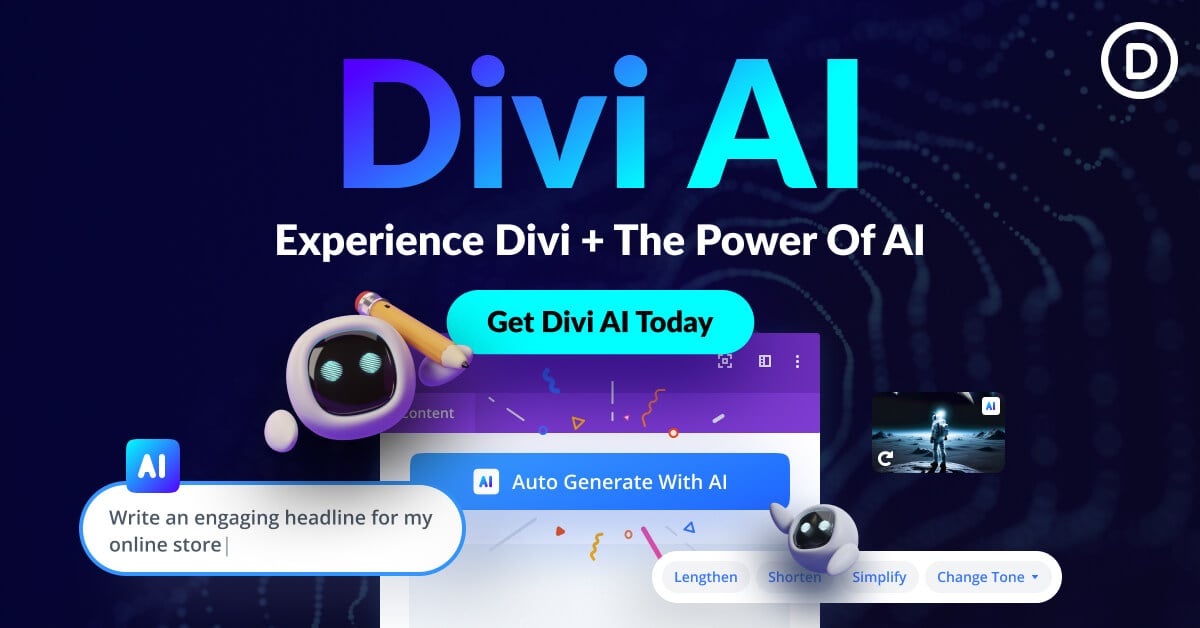
Divi AI is the integrated intelligence suite for the Divi WordPress theme. It’s built by Elegant Themes to replace the need for separate subscriptions to Claude, Midjourney, or stock photo sites. Instead of copying and pasting from external tabs, you generate site elements directly inside the visual builder.
It solves the two biggest bottlenecks for founders: choosing a layout and finding high-quality images. The tool can read your site’s existing content to ensure new sections or images stay consistent with your brand voice and visual style.
⚙️ How We Tested Divi AI
We tested the Divi AI monthly plan at $18 per month for 21 days. We used it to build a landing page for an imaginary local law firm, generating 10 high-resolution images for the gallery. Finally, we used the code generator to add a custom hover effect to a standard pricing table module.
✨ Key Features (What Actually Stood Out)
The deepest value is how the tool understands the context of your page. If you’re building a site for a bakery, the nocode editor won’t suggest law firm stock photos or formal legal copy.
- Divi Quick Sites — This generates the entire site structure, including headers and footers, based on a single text prompt. Our law firm test site was ready for final edits in 4 minutes.
- Contextual Writing — The text generator reads the page’s existing headers. When we asked it to write a “Services” section, it automatically mentioned terms we used in the intro.
- AI Image Refinement — You can take an existing low-res photo and ask the AI to modify or upscale it. It successfully removed a distracting background person from one of our test shots.
- Code Generation — Founders who don’t know CSS can ask the AI for specific visual behaviors. We typed “make this button pulse slowly” and it injected the CSS correctly.
- Layout AI — Rather than a full site, you can ask for a specific section. This is better for existing sites where you just need one new testimonial block.
💰 Divi AI Pricing — Is It Worth It?
Divi AI requires an active Divi subscription. It’s a separate add-on that provides unlimited generations for everyone on your team. It’s a better deal for agencies than solo founders because the flat fee covers multiple users. Check out more productivity boosters for your workflow.
| Plan | Price | Best For | Watch Out For |
| Monthly Plan | $24/mo | Short-term projects | Expensive if used year-round |
| Yearly Plan | $18/mo (billed yearly) | Agencies/Long-term users | No partial refunds |
Our pick: Yearly Plan — If you’re already committed to the Divi ecosystem, the $18 monthly rate is significantly cheaper than paying for Midjourney and ChatGPT separately.
🧪 What We Found During Testing
The image generator is the highlight of the experience. We’ve used other builders where you have to jump to a different tab for AI art. Here, the AI knows the aspect ratio of the module you’re working on, so images never look stretched. The copy generation is decent, though we found the legal terminology on our test site was sometimes a bit repetitive.
A founder in our community who runs a web design agency told us that the ability to generate images that actually match a client’s brand colors directly in the frame saved them hours of hunting through stock libraries.
⚠️ Limitations We Found
- Divi Theme Required — As of early 2024, you can’t use these AI features on other themes. You’re locked into the Elegant Themes universe.
- Divi 5 Performance — Some features are optimized for Divi 5, which is still rolling out to the full community and may have stability quirks on certain hosting environments.
- Generic Copy Style — Like most LLM tools, the text can feel very “marketing speak” unless you provide very specific prompts.
⚔️ Divi AI vs Competitors
Most WordPress builders are launching AI features, but the depth of integration varies.
| Competitor | Pick it instead of Divi AI if… |
| Elementor AI | You prefer a widget-based block editor over the visual builder. |
| ZipWP | You want a completely separate engine to spin up sites before choosing a theme. |
| Framer | You want a design-first tool that isn’t tied to WordPress. |
👍 Pros & Cons
| ✅ Pros | ❌ Cons |
| Unlimited AI image and text generations | Requires separate Divi subscription |
| Image colors automatically match the site | Occasional hallucinations in code snippets | Layouts can sometimes feel a bit templated |
| Saves time on stock photo hunting | Learning curve for Divi 5 interface |
🎯 Who Should Use Divi AI?
✅ Use it if you:
- Already use Divi and want to speed up layout creation
- Are a founder building multiple prototype sites quickly
- Need a way for non-designers on your team to manage assets
❌ Skip it if you:
- Prefer the native WordPress Gutenberg editor — try Spectra Pro AI.
- Need a standalone AI art generator for print or social media.
- Are on a tight budget and don’t need the full Divi toolkit.
❓ Frequently Asked Questions
Can I use Divi AI without a Divi theme?
No, it’s built directly into the Divi Builder. You need an active Elegant Themes membership and the Divi theme installed.
Are the AI-generated images royalty-free?
Yes, you get a royalty-free license for images generated inside the tool. You can use them for commercial client projects.
Does Divi AI cost extra?
Yes, it’s a paid add-on. While the theme has a cost, the AI features require a monthly or yearly subscription.
Can Divi AI write CSS for me?
It includes a code generator specifically for CSS. It’s helpful for minor visual tweaks without hiring a developer.
Does it work on the Divi Marketplace?
It works with standard Divi modules. Third-party modules from the marketplace may have limited AI integration depending on how they were built.
Is there a limit on how many images I can generate?
Unlike many competitors, the paid plan currently offers unlimited generations for you and your team.
Looking for more tools like this? See all nocode tools we’ve reviewed →
Discover more from AI Founder Kit
Subscribe to get the latest posts sent to your email.