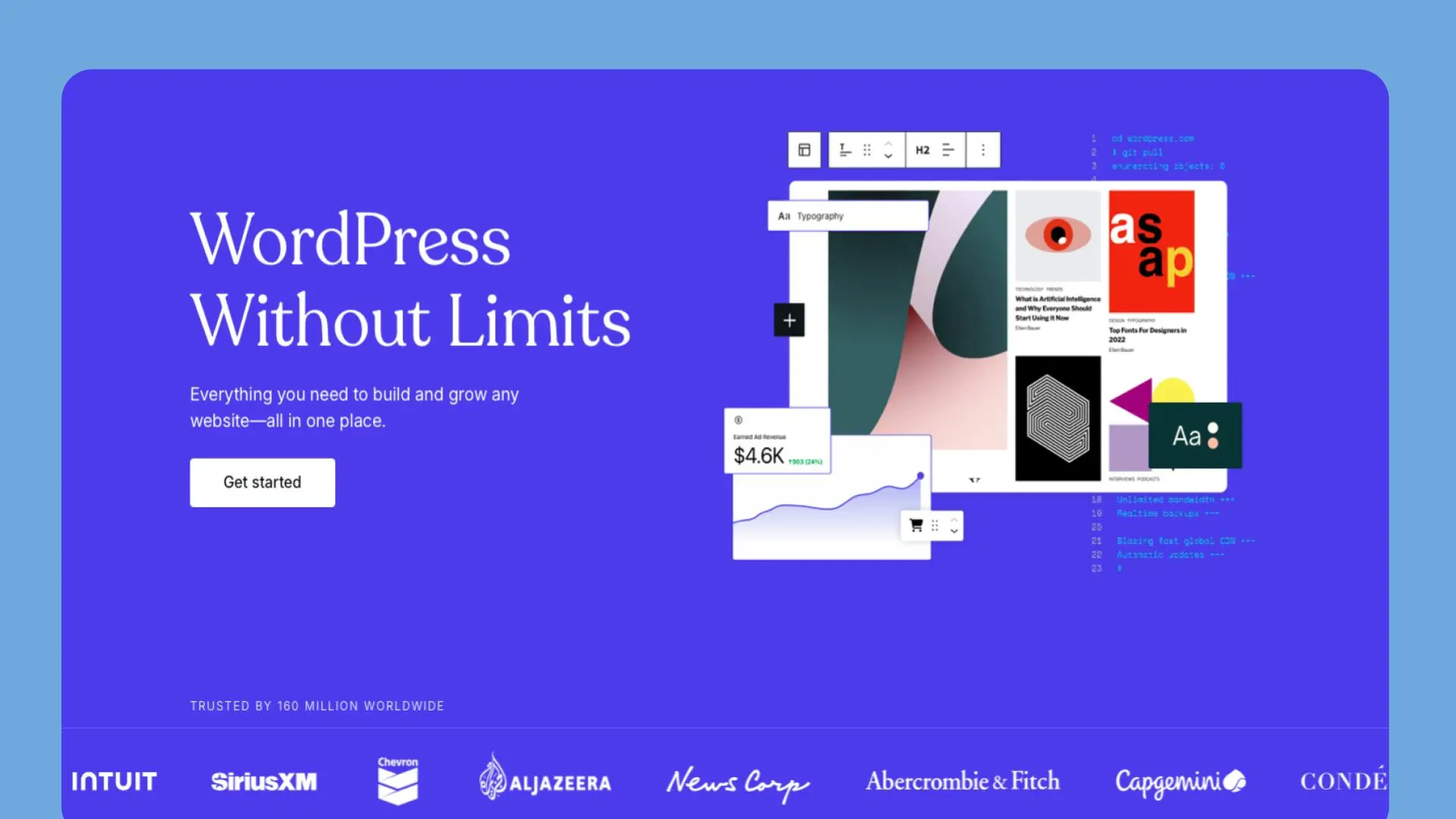
WordPress.com website builder is a user-friendly platform that empowers individuals, bloggers, and businesses to create stunning websites without coding knowledge. With its intuitive interface and robust features, the WordPress.com website builder simplifies the process of building and managing your online presence.
Key Information About WordPress.com Website Builder 📊
- Category: Website Builder and Hosting Platform
- Best for: Bloggers, small businesses, and individuals seeking an easy website creation solution
- Key Features:
- Drag-and-drop website builder 🖱️
- Extensive theme library 🎨
- Built-in SEO tools 🔍
- Mobile-responsive designs 📱
- Integrated blogging platform ✍️
- E-commerce capabilities 🛒
- Free domain (with paid plans) 🌐
- Pricing Structure:
- Free plan available
- Personal: $4/month (billed annually)
- Premium: $8/month (billed annually)
- Business: $25/month (billed annually)
- eCommerce: $45/month (billed annually)
- Free Trial: Free plan available with basic features
WordPress.com Website Builder vs Competitors: Pricing Comparison 💰
| Feature | WordPress.com | Wix | Squarespace | Weebly |
|---|---|---|---|---|
| Free Plan | ✅ | ✅ | ❌ | ✅ |
| Entry Paid Plan | $4/mo | $16/mo | $14/mo | $6/mo |
| E-commerce | $45/mo | $27/mo | $27/mo | $26/mo |
| Free Domain | ✅ (Paid plans) | ✅ (Annual plans) | ✅ (Annual plans) | ✅ (Annual plans) |
| Storage (Entry Plan) | 6 GB | 3 GB | Unlimited | Unlimited |
| Ads on Free Plan | ✅ | ✅ | N/A | ✅ |
Pros and Cons of WordPress.com Website Builder ⚖️
Pros:
- User-friendly interface for easy website creation 🖥️
- Extensive library of customizable themes 🎨
- Robust blogging capabilities 📝
- Built-in SEO tools for better visibility 🔍
Cons:
- Limited customization on lower-tier plans 🔧
- WordPress.com branding on free plan 🏷️
- Restricted plugin access on basic plans 🔌
- Higher e-commerce plan pricing compared to some competitors 💳
Use Cases: Where WordPress.com Website Builder Excels 🏆
- Blogging Platform: The WordPress.com website builder’s roots in blogging make it an excellent choice for content creators and professional bloggers.
- Small Business Websites: The platform’s ease of use and professional themes allow small businesses to quickly establish an online presence.
- Portfolio Websites: Creatives can showcase their work using the WordPress.com website builder’s visually appealing templates and media management tools.
- Non-Profit Organizations: WordPress.com’s cost-effective plans and donation features make it ideal for non-profits to create impactful websites.
Integration Capabilities of WordPress.com Website Builder 🔗
The WordPress.com website builder offers various integrations to enhance your website’s functionality:
- Social media sharing tools
- Google Analytics for traffic insights
- Payment gateways for e-commerce (on higher-tier plans)
- Email marketing services
- Third-party apps and services (limited on basic plans)
User Ratings for WordPress.com Website Builder 🌟
(Note: WordPress.com doesn’t display user ratings directly on their website. Consider adding this section if you collect user reviews on your platform.)
Alternatives to WordPress.com Website Builder 🔄
- Wix: Offers more design flexibility and a wider range of templates but can be more complex for beginners compared to the WordPress.com website builder.
- Squarespace: Known for sleek, modern designs and is particularly popular among creatives and small businesses.
- Weebly: Provides a simple drag-and-drop interface and is often more affordable for e-commerce features than the WordPress.com website builder.
- WordPress.org: Offers complete control and customization but requires more technical knowledge and separate hosting compared to the WordPress.com website builder.
FAQ Section About WordPress.com Website Builder ❓
Q: What’s the difference between WordPress.com and WordPress.org?
A: The WordPress.com website builder is a hosted platform that’s easier to use but less flexible, while WordPress.org is self-hosted, offering more control but requiring more technical skills.
Q: Can I use my own domain name with the WordPress.com website builder?
A: Yes, you can use your own domain name on paid WordPress.com plans or purchase one through WordPress.com.
Q: Is the WordPress.com website builder good for e-commerce?
A: Yes, the WordPress.com website builder offers e-commerce capabilities on higher-tier plans, making it suitable for small to medium-sized online stores.
Q: How customizable are WordPress.com websites?
A: Customization options increase with higher-tier plans, but the WordPress.com website builder generally offers less flexibility than self-hosted WordPress.org sites.
Q: Does the WordPress.com website builder offer SEO tools?
A: Yes, the WordPress.com website builder includes built-in SEO tools to help improve your website’s visibility in search engines.
Q: Can I migrate my WordPress.com site to another platform?
A: Yes, you can export your content from the WordPress.com website builder and migrate it to other platforms, including self-hosted WordPress.org sites.
Q: Is coding knowledge required to use the WordPress.com website builder?
A: No, the WordPress.com website builder is designed to be user-friendly and doesn’t require coding knowledge for basic website creation and management.
Start Building Your Website with WordPress.com Website Builder Today! 🌟
Ready to create your own stunning website? Explore the WordPress.com website builder and other top website builders to find the perfect solution for your needs. Check out our comprehensive guide to website builders and launch your online presence with confidence!
Social Media URLs for WordPress.com:
- Instagram: https://www.instagram.com/wordpress/
- Twitter: https://twitter.com/wordpress
- LinkedIn: https://www.linkedin.com/company/wordpress-com/
Support Email: [email protected] Community URL: https://wordpress.com/forums/
Affiliate Signup Link: https://wordpress.com/affiliate-program/ Affiliate Support Email: [email protected]
Discover more from AI Founder Kit
Subscribe to get the latest posts sent to your email.