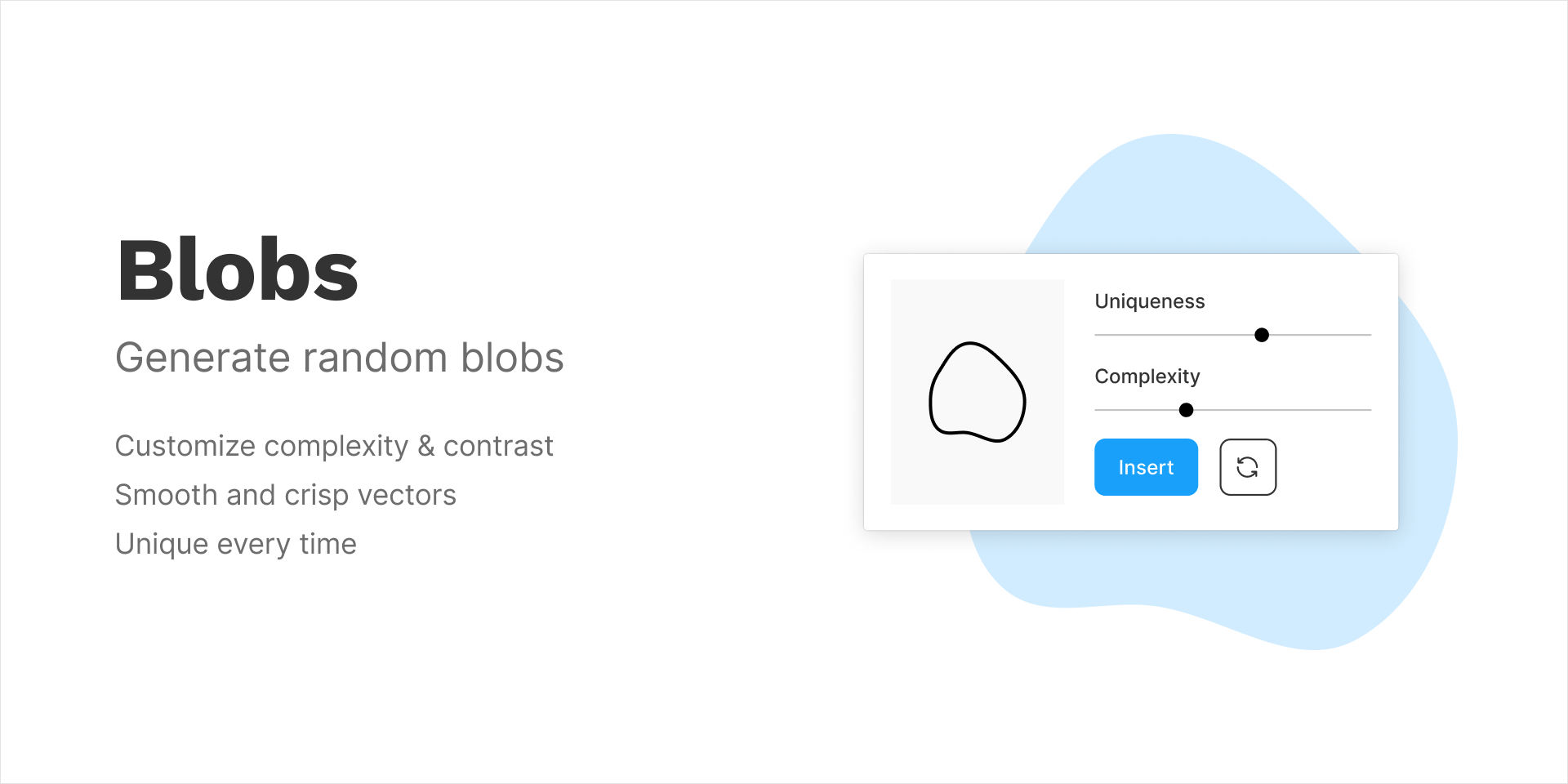
What is the Blobs Figma Plugin? 🤔
The Blobs Figma plugin is specifically designed for Figma users looking to create organic, fluid shapes—perfect for modern web design. These blob shapes can be customized in terms of size, color, and opacity, making them incredibly versatile for various applications. Whether you’re designing a landing page, social media graphic, or blog post visuals, the Blobs plugin adds a touch of creativity that sets your work apart.
Use Cases of Blobs in WordPress Blogs
- Header Graphics: Use blobs as eye-catching header images to grab your reader’s attention.
- Background Elements: Incorporate blobs into backgrounds for a playful, layered look.
- Infographics: Enhance data visualizations with organic shapes that break the monotony of traditional charts.
- Call-to-Actions: Use blobs to create distinctive buttons or sections that stand out on your page.
How to Use the Blobs Plugin 🛠️
Step 1: Install the Blobs Plugin
To get started, you first need to install the Blobs plugin in Figma. Open Figma and go to the Plugins section, then search for “Blobs.” Click on the install button to add it to your account.
Step 2: Create Your Blob
- Launch the Plugin: Open a new Figma file and launch the Blobs plugin.
- Choose Your Settings: Select your preferred blob shape, adjust its size, and customize its colors to match your blog’s aesthetic.
- Generate the Blob: Click the “Generate” button to create your unique blob.
Step 3: Export to WordPress
- Export as PNG or SVG: Once you’re satisfied with your design, export the blob as a PNG or SVG file.
- Upload to WordPress: Go to your WordPress dashboard and upload the image to your media library.
- Insert into Posts: Use the blob in your blog posts or pages to enhance visual storytelling.
Key Takeaways 🎉
- Enhanced Visuals: Blobs add a modern flair to your designs.
- Easy Customization: Tailor blobs to fit your blog’s color scheme and style.
- Versatile Application: Use them across various elements on your site.
- User Engagement: Visually appealing content keeps readers interested.
- Time-Saving: Quickly generate unique designs without starting from scratch.
Conclusion: Elevate Your Blog’s Aesthetic with Blobs ✨
Incorporating the Blobs Figma plugin into your WordPress design process not only makes your content more visually appealing but also enhances user engagement. By following the simple steps outlined, you can create unique visuals that resonate with your audience. So why wait? Start exploring the world of blobs today and watch your blog transform!
Discover more from AI Founder Kit
Subscribe to get the latest posts sent to your email.