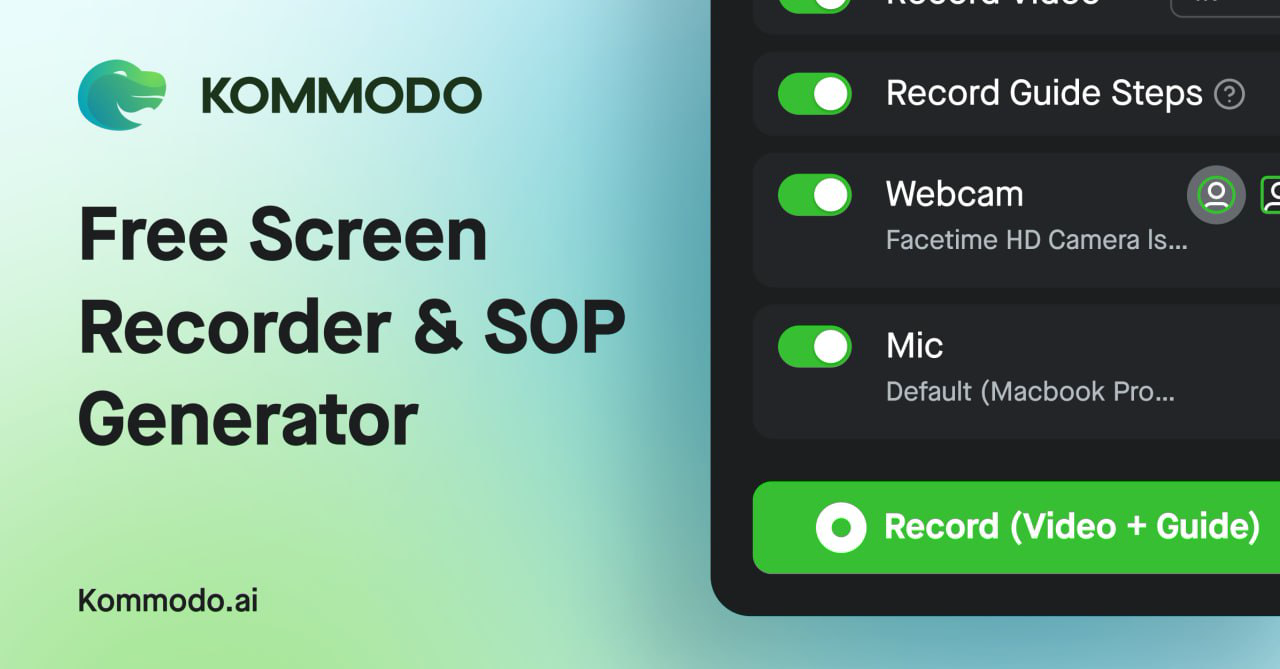
🚀 Quick Verdict
Score: 8.8/10. Kommodo is the first tool we’ve found that actually makes “institutional knowledge” searchable without forcing someone to manually tag every video. What surprised us most was the SOP generator—it handles complex UI workflows with far more accuracy than traditional screen recorders.
| Overall Score | 8.8/10 |
|---|---|
| Best For | Teams building internal training libraries |
| Tested Plan | Starter ($10/mo) |
| Testing Period | 14 days |
| Biggest Strength | Semantic search across video transcripts |
| Biggest Weakness | Mobile app is less polished than desktop |
| Best Alternative | Loom |
🤔 What Is Kommodo?
Kommodo positions itself as an “AI Brain” for your recordings. While most tools just give you a link to share, Kommodo treats your videos like a database. It transcribes every second and indexes the content so you can query your entire history like a private ChatGPT.
It aims to solve the “where did we explain that?” problem that plagues remote teams. By combining a screen recorder, an SOP generator, and a meeting bot, it attempts to replace three separate monthly subscriptions.
⚙️ How We Tested Kommodo
We spent 14 days on the Starter plan, moving our entire internal “How-to” library from Loom to Kommodo. We ran three specific tests: recording a 30-minute complex software setup to test the SOP generator, using the AI Assistant to join four daily standups, and testing the “Library Search” by asking questions about specific numbers mentioned in videos from six months ago.
✨ Key Features (What Actually Stood Out)
The feature set is heavily focused on productivity for remote managers who hate repeating themselves.
- Natural Language Video Search — We asked “How do we handle enterprise refunds?” and it gave us three timestamped links to the exact seconds where that specific process was mentioned in year-old calls.
- Auto-Generated Guides — Unlike Scribe, which only tracks clicks, Kommodo uses the video context to write the instructions. It turned a quick screen share into a 12-page PDF in under a minute.
- Unlimited Recording Length — Even on the free tier, we weren’t hit with the 5-minute “paywall” that makes other tools unusable for deep-dives.
- Meeting Assistant Sync — It pulled our Google Calendar and automatically hopped into Zoom calls, providing a summary and action items in Slack 5 minutes after the call ended.
- Zero-Install Browser Recording — The web-based recorder handled system audio and webcam overlays without needing the desktop app, which is a massive win for guest contributors.
💰 Kommodo Pricing — Is It Worth It?
Kommodo’s pricing is significantly more aggressive than Loom or Scribe. While they offer a generous free tier, the power features—like the full AI Assistant and unlimited SOP steps—are locked behind the paid tiers. Note that on the free plan, videos may become inaccessible after 60 days, which forces an upgrade if you’re building a permanent automation library.
| Plan | Price | Best For | Watch Out For |
|---|---|---|---|
| Free | $0 | Individual use | 60-day access limit |
| Starter | $10/mo | Small teams | Limits on AI queries |
| Pro | Custom | Agencies/Enterprise | Higher setup overhead |
Our pick: Starter ($10/mo) — It removes the access limits and allows you to actually build a searchable knowledge base without breaking the bank.
🧪 What We Found During Testing
The SOP generation is what sold us. In one test, we recorded a messy 15-minute walkthrough of our CRM settings. Kommodo cleaned it up into a structured guide with 22 steps, automatically blurring sensitive information and naming the buttons we clicked. It wasn’t 100% perfect—we had to edit two step descriptions—but it saved us about 45 minutes of manual writing.
“A founder in our community who runs a 12-person creative agency told us that moving from Loom to Kommodo allowed them to fire their separate transcription tool, saving them nearly $40/month per user.”
⚠️ Limitations We Found
- Mobile App Polish — As of February 2025, the iOS app feels a bit sluggish compared to the web experience, specifically when trying to search large folders.
- Transcription Latency — For videos over an hour, we occasionally waited 10+ minutes for the full AI search index to become active.
- Guide Editability — While you can edit the text of the SOPs, swapping out specific screenshots within a generated guide is still a bit clunky.
⚔️ Kommodo vs Competitors
If you just need to send a quick 30-second video message, Kommodo might be overkill. But it competes directly with tools that try to organize your team’s brain.
| Competitor | Pick it instead of Kommodo if… |
|---|---|
| Loom | You only need simple video sharing and don’t care about a searchable knowledge base. |
| Scribe | You only want click-based documentation and don’t require video context or transcription. |
| Fireflies | Your only goal is meeting transcription and you don’t need screen recording or SOP generation. |
👍 Pros & Cons
| ✅ Pros | ❌ Cons |
|---|---|
| Truly semantic search finds moments others miss | Free plan has a 60-day video expiration |
| High-quality auto-SOP generation from video | Interface can feel crowded with many features |
| Unlimited video length on the free tier | Mobile experience is significantly weaker than desktop |
| Consolidates recorder, bot, and wiki features | Occasional lag in AI-powered search results |
🎯 Who Should Use Kommodo (And Who Shouldn’t)
✅ Use it if you:
- Run a remote team and are tired of answering the same “How do I…” questions.
- Are currently paying for both Loom and a meeting recorder like Otter or Fireflies.
- Need to quickly document software processes for clients or onboarding.
❌ Skip it if you:
- Are a solo creator who just needs a basic, free recorder for one-off clips (stick with OBS).
- Already have a deeply embedded Notion/Confluence wiki that your team actually uses.
- Require high-end video editing features for marketing content; try Descript instead.
🔐 Data & Privacy
Kommodo explicitly states they never use your data to train their AI models. Videos are private by default and not indexed by public search engines. They utilize premium OpenAI models but keep data isolated within your organization’s workspace.
🔌 Integrations
The AI Assistant syncs directly with Google Calendar to automate meeting recordings. For lead generation and support, you can embed the interactive pages and SOPs directly into your CMS or CRM. It also features a Slack integration for pushing meeting summaries and action items into shared channels.
Looking for more tools like this? See all productivity tools we’ve reviewed →
Discover more from AI Founder Kit
Subscribe to get the latest posts sent to your email.