🚀 Introduction
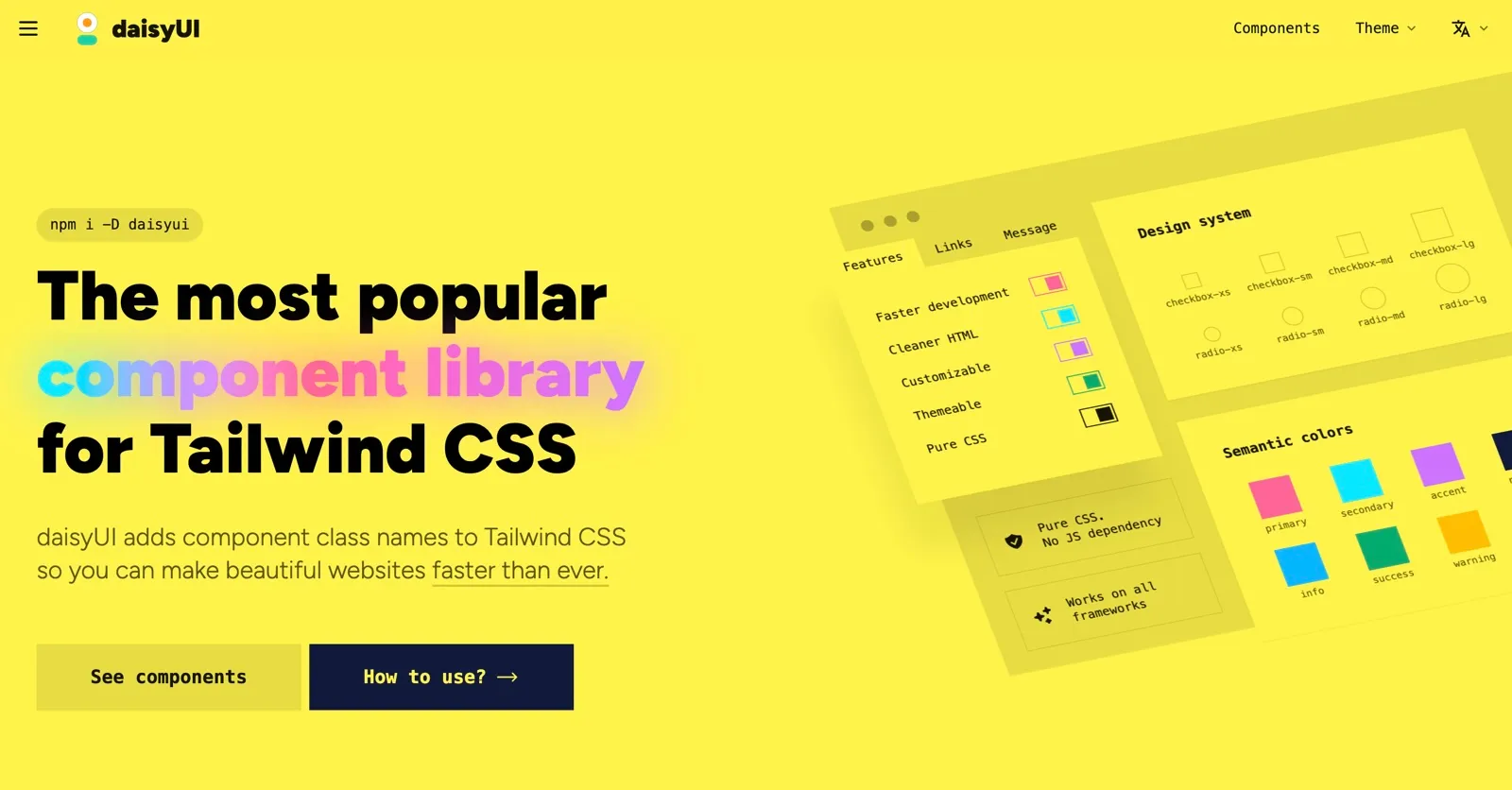
DaisyUI is an innovative component library built on top of Tailwind CSS, designed to simplify the process of UI design for developers and designers alike. It provides a wide array of pre-built UI components that can be easily integrated into projects, saving valuable time and effort. With DaisyUI, users can create stunning, responsive interfaces without needing extensive CSS knowledge. This tool is ideal for web developers looking to enhance their design capabilities while keeping their workflow efficient.
🎯 Key Features
- Pre-built components: DaisyUI offers a rich collection of pre-designed UI components that are ready to use, helping developers save time on design.
- Customizable styles: Users can easily customize the appearance of components to fit their unique branding and design needs.
- Responsive design support: All components are built with responsive design principles, ensuring they look great on any device.
- Dark mode integration: DaisyUI supports dark mode out of the box, enabling users to create modern interfaces that match user preferences.
- Easy installation: DaisyUI can be quickly integrated into any Tailwind CSS project, making it accessible for developers with varying levels of experience.
⚖️ Pros and Cons
Pros:
- Extensive collection of UI components
- Highly customizable to meet design needs
- Responsive out of the box
Cons:
- Requires Tailwind CSS knowledge
- Limited components compared to full design systems
❓ FAQ
1. What is DaisyUI? – DaisyUI is a Tailwind CSS component library that provides pre-designed UI components for developers and designers.
2. How do I install DaisyUI? – Installation is straightforward; simply add DaisyUI to your Tailwind CSS project using npm or yarn.
3. Is DaisyUI free to use? – Yes, DaisyUI is free to use with an option for contributions and advanced features.
4. Can I customize the components? – Absolutely! DaisyUI allows for extensive customization of component styles.
5. Does DaisyUI support dark mode? – Yes, DaisyUI has built-in support for dark mode designs.
6. What types of projects can I use DaisyUI for? – DaisyUI is suitable for any web project where Tailwind CSS is implemented, including personal, commercial, and open-source applications.
🆚 Comparison
| Feature | DaisyUI | Bootstrap | Foundation |
|---|---|---|---|
| Pricing | Free | Free | Free |
| Key Features | Pre-built components | Grid system | Responsive utilities |
| Ease of Use | Easy for Tailwind users | Moderate | Moderate |
| Integration | Tailwind CSS | Standalone | Standalone |
| User Rating | 4.8/5 | 4.5/5 | 4.3/5 |
Discover more from AI Founder Kit
Subscribe to get the latest posts sent to your email.