What is Driftbot?
Driftbot is an open-source security monitoring tool designed to detect unauthorized third-party scripts and potential security threats in web applications. It operates seamlessly within GitHub Actions, providing real-time alerts when suspicious or malicious code is detected. With automated script monitoring, Driftbot enhances web application securityand protects your software supply chain from potential vulnerabilities.
How Driftbot Works
Driftbot runs automated security checks using a headless Chrome browser to simulate real user interactions on a website. This enables it to:
- Identify unauthorized third-party scripts embedded in a web application.
- Detect obfuscated JavaScript that could indicate security threats.
- Monitor for suspicious functions such as
eval,atob, andbtoa, which are often exploited by attackers. - Alert developers via GitHub issues when a security risk is identified.
By integrating with GitHub Actions, Driftbot fits naturally into CI/CD pipelines, ensuring continuous security monitoring throughout the development lifecycle.
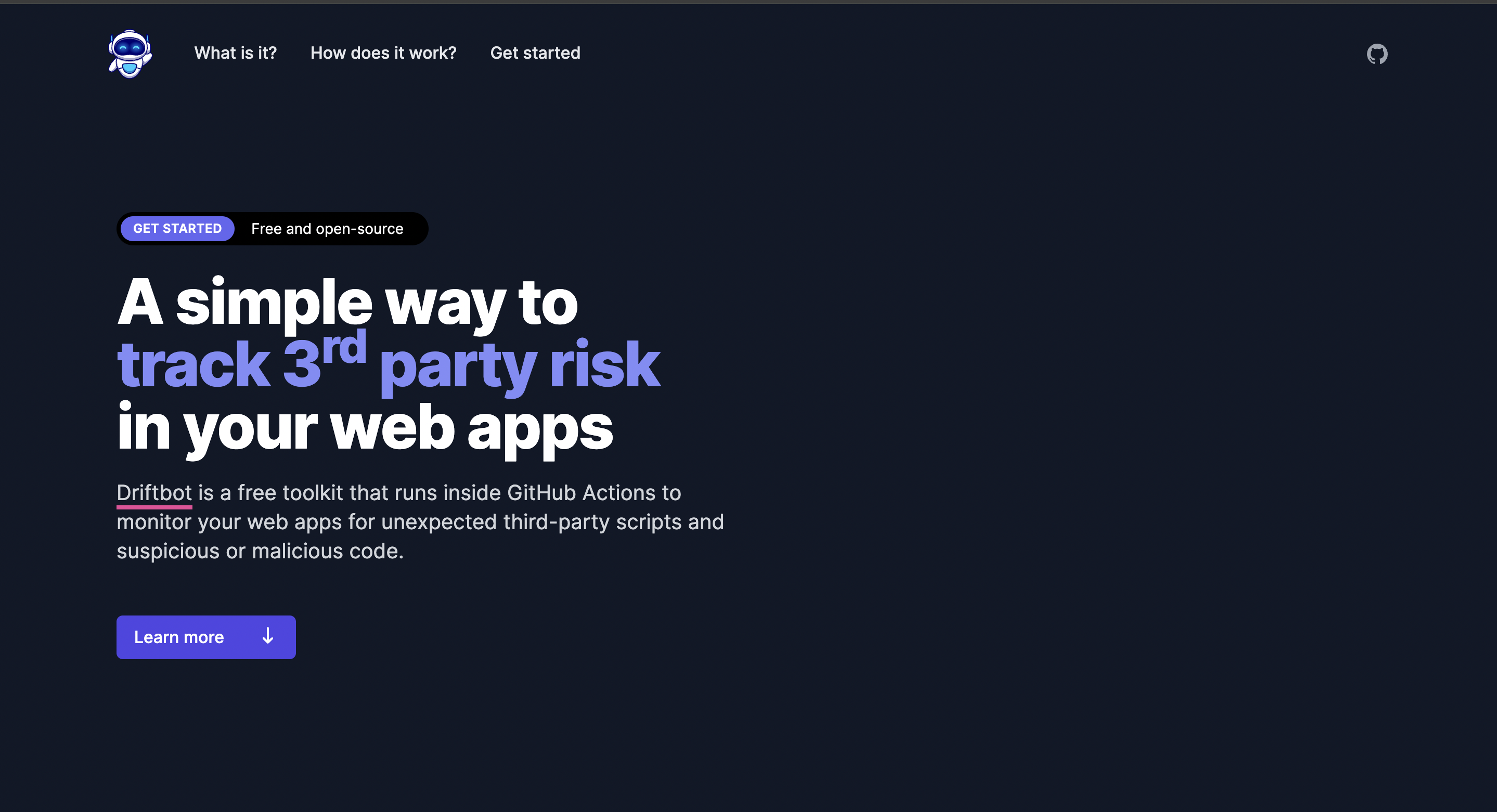
Driftbot is a free, open-source toolkit designed to monitor web applications for unexpected third-party scripts and potential security threats. Operating within GitHub Actions, Driftbot simulates real user interactions to detect and alert developers about suspicious or malicious code, thereby enhancing the security posture of web applications.
Final Thoughts
Driftbot is an essential tool for developers looking to secure their web applications against unauthorized scripts and malicious threats. By integrating real-time monitoring, JavaScript analysis, and GitHub Actions, it provides an efficient and automated approach to web application security. With an increasing number of security breaches caused by compromised third-party scripts, tools like Driftbot help ensure that web applications remain secure and trustworthy.
Automation: Automated monitoring and alerting reduce the need for manual code reviews, saving time and resources.
Enhanced Security: By continuously monitoring for unauthorized scripts and analyzing code, Driftbot helps maintain the integrity and security of web applications.
Seamless Integration: Operating within GitHub Actions, it fits naturally into existing CI/CD pipelines, facilitating easy adoption.
Learning Curve: Teams unfamiliar with GitHub Actions or headless browser testing may require time to fully leverage Driftbot’s capabilities.
GitHub Dependency: Driftbot is designed to work within GitHub Actions, which may limit its utility for teams using alternative version control or CI/CD platforms.
Comparison Table: Driftbot vs. Traditional Security Monitoring Tools
| Feature | Driftbot | Traditional Security Tools |
|---|---|---|
| Integration | Seamless integration with GitHub Actions | Varies; may require additional configuration |
| Real-Time Monitoring | Simulates real user interactions for real-time detection | Often relies on scheduled scans |
| Automated Code Analysis | Analyzes JavaScript for obfuscation and suspicious functions | May not provide in-depth code analysis |
| Alert System | Generates GitHub issues with detailed information | Alert mechanisms vary; may not integrate with development workflows |
What is Driftbot?
Driftbot is a free, open-source toolkit that monitors web applications for unexpected third-party scripts and suspicious or malicious code by simulating real user interactions within GitHub Actions.
How does Driftbot detect malicious code?
Driftbot uses a headless Chrome browser to visit your site, simulating user behavior. It monitors for unauthorized script sources and analyzes JavaScript code to identify obfuscation and suspicious function calls.
Can Driftbot integrate with platforms other than GitHub?
Currently, Driftbot is designed to run within GitHub Actions, which may limit its integration capabilities with other version control or CI/CD platforms.
Is Driftbot suitable for all web applications?
Driftbot is particularly beneficial for web applications that rely on multiple third-party libraries and frameworks, as it helps detect and mitigate risks associated with compromised packages.
Discover more from AI Founder Kit
Subscribe to get the latest posts sent to your email.